

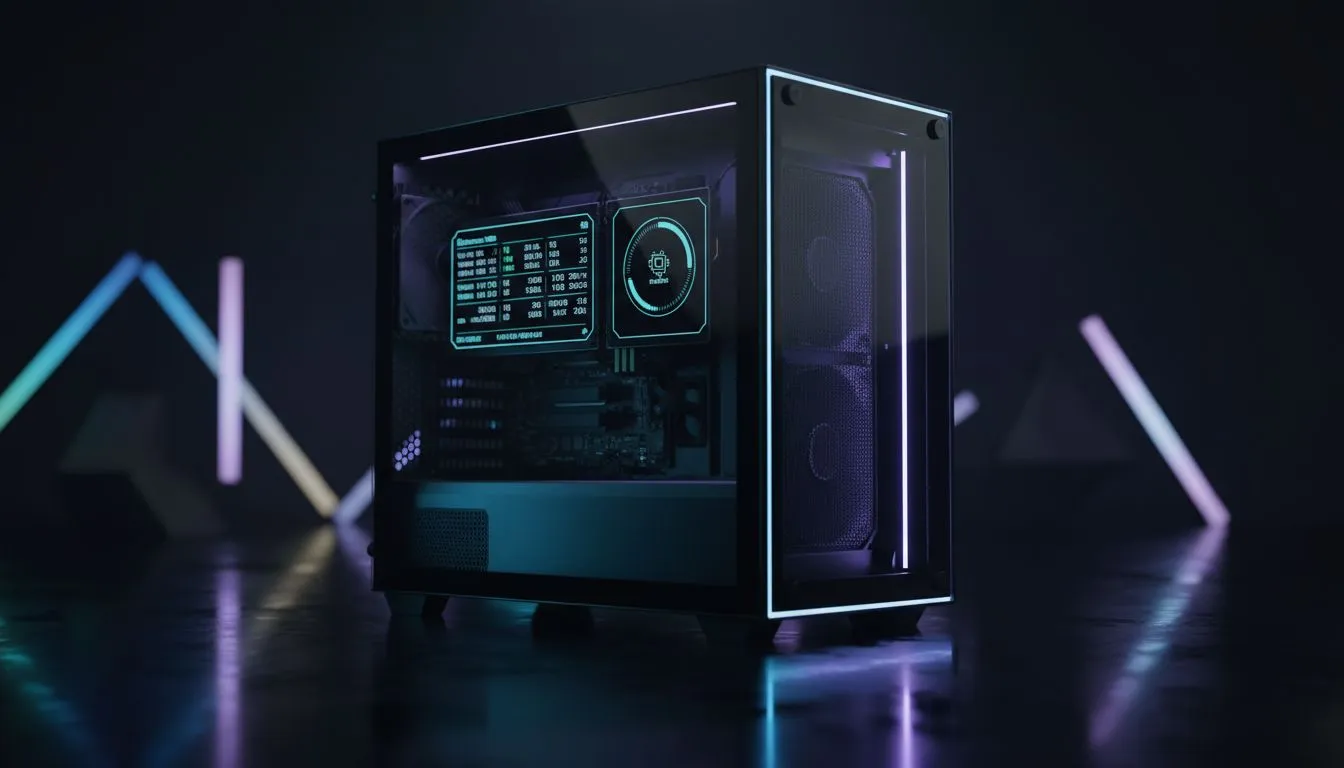
Elevate Your Build with Real-Time Stats
You have just finished building a beastly rig. The cables are tucked away and the RGB is synced perfectly. But there is a blank space on your chassis that feels like wasted potential. The Xigmatek Pano II Air is designed to fix that. Learning Xigmatek Pano II Air sensor panels: How to Add Custom Sensors is the final step in turning a great PC into a professional-grade workstation. It is about more than just aesthetics... it is about having every vital stat at your fingertips.
When looking through the latest computer cases, few offer this level of integrated interaction. Most builders usually settle for a standard glass side panel, but the Pano II Air includes a dedicated screen. This panel acts as a secondary monitor... allowing you to drag and drop custom sensor layouts directly onto the hardware.
Configuring Your Xigmatek Pano II Air Sensor Panel
If you have previously used Fractal Design PC cases, you know that clean lines are essential. The Xigmatek sensor panel maintains that clean look while adding functional data. You can monitor your CPU temperature, GPU load, or even RAM usage in real time. This is especially useful for South African gamers who need to keep an eye on thermals during those hot summer afternoons.
While some might prefer the rugged look of Gamdias gaming cases, the Pano II Air targets those who want a futuristic "aquarium" style build. Even if you are browsing for affordable cases under R1500, seeing what a premium sensor panel can do might tempt you to upgrade your aesthetic goals. 🔧
Sensor Panel Pro Tip ⚡
When designing your layout, use high-contrast colours like neon green or cyan against a black background. This ensures your stats remain readable even through tinted tempered glass panels during intense late-night gaming sessions.
Customising Your Stats with Software
To start, you will need software like AIDA64 or the proprietary Xigmatek control app. Once the panel is connected via the internal headers, Windows recognises it as a small secondary display. You can then download or create .sensorpanel files that match your build's colour scheme. 🚀
Do not just stick to the defaults. You can add custom icons, change fonts, and even set up alerts. If your GPU hits a certain temperature, you can make the panel flash red... giving you a visual heads-up before thermal throttling kicks in. It is the ultimate way to optimise your performance while keeping your setup looking unique. ✨
Ready to Build Your Dream PC? The Xigmatek Pano II Air brings a new level of customisation to your desk, but the right chassis is just the beginning. Explore our massive range of computer cases and find the perfect foundation for your next high-performance gaming rig.











