


Headset Stock Levels in Bloemfontein: January 2026 Report
Headset Stock Levels in Bloemfontein: January. Current stock data & price tracking for SA buyers. See what is available and where prices are heading.
Read more5G Gaming During Gaming: Solutions. SA-focused analysis with local pricing data, real-world insights & actionable buying advice.
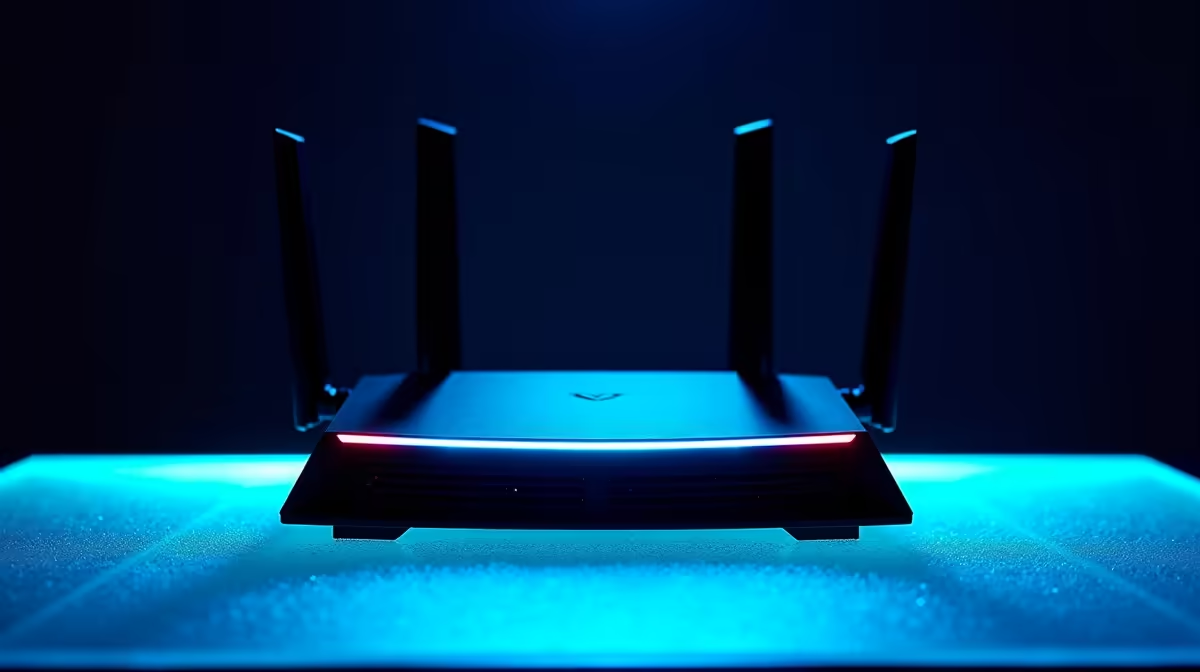
5G connectivity during gaming in South Africa delivers low latency and high bandwidth in well-covered areas, but signal variability, network congestion, and SA infrastructure gaps can cause lag spikes mid-session. The right setup and settings significantly improve stability.
SA mobile networks have expanded 5G coverage through major metros, including parts of Johannesburg, Cape Town, Durban, and Pretoria, but coverage density varies significantly even within these cities. Sub-6GHz 5G, which is the more common deployment in SA, delivers lower latency than 4G LTE and is more stable than mmWave (millimetre wave) in terms of range and building penetration.
For gaming, the key metric is not download speed but round-trip latency to your game server. On a well-connected 5G node with low congestion, you can expect 15 to 35ms latency to SA-based servers. International servers in Europe or the US introduce geographic latency of 150ms or more regardless of your connection speed, which is a hard limit imposed by physics and routing, not your 5G signal.
The biggest 5G gaming problem in SA is network congestion during peak hours. Evening gaming sessions between 6pm and 10pm coincide with the highest mobile data usage across the network. This is when latency can spike from 30ms to 80ms or higher, causing the lag that ruins competitive sessions.
Device placement matters with 5G. Unlike Wi-Fi, 5G signals come from external towers and obstructions between your router and the tower degrade signal quality significantly. A 5G home router positioned near a window facing the strongest tower direction consistently outperforms the same device placed in a central room location.
If you are using a mobile hotspot from your phone, the phone's antenna design and placement create the same variables. Elevating your phone and keeping it within line of sight of a window improves signal quality measurably. External 5G antenna adapters are available for compatible 5G routers and can boost signal quality in fringe coverage areas.
Quality of Service (QoS) settings on your 5G router, if accessible, should prioritise gaming traffic. Gaming packets are small and latency-sensitive. QoS ensures gaming data is not queued behind large downloads or streaming buffers from other devices on your network.
Loadshedding cuts power to mobile towers as well as homes, though operators have backup power that typically runs for several hours. Stage 6 loadshedding over extended periods can exhaust tower batteries, degrading or cutting 5G coverage in affected areas. This is a real gaming disruption in SA that has no equivalent in most international markets.
A UPS for your 5G router keeps the router running during a power cut, but if the tower loses power, your connection drops regardless. Knowing your area's tower coverage from multiple operators helps here. In some locations, switching operators during loadshedding restores connectivity because different towers are on different backup power schedules.
Is 5G reliable enough to replace fibre for gaming in South Africa? In well-covered areas with a quality 5G router, it is a viable alternative for casual and mid-level competitive gaming. For serious esports or streaming, fibre's consistency and dedicated bandwidth are still preferable when available. 5G is excellent for areas without fibre infrastructure.
Which SA cities have the best 5G coverage for gaming? Johannesburg and Cape Town have the most mature 5G deployments in 2026. Durban and Pretoria coverage is expanding rapidly. Rural and peri-urban areas remain predominantly 4G LTE. Check your operator's coverage map specifically for your address before committing to a 5G gaming setup.
Does 5G have data caps that affect gaming? Yes, most SA 5G home internet plans include data caps or fair-use policies. Online gaming itself uses relatively little data, typically 50 to 150MB per hour depending on the game. Updates and downloads are the real data consumers. Scheduling large downloads during off-peak hours or uncapped periods protects your gaming data allocation.
Ready to Find Your Perfect Match? Build your complete gaming setup at Evetech
5G Gaming During Gaming: Solutions available at Evetech.co.za with local warranty and fast delivery.
5G Gaming During Gaming: Solutions - check Evetech for latest stock and SA pricing.
Depends on your use case. 5G Gaming During Gaming: Solut offers good value at current Rand pricing.
Headset Stock Levels in Bloemfontein: January. Current stock data & price tracking for SA buyers. See what is available and where prices are heading.
Read more
iMac for Medical Practice: Patient Management. SA-focused analysis with local pricing data, real-world insights & actionable buying advice.
Read more
RTX 5060 Fortnite Ultra Settings at 1080p: FPS. Real-world benchmark data, FPS numbers & performance analysis. What SA gamers can actually expect.
Read more
Headset Stock Levels in Cape Town: August Report. Current stock data & price tracking for SA buyers. See what is available and where prices are heading.
Read more
Eskom Load Shedding During Video Call: Solutions. SA-focused analysis with local pricing data, real-world insights & actionable buying advice.
Read more
LoL Performance on Extreme Gaming PC. Real-world benchmark data, FPS numbers & performance analysis. What SA gamers can actually expect.
Read more
Is a Ultra Short Throw Projector Good for Gaming?. Diagnosis steps, proven fixes & when to seek professional help. SA-specific support info included.

Is a Short Throw Projector Good for Gaming? Input. Diagnosis steps, proven fixes & when to seek professional help. SA-specific support info included.

Top Mouse Settings for Competitive FPS: Sensitivity picks evaluated on performance, value & SA availability with current Rand pricing from Evetech.

Top Speakers for MacBook Desk Setup picks evaluated on performance, value & SA availability with current Rand pricing from Evetech.

Is a Ergonomic Chair Better Than a Standard Office Chair for Gaming Detailed answer with SA data, expert analysis & practical recommendations for local buyers.

Use Spotlight Search Like a Pro on macOS. Step-by-step instructions with SA-specific tips, common pitfalls to avoid & expert recommendations.

wireless keyboard Fan Noise Too Loud: Quiet. Everything you need to know with SA pricing, step-by-step instructions & expert recommendations.

Connection Timeout: Troubleshooting Guide #2. Diagnosis steps, proven fixes & when to seek professional help. SA-specific support info included.
Headset Stock Levels in Bloemfontein: January. Current stock data & price tracking for SA buyers. See what is available and where prices are heading.
iMac for Medical Practice: Patient Management. SA-focused analysis with local pricing data, real-world insights & actionable buying advice.
RTX 5060 Fortnite Ultra Settings at 1080p: FPS. Real-world benchmark data, FPS numbers & performance analysis. What SA gamers can actually expect.
Headset Stock Levels in Cape Town: August Report. Current stock data & price tracking for SA buyers. See what is available and where prices are heading.