


Headset Stock Levels in Bloemfontein: January 2026 Report
Headset Stock Levels in Bloemfontein: January. Current stock data & price tracking for SA buyers. See what is available and where prices are heading.
Read moreAnswered: Is my PC compatible Detailed answer with SA data, expert analysis & practical recommendations for local buyers.
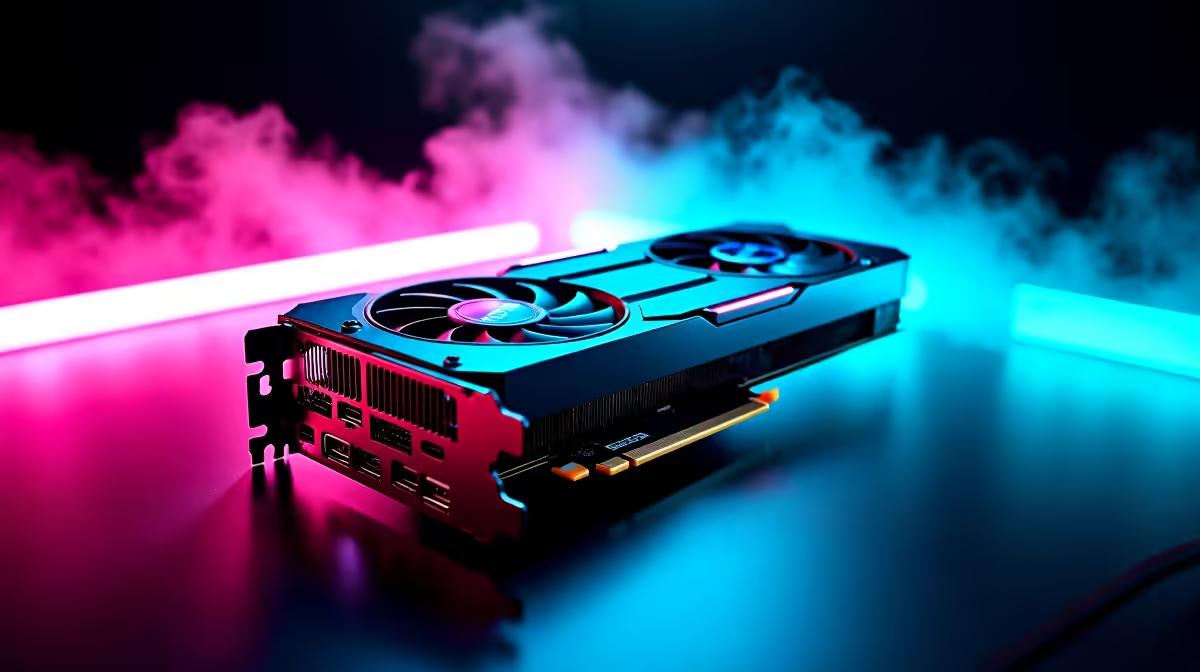
You have just dropped R1,500 on the latest AAA release. The download finishes, you click play... and the system crashes. Suddenly, you are frantically Googling, "Is my PC compatible?" We have all been there. Upgrading your rig or buying new parts in South Africa means making every Rand count. Let us break down exactly how to check your hardware so you never face that dreaded black screen again.
When asking yourself if your PC is compatible with a new upgrade, start with the motherboard. Your motherboard dictates absolutely everything. If you want a new processor, you must check the socket type. An Intel LGA1700 CPU will not fit in an AMD AM5 socket. Similarly, check your RAM generation. You cannot plug DDR5 memory into a DDR4 slot. Sometimes, even if the socket matches, you might need a quick BIOS update to get things running smoothly. If checking socket types sounds like too much admin, you can always skip the headache and browse some pre-built PC deals that are already perfectly balanced and tested.
Graphics cards are getting massive. Before you buy a shiny new pixel pusher, you need to measure your case clearance. Grab a tape measure and check the physical space inside your chassis. Next, look at your power supply. A high-end GPU needs enough juice to run smoothly without tripping your system. If your PSU is under 600W, a flagship card might cause unexpected reboots. Also, ensure your power supply has the correct PCIe power cables required by the new card. When you are ready to boost those frame rates, you can easily buy graphics cards that match your current power supply and physical case dimensions perfectly.
Use free software like CPU-Z or HWiNFO to instantly see your exact motherboard model, BIOS version, and RAM specs. It saves you from having to open your PC case and read tiny serial numbers with a flashlight.
Sometimes a single part is not enough. If your processor is five years old, upgrading your GPU will just create a massive bottleneck. You will not get the performance you paid for. Additionally, a new high-tier CPU will generate significantly more heat, meaning your old stock cooler simply will not survive the South African summer. In these cases, starting fresh is often the smartest financial move. You can find incredible value by exploring the best gaming PC deals available locally. Alternatively, if you need portability for LANs or working during power cuts, modern notebooks for sale in South Africa pack desktop-level power into a compact shell.
So... is my PC compatible? The answer lies in doing a bit of homework before adding items to your cart. Check your motherboard socket, measure your case, and verify your power supply wattage. Do not forget to ensure you have an M.2 slot available if you are eyeing a lightning-fast NVMe drive. Once you know what fits, you can safely hunt for upgrades. Keeping an eye on daily specials is a fantastic way to grab compatible SSDs, memory kits, or peripherals without breaking the bank.
Ready to Build Your Dream Setup? Stop stressing over whether your PC is compatible and start gaming. Whether you need a simple upgrade or a completely new rig, Evetech has you covered. Explore our massive range of PC components and systems to find the perfect match for your gaming needs today.
Answered: Is my PC compatible available at Evetech.co.za with local warranty and fast delivery.
Answered: Is my PC compatible - check Evetech for latest stock and SA pricing.
Depends on your use case. Answered: Is my PC compatible offers good value at current Rand pricing.
Headset Stock Levels in Bloemfontein: January. Current stock data & price tracking for SA buyers. See what is available and where prices are heading.
Read more
iMac for Medical Practice: Patient Management. SA-focused analysis with local pricing data, real-world insights & actionable buying advice.
Read more
RTX 5060 Fortnite Ultra Settings at 1080p: FPS. Real-world benchmark data, FPS numbers & performance analysis. What SA gamers can actually expect.
Read more
Headset Stock Levels in Cape Town: August Report. Current stock data & price tracking for SA buyers. See what is available and where prices are heading.
Read more
Eskom Load Shedding During Video Call: Solutions. SA-focused analysis with local pricing data, real-world insights & actionable buying advice.
Read more
LoL Performance on Extreme Gaming PC. Real-world benchmark data, FPS numbers & performance analysis. What SA gamers can actually expect.
Read more
Is a Ultra Short Throw Projector Good for Gaming?. Diagnosis steps, proven fixes & when to seek professional help. SA-specific support info included.

Is a Short Throw Projector Good for Gaming? Input. Diagnosis steps, proven fixes & when to seek professional help. SA-specific support info included.

Top Mouse Settings for Competitive FPS: Sensitivity picks evaluated on performance, value & SA availability with current Rand pricing from Evetech.

Top Speakers for MacBook Desk Setup picks evaluated on performance, value & SA availability with current Rand pricing from Evetech.

Is a Ergonomic Chair Better Than a Standard Office Chair for Gaming Detailed answer with SA data, expert analysis & practical recommendations for local buyers.

Use Spotlight Search Like a Pro on macOS. Step-by-step instructions with SA-specific tips, common pitfalls to avoid & expert recommendations.

wireless keyboard Fan Noise Too Loud: Quiet. Everything you need to know with SA pricing, step-by-step instructions & expert recommendations.

Connection Timeout: Troubleshooting Guide #2. Diagnosis steps, proven fixes & when to seek professional help. SA-specific support info included.
Headset Stock Levels in Bloemfontein: January. Current stock data & price tracking for SA buyers. See what is available and where prices are heading.
iMac for Medical Practice: Patient Management. SA-focused analysis with local pricing data, real-world insights & actionable buying advice.
RTX 5060 Fortnite Ultra Settings at 1080p: FPS. Real-world benchmark data, FPS numbers & performance analysis. What SA gamers can actually expect.
Headset Stock Levels in Cape Town: August Report. Current stock data & price tracking for SA buyers. See what is available and where prices are heading.