Quick Answer
Most Bluetooth projectors in SA support wireless audio pairing with headsets and gaming speakers directly through the projector's Bluetooth menu. The process mirrors pairing any Bluetooth device - put your headset or speaker in pairing mode and select it from the projector's Bluetooth device list. Audio latency is the main consideration for gaming use.
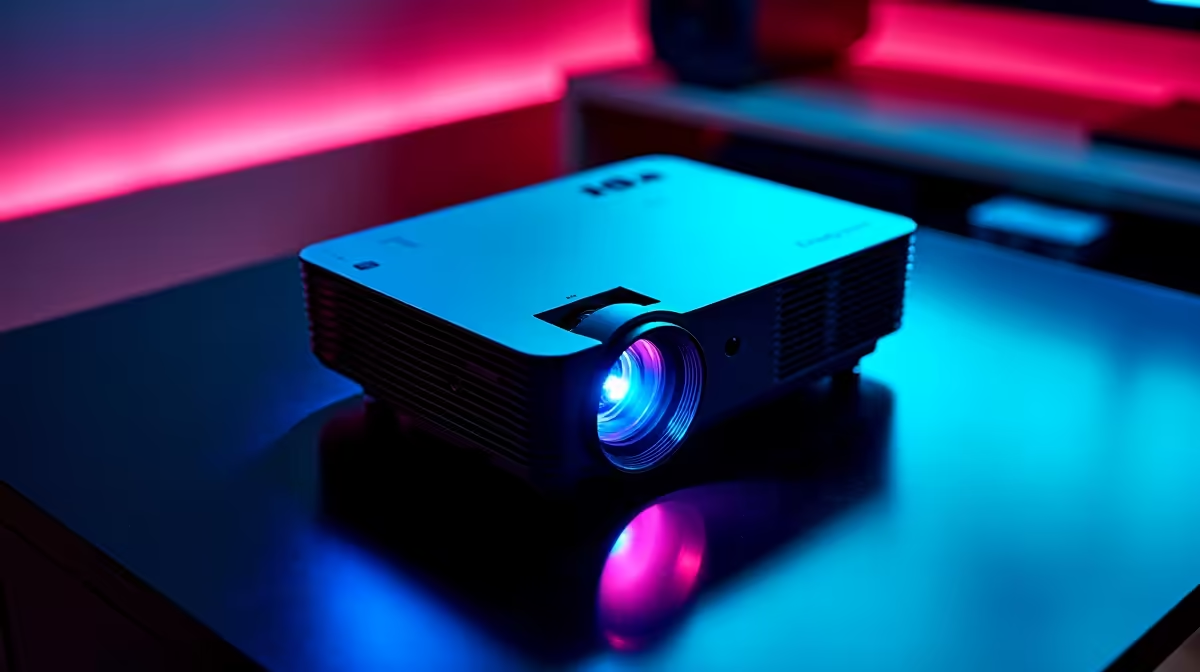
Bluetooth projectors have become increasingly popular in South Africa for home cinema gaming setups, student res rooms, and lounge gaming sessions where screen size matters. Connecting wireless headsets and gaming speakers to a Bluetooth projector is straightforward in principle, but there are practical considerations around latency, codec support, and multi-device pairing that affect the gaming experience. Here is what SA gamers need to know.
Pairing Your Headset or Speaker to a Bluetooth Projector
The pairing process on most Bluetooth projectors sold in SA follows the same pattern. Navigate to the projector's settings menu and find the Bluetooth or audio output section. Put your headset or gaming speaker into pairing mode - this usually means holding the power or Bluetooth button until an LED flashes. The projector will scan and list available devices. Select your device and confirm the pairing. On Android-based smart projectors, this works identically to pairing with any Android device. The challenge comes with audio latency rather than the connection process itself.
Latency - The Gaming Problem with Bluetooth Audio
Standard Bluetooth audio connections introduce 100 to 300 milliseconds of latency depending on the codec in use. For movies this is barely noticeable with lip sync adjustment, but for gaming it creates a perceptible delay between on-screen action and audio. Projectors that support aptX Low Latency or aptX HD reduce this to 40 milliseconds or less, which is acceptable for most gaming. Check your projector's Bluetooth specifications before purchasing a headset specifically for projector gaming use. Many gaming headsets sold in SA use the SBC codec by default, which has the highest latency. If your projector and headset both support aptX LL, enable it explicitly in the headset's companion app if one is available.
Multi-Device and Speaker Configurations
Some Bluetooth projectors support only one audio output at a time, meaning you cannot pair a speaker and headset simultaneously and switch between them without re-pairing. Higher-end models support Bluetooth multipoint, which allows two devices to be connected and audio routed to either. For a gaming lounge setup in SA where multiple people want audio, a wired gaming speaker connected via 3.5mm or optical output is more reliable than Bluetooth speakers if the projector supports those ports. Bluetooth speakers work well for solo sessions but introduce the same latency concerns as headsets.
Frequently Asked Questions
Q: Can I use my PS5 or Xbox wireless headset with a Bluetooth projector?
A: Most PS5 Pulse headsets and Xbox Wireless headsets use proprietary wireless protocols rather than standard Bluetooth. They will not pair directly with a Bluetooth projector. You need a standard Bluetooth headset or a headset with a 3.5mm cable as an alternative.
Q: Does Bluetooth audio quality from a projector match a dedicated receiver?
A: Not typically. Bluetooth projectors use low-power Bluetooth transmitters and basic audio processing. For high-quality gaming audio, a wired connection to a gaming headset or powered speaker through the projector's 3.5mm output will sound better than Bluetooth.
Q: What is a good gaming Bluetooth speaker pairing for a projector setup in SA?
A: Look for speakers that support aptX Low Latency and have a Bluetooth range of at least 10 metres. Speakers in the R800 to R2,000 range from brands available at local retailers offer good value for projector gaming setups.