


Headset Stock Levels in Bloemfontein: January 2026 Report
Headset Stock Levels in Bloemfontein: January. Current stock data & price tracking for SA buyers. See what is available and where prices are heading.
Read moreCan't Get 720p 144Hz: Display Setup. Clear setup instructions with SA-specific considerations, troubleshooting tips & recommended components.
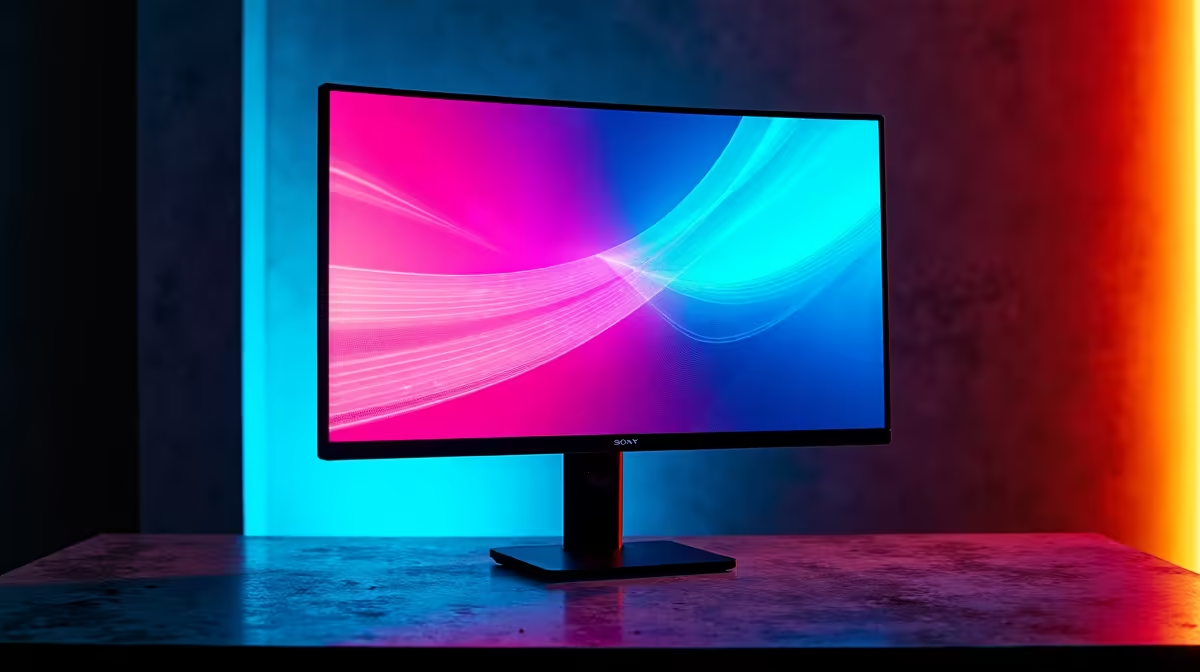
If your monitor won't display 720p at 144Hz, the cause is almost always cable bandwidth, GPU custom resolution settings, or the monitor not actually supporting that combination. Modern panels usually skip 720p high-refresh modes, you may need to manually create a custom resolution in your GPU control panel.
Most modern gaming monitors are designed around 1080p, 1440p or 4K native resolutions. Their EDID (the data the monitor sends about supported modes) typically only lists 720p at 60Hz or 120Hz, not 144Hz. So when you select 720p in Windows display settings, the refresh dropdown caps at 120Hz or lower. The monitor's panel can technically handle 144Hz at any resolution it scales, but the firmware doesn't advertise it. Solution: create a custom resolution.
On Nvidia GPUs, open Nvidia Control Panel > Change resolution > Customize > Create Custom Resolution. Set 1280x720, 144Hz, scan type Progressive, timing standard CVT reduced blanking. Test it. On AMD, open AMD Software > Display tab > Custom Resolutions > Create. Same values. If the monitor accepts it, the new mode appears in Windows display settings. If you get "out of range" or a black screen, fall back to 120Hz which most panels accept without complaint at 720p.
Your cable also matters. A bargain HDMI cable from years ago might cap at HDMI 1.4 bandwidth (10Gbps), which struggles with high-refresh combos. Use a certified HDMI 2.0 or DisplayPort 1.2+ cable, Evetech ships these countrywide in ZAR from around R150 for a quality 2m run. Also check you're plugged into the GPU's outputs, not the motherboard's iGPU outputs. UPS users: sometimes a flickering UPS during loadshedding power-cycles the monitor and resets EDID, fully unplug and replug after a power event if your custom resolution disappears.
Older or budget GPUs sometimes hit 144 fps comfortably at 720p but not 1080p, especially in CPU-bound esports titles. It's also useful on small portable panels for retro gaming and emulation.
No, the monitor's own scaler will reject any signal it can't handle, defaulting to a black screen and fallback mode. You'll never push a panel beyond what it can physically display.
DisplayPort 1.2+ has more bandwidth headroom and tends to be more flexible with custom timings. If your monitor and GPU both have DP, prefer it.
Ready to Find Your Perfect Match? Need a panel that properly advertises 144Hz across all resolutions? Browse high-refresh monitors
Can't Get 720p 144Hz: Display Setup available at Evetech.co.za with local warranty and fast delivery.
Can't Get 720p 144Hz: Display Setup - check Evetech for latest stock and SA pricing.
Depends on your use case. Can't Get 720p 144Hz: Display offers good value at current Rand pricing.
Headset Stock Levels in Bloemfontein: January. Current stock data & price tracking for SA buyers. See what is available and where prices are heading.
Read more
iMac for Medical Practice: Patient Management. SA-focused analysis with local pricing data, real-world insights & actionable buying advice.
Read more
RTX 5060 Fortnite Ultra Settings at 1080p: FPS. Real-world benchmark data, FPS numbers & performance analysis. What SA gamers can actually expect.
Read more
Headset Stock Levels in Cape Town: August Report. Current stock data & price tracking for SA buyers. See what is available and where prices are heading.
Read more
Eskom Load Shedding During Video Call: Solutions. SA-focused analysis with local pricing data, real-world insights & actionable buying advice.
Read more
LoL Performance on Extreme Gaming PC. Real-world benchmark data, FPS numbers & performance analysis. What SA gamers can actually expect.
Read more
Is a Ultra Short Throw Projector Good for Gaming?. Diagnosis steps, proven fixes & when to seek professional help. SA-specific support info included.

Is a Short Throw Projector Good for Gaming? Input. Diagnosis steps, proven fixes & when to seek professional help. SA-specific support info included.

Top Mouse Settings for Competitive FPS: Sensitivity picks evaluated on performance, value & SA availability with current Rand pricing from Evetech.

Top Speakers for MacBook Desk Setup picks evaluated on performance, value & SA availability with current Rand pricing from Evetech.

Is a Ergonomic Chair Better Than a Standard Office Chair for Gaming Detailed answer with SA data, expert analysis & practical recommendations for local buyers.

Use Spotlight Search Like a Pro on macOS. Step-by-step instructions with SA-specific tips, common pitfalls to avoid & expert recommendations.

wireless keyboard Fan Noise Too Loud: Quiet. Everything you need to know with SA pricing, step-by-step instructions & expert recommendations.

Connection Timeout: Troubleshooting Guide #2. Diagnosis steps, proven fixes & when to seek professional help. SA-specific support info included.
Headset Stock Levels in Bloemfontein: January. Current stock data & price tracking for SA buyers. See what is available and where prices are heading.
iMac for Medical Practice: Patient Management. SA-focused analysis with local pricing data, real-world insights & actionable buying advice.
RTX 5060 Fortnite Ultra Settings at 1080p: FPS. Real-world benchmark data, FPS numbers & performance analysis. What SA gamers can actually expect.
Headset Stock Levels in Cape Town: August Report. Current stock data & price tracking for SA buyers. See what is available and where prices are heading.