


Headset Stock Levels in Bloemfontein: January 2026 Report
Headset Stock Levels in Bloemfontein: January. Current stock data & price tracking for SA buyers. See what is available and where prices are heading.
Read moreCan't Run CS2 at 1440p High: Optimization. Game-specific hardware & settings optimised for SA conditions. Competitive edge with local pricing.
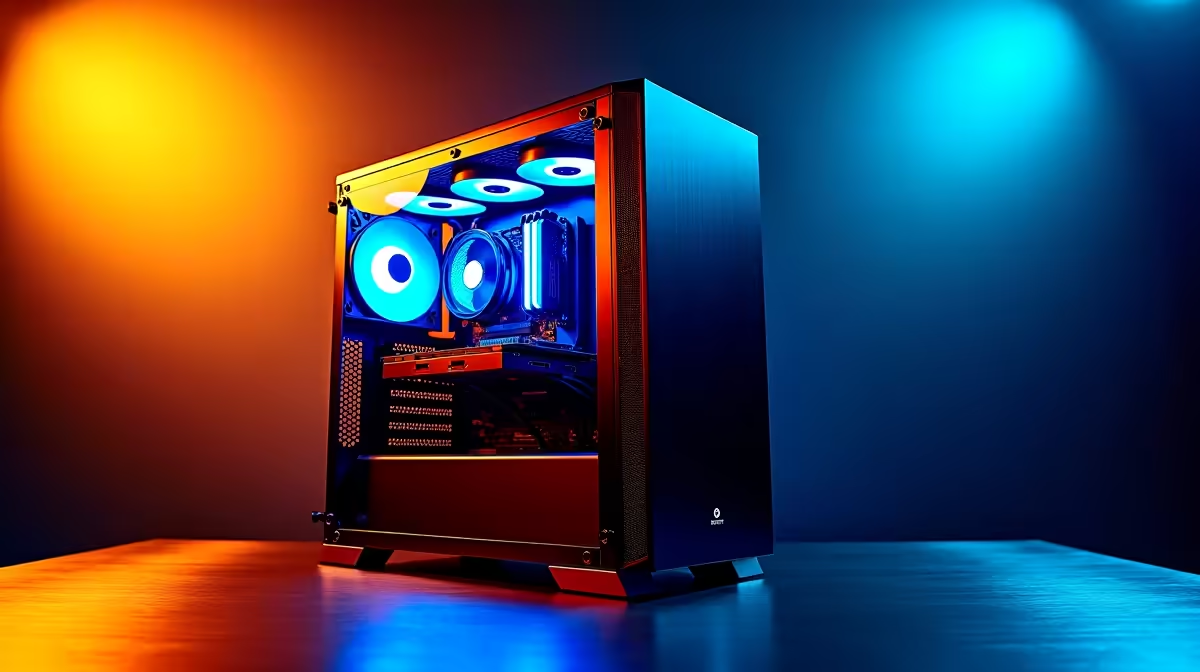
Dropping frames in Counter-Strike 2 when the smoke pops? If you can't run CS2 at 1440p High without stuttering, you are not alone. The Source 2 engine upgrade brought massive visual leaps... but it also destroyed frame rates for many South African gamers. Let us look at how to optimise your settings, push those frames back up, and get you clicking heads smoothly again.
CS:GO used to run on a potato. CS2 is an entirely different beast. Pushing a 1440p resolution on High settings requires serious graphical muscle. The volumetric smokes and upgraded lighting systems demand much more from your system. If your rig is struggling, the first step is checking your hardware baseline. Sometimes, no amount of tweaking will save an older system.
If you are tired of dropping frames after every match update, checking out the best gaming PC deals might be the quickest fix. Alternatively, picking up a solid pre-built PC can instantly solve your performance issues and get you back in the competitive queue with maximum confidence.
Let us dive into the options menu. To fix the frustrating "can't run CS2 at 1440p High" issue, you must balance visual clarity with raw speed. Start by disabling MSAA or dropping it down to 2x. High anti-aliasing at 1440p eats your frame rate alive. Next, set Global Shadow Quality to Medium... you will still see enemy player shadows perfectly, but your GPU will thank you.
FidelityFX Super Resolution is another great tool. Set it to Quality mode to gain frames without making the game look blurry. If you are gaming on the go, these thermal and power settings are even more critical. Modern gaming laptops pack incredible power, but managing thermals through smart in-game settings keeps your FPS stable during intense clutches.
Turn on NVIDIA Reflex Low Latency in your CS2 video settings. Set it to 'Enabled + Boost' if you are CPU bound. It significantly reduces system latency, making your flicks register much faster even if your frame rate is not maxed out.
Sometimes software optimisation just delays the inevitable. If you have tweaked every slider and still can't run CS2 at 1440p High, your hardware is the bottleneck. The jump to 1440p requires plenty of VRAM. Upgrading your graphics card is usually the silver bullet for Source 2. You can easily browse our massive range of graphics cards to find the perfect GPU for your specific budget.
Do not forget to keep an eye on our daily specials to grab top-tier components without breaking your ZAR budget. A simple GPU swap could be all that stands between you and Global Elite.
Ready to Dominate the Server? Stop letting frame drops ruin your competitive rank. Upgrading your rig is the ultimate way to experience CS2 in all its 1440p glory. Explore our massive range of gaming specials and find the perfect hardware to conquer your next match.
Can't Run CS2 at 1440p High: Optimizatio available at Evetech.co.za with local warranty and fast delivery.
Can't Run CS2 at 1440p High: Optimizatio - check Evetech for latest stock and SA pricing.
Depends on your use case. Can't Run CS2 at 1440p High: O offers good value at current Rand pricing.
Headset Stock Levels in Bloemfontein: January. Current stock data & price tracking for SA buyers. See what is available and where prices are heading.
Read more
iMac for Medical Practice: Patient Management. SA-focused analysis with local pricing data, real-world insights & actionable buying advice.
Read more
RTX 5060 Fortnite Ultra Settings at 1080p: FPS. Real-world benchmark data, FPS numbers & performance analysis. What SA gamers can actually expect.
Read more
Headset Stock Levels in Cape Town: August Report. Current stock data & price tracking for SA buyers. See what is available and where prices are heading.
Read more
Eskom Load Shedding During Video Call: Solutions. SA-focused analysis with local pricing data, real-world insights & actionable buying advice.
Read more
LoL Performance on Extreme Gaming PC. Real-world benchmark data, FPS numbers & performance analysis. What SA gamers can actually expect.
Read more
Is a Ultra Short Throw Projector Good for Gaming?. Diagnosis steps, proven fixes & when to seek professional help. SA-specific support info included.

Is a Short Throw Projector Good for Gaming? Input. Diagnosis steps, proven fixes & when to seek professional help. SA-specific support info included.

Top Mouse Settings for Competitive FPS: Sensitivity picks evaluated on performance, value & SA availability with current Rand pricing from Evetech.

Top Speakers for MacBook Desk Setup picks evaluated on performance, value & SA availability with current Rand pricing from Evetech.

Is a Ergonomic Chair Better Than a Standard Office Chair for Gaming Detailed answer with SA data, expert analysis & practical recommendations for local buyers.

Use Spotlight Search Like a Pro on macOS. Step-by-step instructions with SA-specific tips, common pitfalls to avoid & expert recommendations.

wireless keyboard Fan Noise Too Loud: Quiet. Everything you need to know with SA pricing, step-by-step instructions & expert recommendations.

Connection Timeout: Troubleshooting Guide #2. Diagnosis steps, proven fixes & when to seek professional help. SA-specific support info included.
Headset Stock Levels in Bloemfontein: January. Current stock data & price tracking for SA buyers. See what is available and where prices are heading.
iMac for Medical Practice: Patient Management. SA-focused analysis with local pricing data, real-world insights & actionable buying advice.
RTX 5060 Fortnite Ultra Settings at 1080p: FPS. Real-world benchmark data, FPS numbers & performance analysis. What SA gamers can actually expect.
Headset Stock Levels in Cape Town: August Report. Current stock data & price tracking for SA buyers. See what is available and where prices are heading.