


Headset Stock Levels in Bloemfontein: January 2026 Report
Headset Stock Levels in Bloemfontein: January. Current stock data & price tracking for SA buyers. See what is available and where prices are heading.
Read moreCan't Run Cyberpunk 2077 at 4K Ultra: Optimization. SA-focused analysis with local pricing data, real-world insights & actionable buying advice.
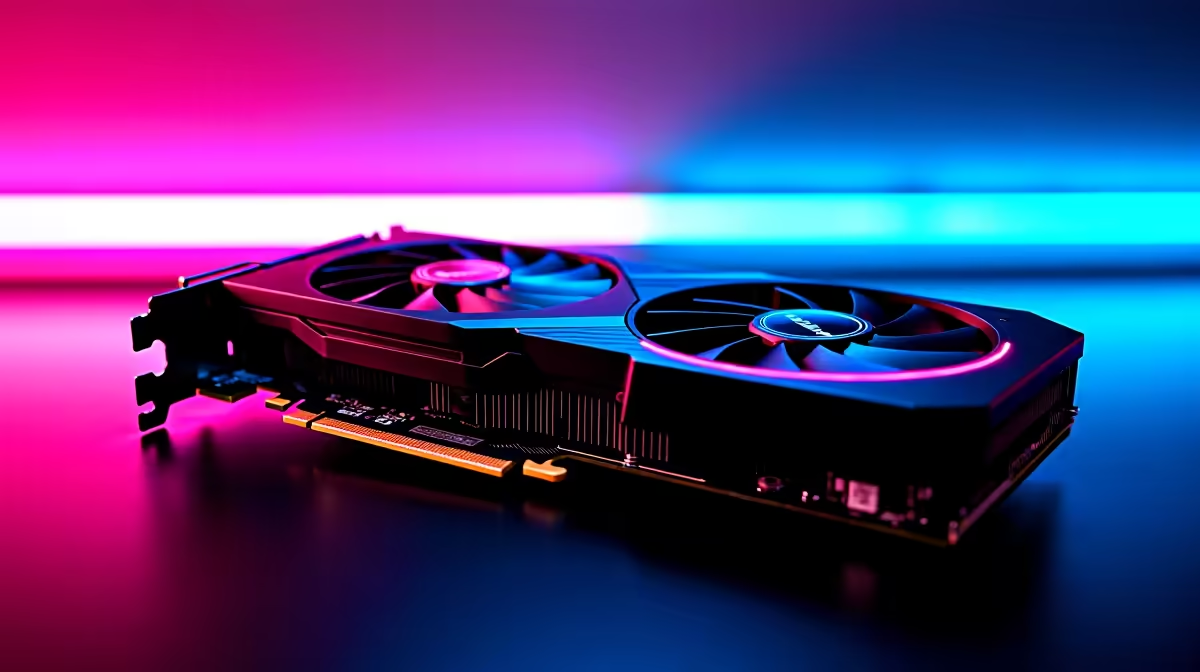
Cyberpunk 2077 at 4K Ultra requires a top-end GPU and finely tuned settings to run smoothly. If your system cannot hit 30 FPS at 4K Ultra, enabling DLSS Super Resolution (Quality or Performance mode) or lowering specific ultra settings is the fastest path to a playable experience without sacrificing the game's visual identity.
Cyberpunk 2077 with RT Overdrive or full Ultra settings at 4K native resolution is one of the most GPU-intensive scenarios in PC gaming. The combination of path tracing (RT Overdrive mode), full 4K resolution pixel count, and the game's dense open-world shader complexity pushes VRAM requirements to 12GB or more and demands peak GPU compute throughput. Even cards like the RTX 4080 Super and RX 7900 XTX struggle to hold 60 FPS native 4K with RT Overdrive fully enabled.
For most players encountering performance issues at 4K Ultra, the culprit is one of three things: RT Overdrive being enabled when the GPU cannot sustain it, DLSS not being configured, or specific Ultra settings that are disproportionately expensive relative to their visual contribution.
Start by enabling DLSS Super Resolution. Set it to Quality mode for 4K output, which renders at approximately 2160p but from a 1440p base. This alone typically recovers 50 to 80 percent of the FPS lost to native 4K rendering while maintaining excellent image quality. If you have an RTX GPU, DLSS is the single most impactful optimisation in Cyberpunk 2077 at high resolutions.
Next, evaluate Ray Tracing settings individually. RT Overdrive (full path tracing) has the highest cost. Disabling it and using the standard RT High preset reduces GPU load substantially while retaining reflections, shadows, and ambient occlusion from ray tracing. Standard RT High with DLSS Quality at 4K is achievable on RTX 4070 Ti or better.
Finally, check Crowd Density. Setting it from Ultra to High in Night City reduces CPU and GPU load during busy street scenes, which are often the lowest-FPS areas in the game.
Some Ultra settings in Cyberpunk 2077 are visually nearly identical to their High equivalents but cost significantly more performance. Screen Space Reflections on surfaces not covered by ray traced reflections at Ultra vs High is one example. Ambient Occlusion at Ultra vs High is another. If you are not using RT Overdrive, these rasterised Ultra options are worth dropping to High without visual regret.
VRAM is a critical constraint at 4K. If your GPU has 8GB or 10GB VRAM, Texture Quality at Ultra may cause VRAM overflow at 4K, resulting in stutters and VRAM swapping to system RAM. Drop Texture Quality to High if you observe this pattern.
Can an RTX 4070 run Cyberpunk 2077 at 4K? With DLSS Quality enabled and RT set to High (not Overdrive), the RTX 4070 can hit 50 to 70 FPS at 4K in most areas. Native 4K Ultra without DLSS will push it below 30 FPS.
Does DLSS hurt image quality at 4K? In Quality mode at 4K, DLSS image quality is close to native for most players. The reconstruction at this output resolution is highly effective and preferable to the performance cost of native 4K in most scenarios.
What VRAM do I need for Cyberpunk 2077 at 4K Ultra? At least 12GB is recommended for stable 4K Ultra without VRAM overflow. With DLSS enabled and Texture Quality at High, 10GB can work without major stutters.
Also at Evetech: Cyberpunk 2077 Gaming PCs | Graphics Card Deals
Ready to Find Your Perfect Match? Find the Right GPU at Evetech
Can't Run Cyberpunk 2077 at 4K Ultra: Op available at Evetech.co.za with local warranty and fast delivery.
Can't Run Cyberpunk 2077 at 4K Ultra: Op - check Evetech for latest stock and SA pricing.
Depends on your use case. Can't Run Cyberpunk 2077 at 4K offers good value at current Rand pricing.
Headset Stock Levels in Bloemfontein: January. Current stock data & price tracking for SA buyers. See what is available and where prices are heading.
Read more
iMac for Medical Practice: Patient Management. SA-focused analysis with local pricing data, real-world insights & actionable buying advice.
Read more
RTX 5060 Fortnite Ultra Settings at 1080p: FPS. Real-world benchmark data, FPS numbers & performance analysis. What SA gamers can actually expect.
Read more
Headset Stock Levels in Cape Town: August Report. Current stock data & price tracking for SA buyers. See what is available and where prices are heading.
Read more
Eskom Load Shedding During Video Call: Solutions. SA-focused analysis with local pricing data, real-world insights & actionable buying advice.
Read more
LoL Performance on Extreme Gaming PC. Real-world benchmark data, FPS numbers & performance analysis. What SA gamers can actually expect.
Read more
Is a Ultra Short Throw Projector Good for Gaming?. Diagnosis steps, proven fixes & when to seek professional help. SA-specific support info included.

Is a Short Throw Projector Good for Gaming? Input. Diagnosis steps, proven fixes & when to seek professional help. SA-specific support info included.

Top Mouse Settings for Competitive FPS: Sensitivity picks evaluated on performance, value & SA availability with current Rand pricing from Evetech.

Top Speakers for MacBook Desk Setup picks evaluated on performance, value & SA availability with current Rand pricing from Evetech.

Is a Ergonomic Chair Better Than a Standard Office Chair for Gaming Detailed answer with SA data, expert analysis & practical recommendations for local buyers.

Use Spotlight Search Like a Pro on macOS. Step-by-step instructions with SA-specific tips, common pitfalls to avoid & expert recommendations.

wireless keyboard Fan Noise Too Loud: Quiet. Everything you need to know with SA pricing, step-by-step instructions & expert recommendations.

Connection Timeout: Troubleshooting Guide #2. Diagnosis steps, proven fixes & when to seek professional help. SA-specific support info included.
Headset Stock Levels in Bloemfontein: January. Current stock data & price tracking for SA buyers. See what is available and where prices are heading.
iMac for Medical Practice: Patient Management. SA-focused analysis with local pricing data, real-world insights & actionable buying advice.
RTX 5060 Fortnite Ultra Settings at 1080p: FPS. Real-world benchmark data, FPS numbers & performance analysis. What SA gamers can actually expect.
Headset Stock Levels in Cape Town: August Report. Current stock data & price tracking for SA buyers. See what is available and where prices are heading.