


Headset Stock Levels in Bloemfontein: January 2026 Report
Headset Stock Levels in Bloemfontein: January. Current stock data & price tracking for SA buyers. See what is available and where prices are heading.
Read moreColor Issues in Games: Monitor or GPU. Diagnosis steps, proven fixes & when to seek professional help. SA-specific support info included.
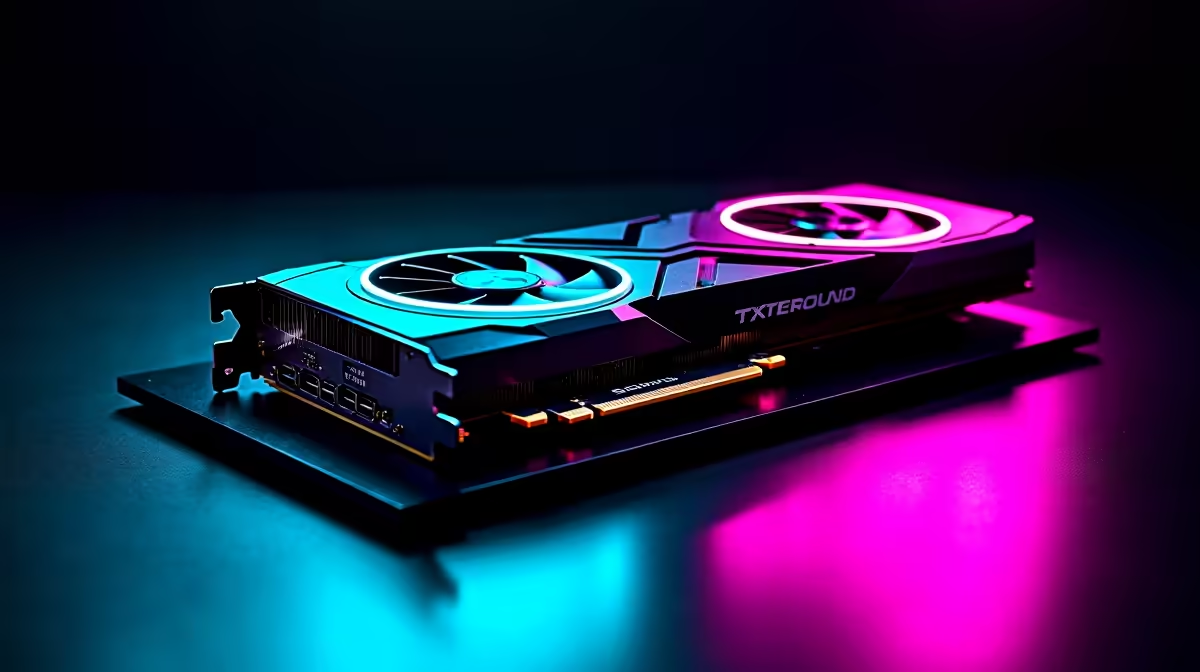
Seeing weird colour shifts or washed-out visuals during gameplay? South African gamers know how frustrating this can be — it breaks immersion and spoils the vibe. When faced with colour issues in games, the first question is, are these problems caused by your monitor or your GPU? Let’s break down the likely culprits and arm you with fixes to get those colours crystal-clear again.
Monitors deliver your game's visuals, so their colour accuracy, calibration, and panel type matter a lot. If your screen looks dull or hues appear off, start by testing your monitor with different devices. Connect a laptop or another PC to see if colours improve. If the problem persists across devices, your monitor’s settings or hardware could be the issue.
Adjust the brightness and contrast settings, but more importantly check if your monitor supports wide colour gamuts like sRGB or AdobeRGB. Gaming monitors with IPS panels often have better colour accuracy and viewing angles. If your current display is older or has a TN panel, upgrading might fix those colour issues instantly.
For a South African shopper, browsing the latest range of gaming monitors on Evetech helps you compare models that handle colours optimally at reasonable ZAR prices.
Your GPU processes and outputs all game graphics, including colour profiles and rendering. Driver glitches or overheating can cause colours to distort or flicker during gameplay. Updating your GPU drivers is a quick first step. If the issues persist only on certain games, it may relate to software or driver compatibility.
Another sign is if colours look off just while gaming but not in desktop apps or videos. Your graphics card might struggle with colour calibration or hardware faults. Some GPUs output limited colour ranges — switching between “limited” and “full” RGB can improve vibrancy.
Explore quality graphics cards on Evetech to find GPUs known for consistent colour output and powerful gaming performance.
Calibration is a powerful tool if you don’t want to swap hardware yet. Use Windows colour calibration tools or software like DisplayCAL to fine-tune your monitor’s colours. Many GPUs also offer control panels for colour adjustments — Nvidia’s Control Panel and AMD Radeon Settings let you tweak digital vibrance and gamma.
If you run custom profiles or mods in games, try reverting to default settings to rule out software-related colour glitches.
If you’re building or upgrading, consider pre-built gaming PC deals or custom rigs that balance GPU power with outstanding monitors for flawless colour rendering.
Adjust your monitor’s colour temperature to ‘Warm’ for richer reds and yellows. It’s a small tweak but often boosts immersion in atmospheric games.
South Africa’s diverse gaming demands — from fast-paced FPS to vibrant RPGs — require gear that keeps colours alive. A high-quality GPU with a sub-par monitor won’t show its true power. Likewise, a great monitor stuck with an average GPU makes gameplay dull.
If you’re juggling budget constraints, explore laptops with solid graphics that balance portability, colour fidelity, and gaming muscle for casual and competitive players alike.
For those ready to build or upgrade, Evetech’s best gaming PC deals get you started with optimised colour accuracy and smooth performance.
Whether you upgrade your monitor first or your GPU, knowing their roles helps you pinpoint the source of your colour woes. A clear image starts with understanding where the problem lies.
Start with monitor tests and calibration tweaks. Then check GPU drivers and output settings. When the time comes to upgrade, Evetech’s variety ensures South African gamers get hardware that matches their colour standards.
Ready To Fix Your Game Colours? Refresh your gaming setup with top-tier graphics cards and monitors—Shop now at Evetech for performance that leaves lag in the dust.
Color Issues in Games: Monitor or GPU available at Evetech.co.za with local warranty and fast delivery.
Color Issues in Games: Monitor or GPU - check Evetech for latest stock and SA pricing.
Depends on your use case. Color Issues in Games: Monitor offers good value at current Rand pricing.
Headset Stock Levels in Bloemfontein: January. Current stock data & price tracking for SA buyers. See what is available and where prices are heading.
Read more
iMac for Medical Practice: Patient Management. SA-focused analysis with local pricing data, real-world insights & actionable buying advice.
Read more
RTX 5060 Fortnite Ultra Settings at 1080p: FPS. Real-world benchmark data, FPS numbers & performance analysis. What SA gamers can actually expect.
Read more
Headset Stock Levels in Cape Town: August Report. Current stock data & price tracking for SA buyers. See what is available and where prices are heading.
Read more
Eskom Load Shedding During Video Call: Solutions. SA-focused analysis with local pricing data, real-world insights & actionable buying advice.
Read more
LoL Performance on Extreme Gaming PC. Real-world benchmark data, FPS numbers & performance analysis. What SA gamers can actually expect.
Read more
Is a Ultra Short Throw Projector Good for Gaming?. Diagnosis steps, proven fixes & when to seek professional help. SA-specific support info included.

Is a Short Throw Projector Good for Gaming? Input. Diagnosis steps, proven fixes & when to seek professional help. SA-specific support info included.

Top Mouse Settings for Competitive FPS: Sensitivity picks evaluated on performance, value & SA availability with current Rand pricing from Evetech.

Top Speakers for MacBook Desk Setup picks evaluated on performance, value & SA availability with current Rand pricing from Evetech.

Is a Ergonomic Chair Better Than a Standard Office Chair for Gaming Detailed answer with SA data, expert analysis & practical recommendations for local buyers.

Use Spotlight Search Like a Pro on macOS. Step-by-step instructions with SA-specific tips, common pitfalls to avoid & expert recommendations.

wireless keyboard Fan Noise Too Loud: Quiet. Everything you need to know with SA pricing, step-by-step instructions & expert recommendations.

Connection Timeout: Troubleshooting Guide #2. Diagnosis steps, proven fixes & when to seek professional help. SA-specific support info included.
Headset Stock Levels in Bloemfontein: January. Current stock data & price tracking for SA buyers. See what is available and where prices are heading.
iMac for Medical Practice: Patient Management. SA-focused analysis with local pricing data, real-world insights & actionable buying advice.
RTX 5060 Fortnite Ultra Settings at 1080p: FPS. Real-world benchmark data, FPS numbers & performance analysis. What SA gamers can actually expect.
Headset Stock Levels in Cape Town: August Report. Current stock data & price tracking for SA buyers. See what is available and where prices are heading.