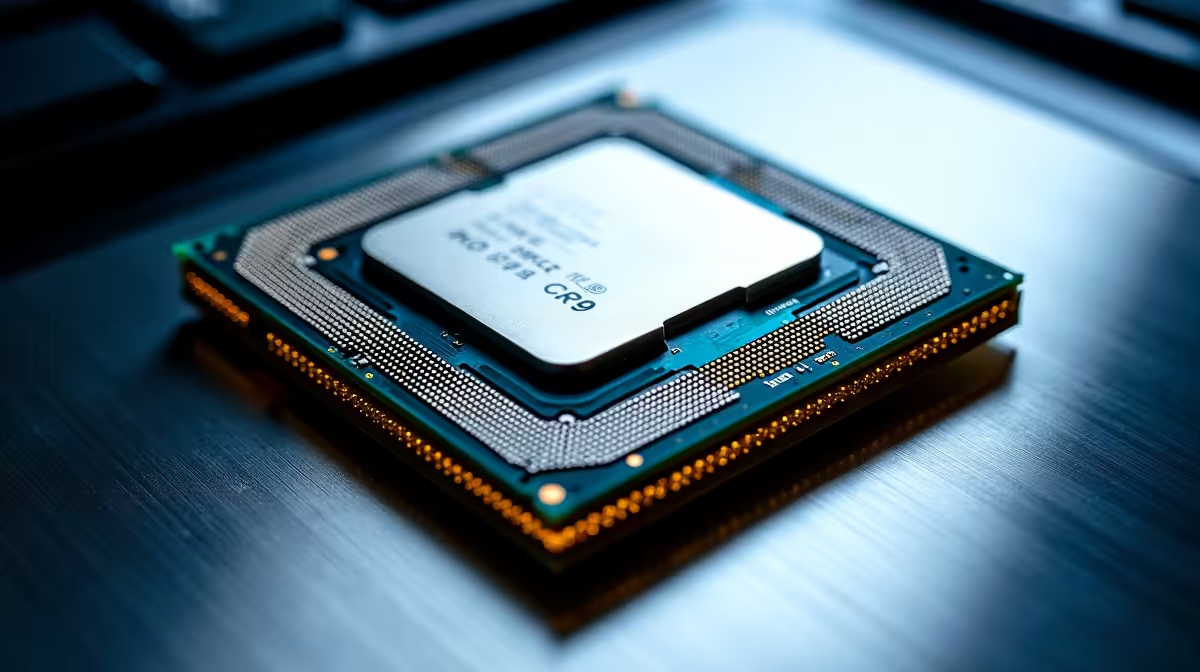
The Intel Core Ultra 9 285K is a 24-core hybrid processor, and games not using all of those cores is completely normal by design - but there are cases where core utilisation is genuinely misconfigured and needs fixing.
Quick Answer
Why doesn't the Core Ultra 9 285K use all cores in gaming? The 285K uses Intel Thread Director to dynamically assign workloads across P-cores (performance) and E-cores (efficiency). Most games only actively use a subset of cores at any time - this is expected behaviour. True underutilisation issues stem from Windows power plan settings, Thread Director misdetection, or game-specific affinity problems, all of which are fixable.
🔧 Understanding the 285K's Core Architecture
The Core Ultra 9 285K (Arrow Lake) features 8 P-cores and 16 E-cores for a total of 24 cores and 24 threads (Arrow Lake dropped Hyper-Threading). Intel Thread Director communicates with Windows to assign threads to the appropriate core type based on workload characteristics.
Games are typically latency-sensitive and single-thread-heavy, so Thread Director routes game threads to P-cores. The 16 E-cores handle background tasks - OS scheduling, audio, Discord, streaming software. Seeing 30–40% total CPU utilisation in Task Manager during gaming is completely normal and does not mean the processor is handicapped.
True underutilisation - where P-cores are sitting idle during demanding workloads - is a different problem and indicates a configuration or compatibility issue.
📊 Diagnosing Genuine Core Underutilisation
Use HWiNFO64 or Intel's XTU to monitor per-core utilisation in real time. If P-cores are consistently below 80% during CPU-heavy game scenes while E-cores are also idle, something is misconfigured.
Check your Windows Power Plan first. The 285K requires the "Balanced" power plan or better - NOT the old "High Performance" plan that was optimised for pre-hybrid architectures. On Arrow Lake, the Balanced plan with Thread Director integration delivers better gaming performance than High Performance in many scenarios. Switch to the Intel-recommended plan if your system shipped with one.
Verify Windows version. Thread Director requires Windows 11 (specifically 22H2 or later with the relevant scheduling updates). On Windows 10, the OS lacks the scheduling primitives to work with Thread Director correctly, leading to thread placement inefficiency.
Update chipset and platform drivers. The Intel Driver & Support Assistant should show no pending driver updates. The ME firmware and platform drivers are required for Thread Director to communicate correctly with the OS.
💡 Game-Specific Affinity Fixes
Some older or poorly-optimised games bypass Windows scheduling and set their own CPU affinity, sometimes restricting themselves to a limited core count. You can check this by opening Task Manager, right-clicking the game process, selecting "Set Affinity," and verifying that all cores are available.
For games that misbehave consistently, a tool like Process Lasso lets you set persistent affinity and priority rules so the game always receives the core assignment you want.
Also check whether your BIOS has any core parking or E-core disable options enabled. Some enthusiast BIOS profiles disable E-cores entirely for "gaming mode" - this reduces the available thread count and can bottleneck games that do use background threads for asset streaming.
❓ Frequently Asked Questions
Should I disable E-cores on the 285K for gaming?
Generally no. Modern titles in 2025 and 2026 increasingly use background threads for asset streaming, physics, and AI - E-cores handle these well. Disabling E-cores removes 16 cores from the pool and can cause stuttering in games that background-thread aggressively. Test with and without to find the optimal setting for specific titles.
Does the 285K support Hyper-Threading?
No. Arrow Lake dropped Hyper-Threading entirely. The 285K has 24 physical cores and 24 threads. This is a deliberate architectural change - per-core IPC improvements compensate for the removed SMT in most workloads.
Why does the 285K sometimes perform below Raptor Lake in games?
Arrow Lake required significant OS and driver updates to reach its gaming performance potential. Ensure your BIOS is on the latest AGESA, Windows is on 23H2 or later, and all Intel platform drivers are current. Early launch performance gaps have largely been closed by updates through 2025.
Evetech carries Intel Core Ultra 9 and Graphics Card Deals — check live stock and pricing before you buy.