


Headset Stock Levels in Bloemfontein: January 2026 Report
Headset Stock Levels in Bloemfontein: January. Current stock data & price tracking for SA buyers. See what is available and where prices are heading.
Read moreCore Ultra 9 285K Running Below Expected FPS. Real-world benchmark data, FPS numbers & performance analysis. What SA gamers can actually expect.
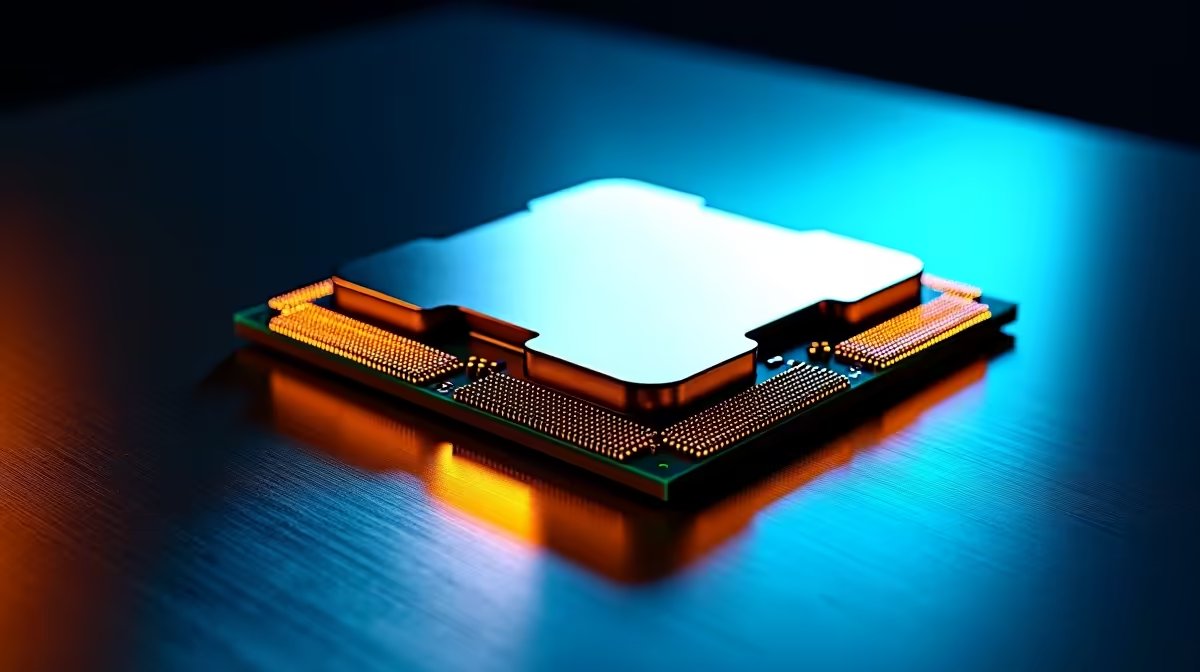
If your Intel Core Ultra 9 285K is running below expected FPS, the most common causes are power limits being hit, memory running in non-XMP mode, Windows power plan set to balanced, or background CPU load from monitoring software. Each of these is addressable through BIOS settings and Windows configuration without any hardware changes.
The Core Ultra 9 285K is a high-end Arrow Lake processor with a hybrid architecture combining P-cores and E-cores. When it underperforms, the gap between expected and actual FPS can be significant - and frustrating when you have paid a premium for top-tier silicon. In the SA gaming PC market, builds around the 285K typically represent R25,000 to R40,000+ investments, so getting the chip to perform to spec matters. The causes of underperformance are almost always software or BIOS configuration related rather than hardware defects.
The single most common cause is memory not running at its rated XMP or EXPO speed. Arrow Lake's memory controller is sensitive to configuration, and many boards ship with memory defaulting to JEDEC speeds (4800MHz or lower) rather than the 6000MHz or 6400MHz the kit is rated for. In games, this creates a meaningful CPU bottleneck because the processor cannot feed the GPU fast enough. Go into BIOS, enable XMP or Intel Extreme Memory Profile, and confirm the memory speed in Task Manager or HWiNFO64 after booting. The second common cause is Windows power plan. Balanced power plan in Windows 11 throttles the processor aggressively to save power, dramatically reducing sustained clock speeds during gaming. Switch to High Performance or Ultimate Performance mode in Windows power settings. The third cause is thermal throttling - the 285K runs hot under all-core loads, and if the cooler is undersized or the thermal paste application was poor, the chip reduces clocks to stay within temperature limits.
Beyond XMP, check your power limit settings in BIOS. Many Intel Z890 motherboards ship with conservative PL1 and PL2 power limits that restrict the 285K's turbo behaviour. The chip has a base TDP of 125W but can sustain significantly higher power in boost states. Look for settings labelled PL1, PL2, or Long Duration Power Limit and confirm they are set to board defaults or Intel recommended values rather than artificially reduced presets. Also verify that the board is running in performance mode rather than efficiency mode - some boards have preset profiles that limit the processor to favour low noise over speed.
Before making changes, run HWiNFO64 or Intel XTU while gaming to see actual clock speeds, temperatures, and power draw. If clocks are sitting below 4GHz on P-cores during gaming, you have a power limit or thermal issue. If clocks look healthy but FPS is still low, the bottleneck may be elsewhere - check GPU utilisation and ensure the card is running at PCIe 5.0 x16. Arrow Lake also improved efficiency core scheduling, so ensure Windows 11 is up to date with the latest build to get proper hybrid core thread director support.
Q: Does the Core Ultra 9 285K perform worse than the 13900K in some games? A: In some gaming titles, yes - early Arrow Lake reviews showed performance below the previous generation in specific game engines due to architecture changes and scheduler behaviour. Windows updates and BIOS updates from motherboard vendors have substantially closed this gap through 2025 and into 2026.
Q: What cooler does the 285K need to avoid thermal throttling? A: A 240mm AIO liquid cooler is the practical minimum for sustained gaming workloads. A 360mm AIO or large air cooler like the Thermalright Peerless Assassin 120 SE is better for all-day sessions.
Q: Can background apps cause the 285K to underperform in games? A: Yes - monitoring tools like MSI Afterburner, Corsair iCUE, and RGB software all consume CPU resources. Run a clean boot test to isolate whether background software is stealing cycles from the game process.
Ready to Find Your Perfect Match? See the latest gaming PC deals and builds at Evetech
Core Ultra 9 285K Running Below Expected available at Evetech.co.za with local warranty and fast delivery.
Core Ultra 9 285K Running Below Expected - check Evetech for latest stock and SA pricing.
Depends on your use case. Core Ultra 9 285K Running Belo offers good value at current Rand pricing.
Headset Stock Levels in Bloemfontein: January. Current stock data & price tracking for SA buyers. See what is available and where prices are heading.
Read more
iMac for Medical Practice: Patient Management. SA-focused analysis with local pricing data, real-world insights & actionable buying advice.
Read more
RTX 5060 Fortnite Ultra Settings at 1080p: FPS. Real-world benchmark data, FPS numbers & performance analysis. What SA gamers can actually expect.
Read more
Headset Stock Levels in Cape Town: August Report. Current stock data & price tracking for SA buyers. See what is available and where prices are heading.
Read more
Eskom Load Shedding During Video Call: Solutions. SA-focused analysis with local pricing data, real-world insights & actionable buying advice.
Read more
LoL Performance on Extreme Gaming PC. Real-world benchmark data, FPS numbers & performance analysis. What SA gamers can actually expect.
Read more
Is a Ultra Short Throw Projector Good for Gaming?. Diagnosis steps, proven fixes & when to seek professional help. SA-specific support info included.

Is a Short Throw Projector Good for Gaming? Input. Diagnosis steps, proven fixes & when to seek professional help. SA-specific support info included.

Top Mouse Settings for Competitive FPS: Sensitivity picks evaluated on performance, value & SA availability with current Rand pricing from Evetech.

Top Speakers for MacBook Desk Setup picks evaluated on performance, value & SA availability with current Rand pricing from Evetech.

Is a Ergonomic Chair Better Than a Standard Office Chair for Gaming Detailed answer with SA data, expert analysis & practical recommendations for local buyers.

Use Spotlight Search Like a Pro on macOS. Step-by-step instructions with SA-specific tips, common pitfalls to avoid & expert recommendations.

wireless keyboard Fan Noise Too Loud: Quiet. Everything you need to know with SA pricing, step-by-step instructions & expert recommendations.

Connection Timeout: Troubleshooting Guide #2. Diagnosis steps, proven fixes & when to seek professional help. SA-specific support info included.
Headset Stock Levels in Bloemfontein: January. Current stock data & price tracking for SA buyers. See what is available and where prices are heading.
iMac for Medical Practice: Patient Management. SA-focused analysis with local pricing data, real-world insights & actionable buying advice.
RTX 5060 Fortnite Ultra Settings at 1080p: FPS. Real-world benchmark data, FPS numbers & performance analysis. What SA gamers can actually expect.
Headset Stock Levels in Cape Town: August Report. Current stock data & price tracking for SA buyers. See what is available and where prices are heading.