


Headset Stock Levels in Bloemfontein: January 2026 Report
Headset Stock Levels in Bloemfontein: January. Current stock data & price tracking for SA buyers. See what is available and where prices are heading.
Read moreCPU Maintenance Schedule: Keep It Running. Essential maintenance routine to keep your gear running longer in SA climate conditions.
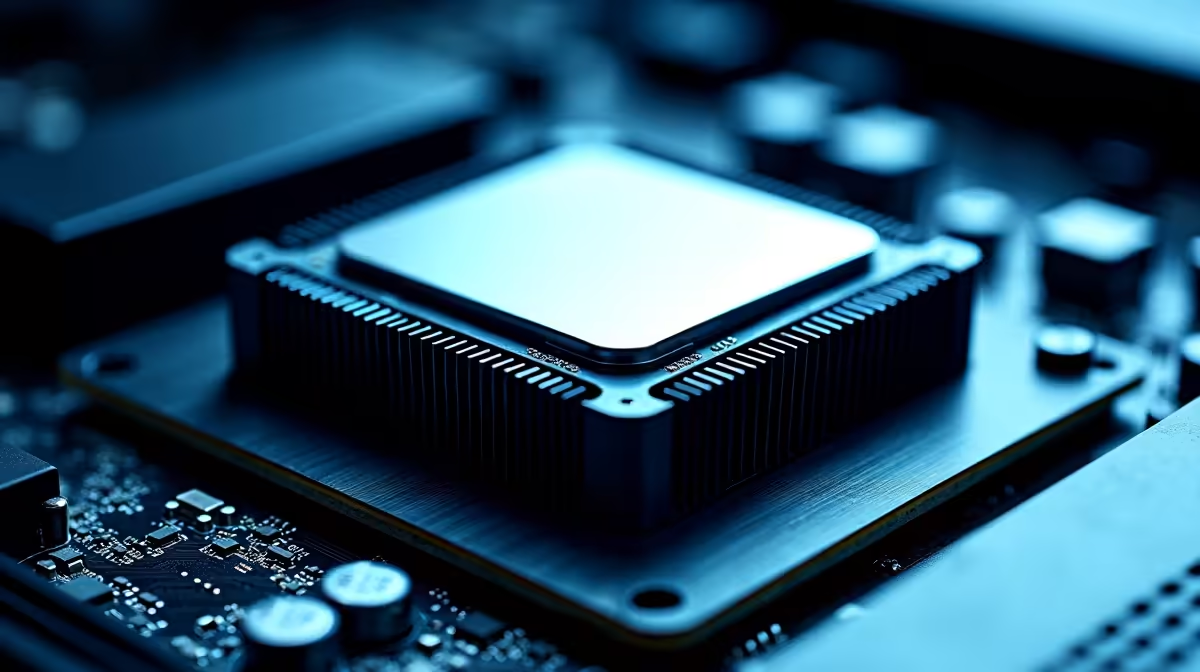
A CPU in South Africa should be cleaned of dust every three to four months, with thermal paste replaced every two to three years, to maintain safe operating temperatures given our dust levels and load shedding-related on-off cycling.
South Africa presents specific environmental challenges that accelerate CPU maintenance requirements compared to international recommendations. Dust accumulation is faster in many SA regions due to drier climates, open-window airflow habits, and the particulate matter common in urban and industrial areas. The combination of dust-clogged heatsinks and high ambient temperatures during summer - particularly in cities like Pretoria, Johannesburg, and Bloemfontein where temperatures routinely exceed 30 degrees Celsius - creates thermal stress that shortens component lifespans.
Load shedding compounds the problem. Frequent on-off power cycling from scheduled outages causes thermal expansion and contraction in CPU components and their mounting hardware. Over time, this can degrade the contact quality between the CPU heat spreader and the cooler, reducing thermal transfer efficiency even without visible dust buildup. An SA PC owner who experiences regular loadshedding should treat their system's maintenance cycle as more frequent than international guides suggest.
A practical schedule for most SA users: visual inspection and dust removal every three to four months, thermal paste inspection every twelve to eighteen months, and full thermal paste replacement every two to three years. High-performance systems running CPUs at high sustained loads - gaming rigs, workstations, video editing machines - should compress these intervals.
Dust removal is the most frequent task and the most impactful for temperature management. Power the system down completely and disconnect it from the wall before opening the case. Use compressed air in short bursts directed away from the CPU cooler fins, motherboard, and case filters. Pay particular attention to the CPU cooler heatsink, which accumulates dense dust layers between its fins. A soft brush can help dislodge compacted dust before the compressed air pass.
Thermal paste inspection involves removing the CPU cooler entirely. The old thermal paste should be fully cleaned from both the CPU heat spreader and the cooler base plate using isopropyl alcohol at 90% concentration or higher and a lint-free cloth. Never use tissues or paper towel, as these leave fibre residue. After cleaning both surfaces, apply fresh high-quality thermal paste in a small pea-sized amount centred on the CPU heat spreader, then reinstall the cooler with even pressure.
After any maintenance work, monitor CPU temperatures using software tools during a stress test to verify that the cooler is seated correctly and thermal transfer has improved. A properly remounted cooler with fresh thermal paste should bring idle temperatures down noticeably compared to a neglected system.
A: Rising idle temperatures over time - where your CPU now idles 10 to 15 degrees Celsius higher than it did when the system was new - is the clearest sign. You can also see the paste degradation when you remove the cooler: dried, cracked, or separated paste that no longer has even coverage indicates it needs replacement.
A: Load shedding itself does not directly damage CPUs, but the abrupt power cuts can cause improper shutdowns that stress storage drives and can cause filesystem corruption. A UPS protects against this. The thermal cycling from frequent on-off does gradually stress cooler mounting hardware and thermal paste over time, making maintenance intervals more important.
A: High-quality non-conductive pastes from established brands work well in SA summer conditions. Pastes with good thermal conductivity ratings - above 8 W/mK - provide meaningful headroom during hot ambient temperature periods. Avoid generic or unknown brand pastes, as their performance and consistency are unpredictable.
Also at Evetech: All CPUs & Processors | Graphics Card Deals
Ready to Find Your Perfect Match? Shop at Evetech
CPU Maintenance Schedule: Keep It Runnin available at Evetech.co.za with local warranty and fast delivery.
CPU Maintenance Schedule: Keep It Runnin - check Evetech for latest stock and SA pricing.
Depends on your use case. CPU Maintenance Schedule: Keep offers good value at current Rand pricing.
Headset Stock Levels in Bloemfontein: January. Current stock data & price tracking for SA buyers. See what is available and where prices are heading.
Read more
iMac for Medical Practice: Patient Management. SA-focused analysis with local pricing data, real-world insights & actionable buying advice.
Read more
RTX 5060 Fortnite Ultra Settings at 1080p: FPS. Real-world benchmark data, FPS numbers & performance analysis. What SA gamers can actually expect.
Read more
Headset Stock Levels in Cape Town: August Report. Current stock data & price tracking for SA buyers. See what is available and where prices are heading.
Read more
Eskom Load Shedding During Video Call: Solutions. SA-focused analysis with local pricing data, real-world insights & actionable buying advice.
Read more
LoL Performance on Extreme Gaming PC. Real-world benchmark data, FPS numbers & performance analysis. What SA gamers can actually expect.
Read more
Is a Ultra Short Throw Projector Good for Gaming?. Diagnosis steps, proven fixes & when to seek professional help. SA-specific support info included.

Is a Short Throw Projector Good for Gaming? Input. Diagnosis steps, proven fixes & when to seek professional help. SA-specific support info included.

Top Mouse Settings for Competitive FPS: Sensitivity picks evaluated on performance, value & SA availability with current Rand pricing from Evetech.

Top Speakers for MacBook Desk Setup picks evaluated on performance, value & SA availability with current Rand pricing from Evetech.

Is a Ergonomic Chair Better Than a Standard Office Chair for Gaming Detailed answer with SA data, expert analysis & practical recommendations for local buyers.

Use Spotlight Search Like a Pro on macOS. Step-by-step instructions with SA-specific tips, common pitfalls to avoid & expert recommendations.

wireless keyboard Fan Noise Too Loud: Quiet. Everything you need to know with SA pricing, step-by-step instructions & expert recommendations.

Connection Timeout: Troubleshooting Guide #2. Diagnosis steps, proven fixes & when to seek professional help. SA-specific support info included.
Headset Stock Levels in Bloemfontein: January. Current stock data & price tracking for SA buyers. See what is available and where prices are heading.
iMac for Medical Practice: Patient Management. SA-focused analysis with local pricing data, real-world insights & actionable buying advice.
RTX 5060 Fortnite Ultra Settings at 1080p: FPS. Real-world benchmark data, FPS numbers & performance analysis. What SA gamers can actually expect.
Headset Stock Levels in Cape Town: August Report. Current stock data & price tracking for SA buyers. See what is available and where prices are heading.