


Headset Stock Levels in Bloemfontein: January 2026 Report
Headset Stock Levels in Bloemfontein: January. Current stock data & price tracking for SA buyers. See what is available and where prices are heading.
Read moreCyberpunk 2077 Performance on Mid-Range Gaming PC. Real-world benchmark data, FPS numbers & performance analysis. What SA gamers can actually expect.
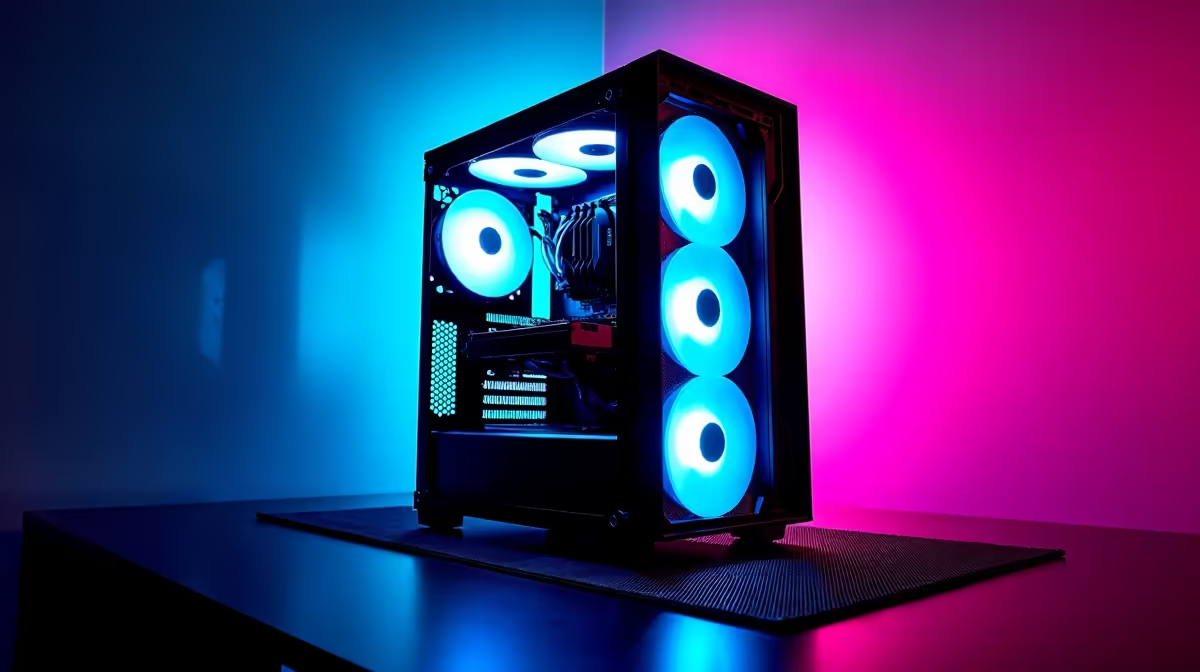
Cyberpunk 2077 on a mid-range gaming PC in South Africa is very playable in 2026 with the right settings. On hardware like an RTX 4060 or RX 7600 paired with a Ryzen 5 7600 or Intel Core i5-14400F, expect 50-70 FPS at 1080p High settings without ray tracing. Enable DLSS or FSR and that jumps comfortably above 60 FPS with strong image quality.
In South Africa, mid-range gaming builds typically land between R10,000 and R18,000 for a full system. At the GPU level, this means:
Cyberpunk 2077 on these cards at 1080p with High settings and no ray tracing averages 55-75 FPS depending on the area. The city centre and heavy rain scenes drop frame rates by 15-20% compared to open highway segments.
Cyberpunk 2077 has one of the best graphics settings menus in PC gaming, giving you precise control over the biggest performance costs. For mid-range SA builds targeting 60 FPS at 1080p:
With these settings and DLSS Quality on an RTX 4060, expect 70-90 FPS average at 1080p. FSR 3 on the RX 7600 delivers similar gains at 60-80 FPS.
Cyberpunk 2077 autosaves frequently but not constantly. Losing power during a mission without a recent manual save means replaying from the last checkpoint, which can be 10-15 minutes of progress on longer missions.
South African players dealing with Stage 4 to Stage 6 loadshedding should:
A mid-range system with an RTX 4060 and Ryzen 5 7600 draws approximately 250-300W under full gaming load. A 600VA UPS gives roughly 4-6 minutes of runtime, enough to save and shut down safely.
Can a mid-range PC run Cyberpunk 2077 at 60 FPS in South Africa? Yes. At 1080p with DLSS or FSR Quality mode enabled and ray tracing off, an RTX 4060 or RX 7600 consistently achieves 60-80 FPS average in Cyberpunk 2077 on High settings.
Is ray tracing worth enabling on a mid-range GPU in Cyberpunk 2077? Not for performance-focused play. RT Low adds some improved lighting quality but costs 25-30% frame rate on mid-range hardware. Unless you are using Path Tracing with DLSS on higher-tier hardware, standard rasterisation with High settings looks excellent and performs much better.
Does Cyberpunk 2077 run on 8GB VRAM at 1080p? Yes. Cyberpunk 2077 at 1080p High settings with Ultra textures fits comfortably within 8GB VRAM on cards like the RTX 4060 and RX 7600. VRAM pressure increases if you add RT or run at 1440p, where 8GB becomes tight at the highest texture settings.
Ready to Find Your Perfect Match? Find your mid-range gaming PC at Evetech, South Africa's destination for gaming hardware at real local prices.
Cyberpunk 2077 Performance on Mid-Range available at Evetech.co.za with local warranty and fast delivery.
Cyberpunk 2077 Performance on Mid-Range - check Evetech for latest stock and SA pricing.
Depends on your use case. Cyberpunk 2077 Performance on offers good value at current Rand pricing.
Headset Stock Levels in Bloemfontein: January. Current stock data & price tracking for SA buyers. See what is available and where prices are heading.
Read more
iMac for Medical Practice: Patient Management. SA-focused analysis with local pricing data, real-world insights & actionable buying advice.
Read more
RTX 5060 Fortnite Ultra Settings at 1080p: FPS. Real-world benchmark data, FPS numbers & performance analysis. What SA gamers can actually expect.
Read more
Headset Stock Levels in Cape Town: August Report. Current stock data & price tracking for SA buyers. See what is available and where prices are heading.
Read more
Eskom Load Shedding During Video Call: Solutions. SA-focused analysis with local pricing data, real-world insights & actionable buying advice.
Read more
LoL Performance on Extreme Gaming PC. Real-world benchmark data, FPS numbers & performance analysis. What SA gamers can actually expect.
Read more
Is a Ultra Short Throw Projector Good for Gaming?. Diagnosis steps, proven fixes & when to seek professional help. SA-specific support info included.

Is a Short Throw Projector Good for Gaming? Input. Diagnosis steps, proven fixes & when to seek professional help. SA-specific support info included.

Top Mouse Settings for Competitive FPS: Sensitivity picks evaluated on performance, value & SA availability with current Rand pricing from Evetech.

Top Speakers for MacBook Desk Setup picks evaluated on performance, value & SA availability with current Rand pricing from Evetech.

Is a Ergonomic Chair Better Than a Standard Office Chair for Gaming Detailed answer with SA data, expert analysis & practical recommendations for local buyers.

Use Spotlight Search Like a Pro on macOS. Step-by-step instructions with SA-specific tips, common pitfalls to avoid & expert recommendations.

wireless keyboard Fan Noise Too Loud: Quiet. Everything you need to know with SA pricing, step-by-step instructions & expert recommendations.

Connection Timeout: Troubleshooting Guide #2. Diagnosis steps, proven fixes & when to seek professional help. SA-specific support info included.
Headset Stock Levels in Bloemfontein: January. Current stock data & price tracking for SA buyers. See what is available and where prices are heading.
iMac for Medical Practice: Patient Management. SA-focused analysis with local pricing data, real-world insights & actionable buying advice.
RTX 5060 Fortnite Ultra Settings at 1080p: FPS. Real-world benchmark data, FPS numbers & performance analysis. What SA gamers can actually expect.
Headset Stock Levels in Cape Town: August Report. Current stock data & price tracking for SA buyers. See what is available and where prices are heading.