


Headset Stock Levels in Bloemfontein: January 2026 Report
Headset Stock Levels in Bloemfontein: January. Current stock data & price tracking for SA buyers. See what is available and where prices are heading.
Read moreElden Ring Cannot Connect to Servers: Network. Diagnosis steps, proven fixes & when to seek professional help. SA-specific support info included.
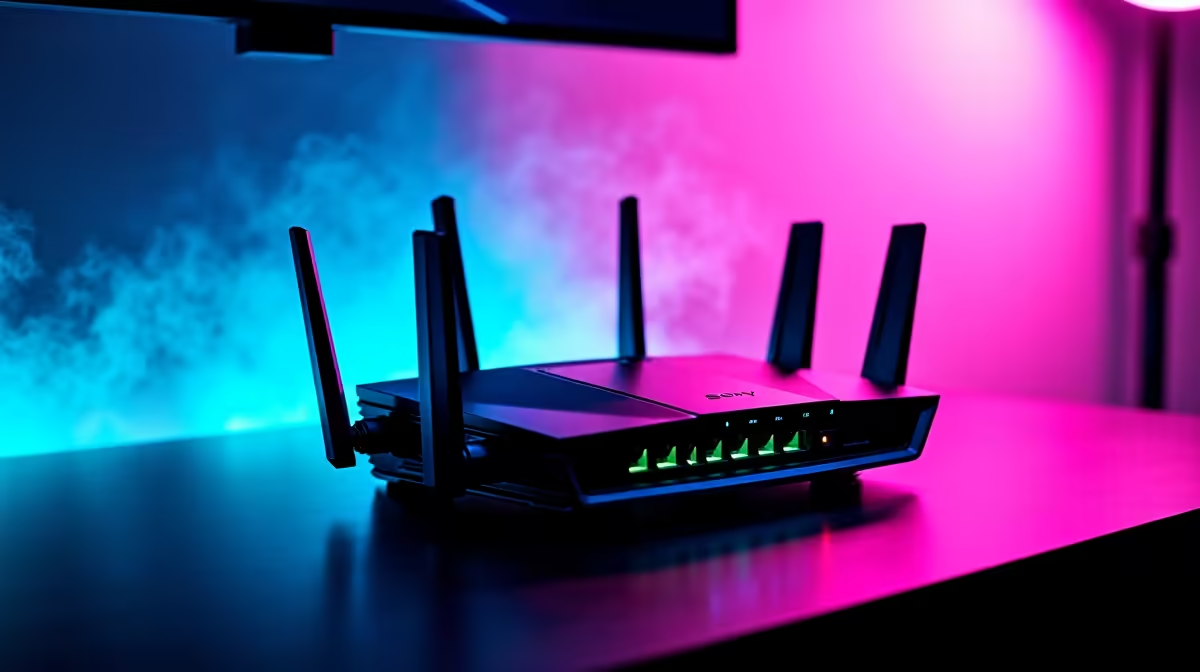
The "Cannot Connect to Servers" error in Elden Ring is one of the most frustrating online issues the game produces, and it’s almost always a network configuration problem rather than a server outage. Most players fix it within 10–15 minutes using the steps below.
Elden Ring Cannot Connect to Servers Fix: The error is typically caused by NAT type restrictions, a corrupted network profile, or firewall blocking. Restarting your router, switching to an open NAT configuration, and verifying Elden Ring’s firewall permissions resolves the issue for the majority of players.
1. Restart your router and PC Simple but effective. Power cycle your router (unplug, wait 30 seconds, replug) and restart your PC. Many Elden Ring connection errors are caused by stale network state that clears on reboot.
2. Check Elden Ring server status Before spending time troubleshooting your setup, confirm the issue isn’t on FromSoftware’s end. Check the official Elden Ring status page or community forums for reported outages.
3. Verify your NAT type Elden Ring requires NAT Type 2 (Moderate) or better (Open) for reliable online connectivity. NAT Type 3 (Strict) blocks most peer-to-peer connections. Check your NAT type in your router’s admin panel and enable UPnP or configure port forwarding:
4. Allow Elden Ring through Windows Firewall Go to Windows Security > Firewall & Network Protection > Allow an app through firewall. Ensure eldenring.exe has both Private and Public network access enabled.
5. Switch from Wi-Fi to wired connection For SA gamers using MTN or Telkom home routers, Wi-Fi can introduce packet loss that triggers Elden Ring’s connection checks. A direct ethernet connection eliminates this variable.
If network settings are fine, the issue may be Steam-side:
South African players connecting via Vumatel or Afrihost fibre typically experience fewer Elden Ring connection issues than mobile data users. If you’re playing on MTN or Vodacom LTE/5G, CGNAT (Carrier-Grade NAT) is likely the culprit - your ISP places you behind a shared IP, making NAT Type Open impossible without a dedicated IP add-on. Contact your ISP about upgrading to a static/dedicated IP if online gaming is important to you.
Why does Elden Ring keep saying it cannot connect to servers even with good internet? Strict NAT type is the most common cause when internet quality isn’t the issue. Check your router’s NAT settings and enable UPnP to open your NAT type.
Does Elden Ring have SA or African servers? No, Elden Ring does not have South African servers. SA players connect to European servers, which adds latency but is workable on fibre connections (100–180ms).
Can Easy Anti-Cheat cause the cannot connect error? Yes. If EAC fails to initialise, Elden Ring’s online features are blocked. Reinstall Easy Anti-Cheat from the Elden Ring installation folder if other fixes don’t work.
Evetech stocks Graphics Card Deals and Evetech Best Sellers — shop online with fast delivery across South Africa.
Ready to Find Your Perfect Match? Shop at Evetech
Elden Ring Cannot Connect to Servers: Ne available at Evetech.co.za with local warranty and fast delivery.
Elden Ring Cannot Connect to Servers: Ne - check Evetech for latest stock and SA pricing.
Depends on your use case. Elden Ring Cannot Connect to S offers good value at current Rand pricing.
Headset Stock Levels in Bloemfontein: January. Current stock data & price tracking for SA buyers. See what is available and where prices are heading.
Read more
iMac for Medical Practice: Patient Management. SA-focused analysis with local pricing data, real-world insights & actionable buying advice.
Read more
RTX 5060 Fortnite Ultra Settings at 1080p: FPS. Real-world benchmark data, FPS numbers & performance analysis. What SA gamers can actually expect.
Read more
Headset Stock Levels in Cape Town: August Report. Current stock data & price tracking for SA buyers. See what is available and where prices are heading.
Read more
Eskom Load Shedding During Video Call: Solutions. SA-focused analysis with local pricing data, real-world insights & actionable buying advice.
Read more
LoL Performance on Extreme Gaming PC. Real-world benchmark data, FPS numbers & performance analysis. What SA gamers can actually expect.
Read more
Is a Ultra Short Throw Projector Good for Gaming?. Diagnosis steps, proven fixes & when to seek professional help. SA-specific support info included.

Is a Short Throw Projector Good for Gaming? Input. Diagnosis steps, proven fixes & when to seek professional help. SA-specific support info included.

Top Mouse Settings for Competitive FPS: Sensitivity picks evaluated on performance, value & SA availability with current Rand pricing from Evetech.

Top Speakers for MacBook Desk Setup picks evaluated on performance, value & SA availability with current Rand pricing from Evetech.

Is a Ergonomic Chair Better Than a Standard Office Chair for Gaming Detailed answer with SA data, expert analysis & practical recommendations for local buyers.

Use Spotlight Search Like a Pro on macOS. Step-by-step instructions with SA-specific tips, common pitfalls to avoid & expert recommendations.

wireless keyboard Fan Noise Too Loud: Quiet. Everything you need to know with SA pricing, step-by-step instructions & expert recommendations.

Connection Timeout: Troubleshooting Guide #2. Diagnosis steps, proven fixes & when to seek professional help. SA-specific support info included.
Headset Stock Levels in Bloemfontein: January. Current stock data & price tracking for SA buyers. See what is available and where prices are heading.
iMac for Medical Practice: Patient Management. SA-focused analysis with local pricing data, real-world insights & actionable buying advice.
RTX 5060 Fortnite Ultra Settings at 1080p: FPS. Real-world benchmark data, FPS numbers & performance analysis. What SA gamers can actually expect.
Headset Stock Levels in Cape Town: August Report. Current stock data & price tracking for SA buyers. See what is available and where prices are heading.