


Headset Stock Levels in Bloemfontein: January 2026 Report
Headset Stock Levels in Bloemfontein: January. Current stock data & price tracking for SA buyers. See what is available and where prices are heading.
Read moreFAQ: Is my RAM faulty Detailed answer with SA data, expert analysis & practical recommendations for local buyers.
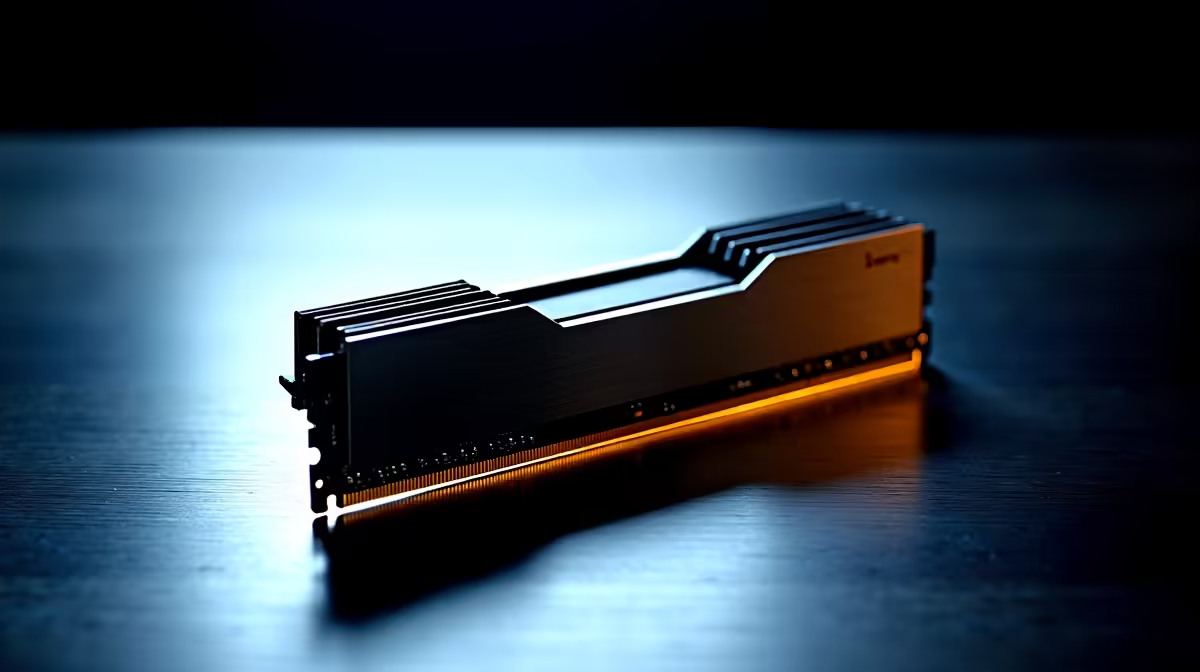
You are in the final circle of Warzone. Your loadout is perfect. Suddenly... your screen freezes. A terrifying Blue Screen of Death appears. You stare at your reflection in the monitor, wondering what went wrong. If your rig keeps crashing, you might be asking yourself: is my RAM faulty? Memory issues are a common headache for South African gamers. Luckily, they are surprisingly easy to diagnose.
Random crashes are just the beginning. When your system memory starts failing, it leaves a trail of breadcrumbs. You might notice your system randomly rebooting while you browse the web. Sometimes files become mysteriously corrupted. Load shedding is a notorious hardware killer in South Africa. Sudden power surges can easily damage sensitive electronic components.
If you are using one of the older laptops on the market, you might experience severe system slowdowns. A simple restart cannot fix these. Beeping noises on startup are another major red flag. Your motherboard is literally crying out for help. If these symptoms sound familiar, you need to investigate before buying replacement parts. Sometimes, it makes more sense to look at fresh pre-built PC deals rather than fixing a dying decade-old machine.
Before you panic, you need to run a proper diagnostic test. Software tools can tell you exactly what is happening inside your memory sticks. Windows has a reliable built-in tool that does a fantastic job.
Press the Windows key, type "Windows Memory Diagnostic", and hit enter. Select "Restart now and check for problems". Your PC will reboot and run a blue-screen test to check if your RAM is faulty.
For a more thorough check, many enthusiasts use free software called MemTest86. You load it onto a USB drive and boot from it. If the screen fills with red text during the test... your RAM is definitely faulty. If your memory passes but games still crash, your graphics card or power supply might be the actual culprit. At that point, checking out our latest gaming PC deals might save you days of troubleshooting frustration.
So, the test confirmed your worst fears. What happens next? First, try turning off your PC and unplugging it. Open the case and carefully remove your memory sticks. Blow out any dust and firmly click them back into place. A loose connection can mimic broken hardware perfectly.
If reseating does not work, it is time for an upgrade. Thankfully, memory is one of the most affordable components to replace. You can easily find a high-quality 16GB kit for around R900. Upgrading your capacity will also give your entire system a massive performance boost. If you are adding new sticks to an existing setup, make sure the speeds match. Mixing different brands can cause severe stability issues.
Ready to make the swap? You can buy memory directly from our store to get your rig running smoothly again. Always keep an eye on our specials page to score premium components without breaking the bank.
Ready to Revive Your Rig? Do not let faulty memory ruin your gaming sessions or your daily productivity. Whether you need a simple RAM upgrade to fix those pesky crashes or a completely new setup, we have you covered. Explore our massive range of memory upgrades and get back in the game today.
FAQ: Is my RAM faulty available at Evetech.co.za with local warranty and fast delivery.
FAQ: Is my RAM faulty - check Evetech for latest stock and SA pricing.
Depends on your use case. FAQ: Is my RAM faulty offers good value at current Rand pricing.
Headset Stock Levels in Bloemfontein: January. Current stock data & price tracking for SA buyers. See what is available and where prices are heading.
Read more
iMac for Medical Practice: Patient Management. SA-focused analysis with local pricing data, real-world insights & actionable buying advice.
Read more
RTX 5060 Fortnite Ultra Settings at 1080p: FPS. Real-world benchmark data, FPS numbers & performance analysis. What SA gamers can actually expect.
Read more
Headset Stock Levels in Cape Town: August Report. Current stock data & price tracking for SA buyers. See what is available and where prices are heading.
Read more
Eskom Load Shedding During Video Call: Solutions. SA-focused analysis with local pricing data, real-world insights & actionable buying advice.
Read more
LoL Performance on Extreme Gaming PC. Real-world benchmark data, FPS numbers & performance analysis. What SA gamers can actually expect.
Read more
Is a Ultra Short Throw Projector Good for Gaming?. Diagnosis steps, proven fixes & when to seek professional help. SA-specific support info included.

Is a Short Throw Projector Good for Gaming? Input. Diagnosis steps, proven fixes & when to seek professional help. SA-specific support info included.

Top Mouse Settings for Competitive FPS: Sensitivity picks evaluated on performance, value & SA availability with current Rand pricing from Evetech.

Top Speakers for MacBook Desk Setup picks evaluated on performance, value & SA availability with current Rand pricing from Evetech.

Is a Ergonomic Chair Better Than a Standard Office Chair for Gaming Detailed answer with SA data, expert analysis & practical recommendations for local buyers.

Use Spotlight Search Like a Pro on macOS. Step-by-step instructions with SA-specific tips, common pitfalls to avoid & expert recommendations.

wireless keyboard Fan Noise Too Loud: Quiet. Everything you need to know with SA pricing, step-by-step instructions & expert recommendations.

Connection Timeout: Troubleshooting Guide #2. Diagnosis steps, proven fixes & when to seek professional help. SA-specific support info included.
Headset Stock Levels in Bloemfontein: January. Current stock data & price tracking for SA buyers. See what is available and where prices are heading.
iMac for Medical Practice: Patient Management. SA-focused analysis with local pricing data, real-world insights & actionable buying advice.
RTX 5060 Fortnite Ultra Settings at 1080p: FPS. Real-world benchmark data, FPS numbers & performance analysis. What SA gamers can actually expect.
Headset Stock Levels in Cape Town: August Report. Current stock data & price tracking for SA buyers. See what is available and where prices are heading.