


Headset Stock Levels in Bloemfontein: January 2026 Report
Headset Stock Levels in Bloemfontein: January. Current stock data & price tracking for SA buyers. See what is available and where prices are heading.
Read moreFortnite Low FPS: CPU Bottleneck. Real-world benchmark data, FPS numbers & performance analysis. What SA gamers can actually expect.
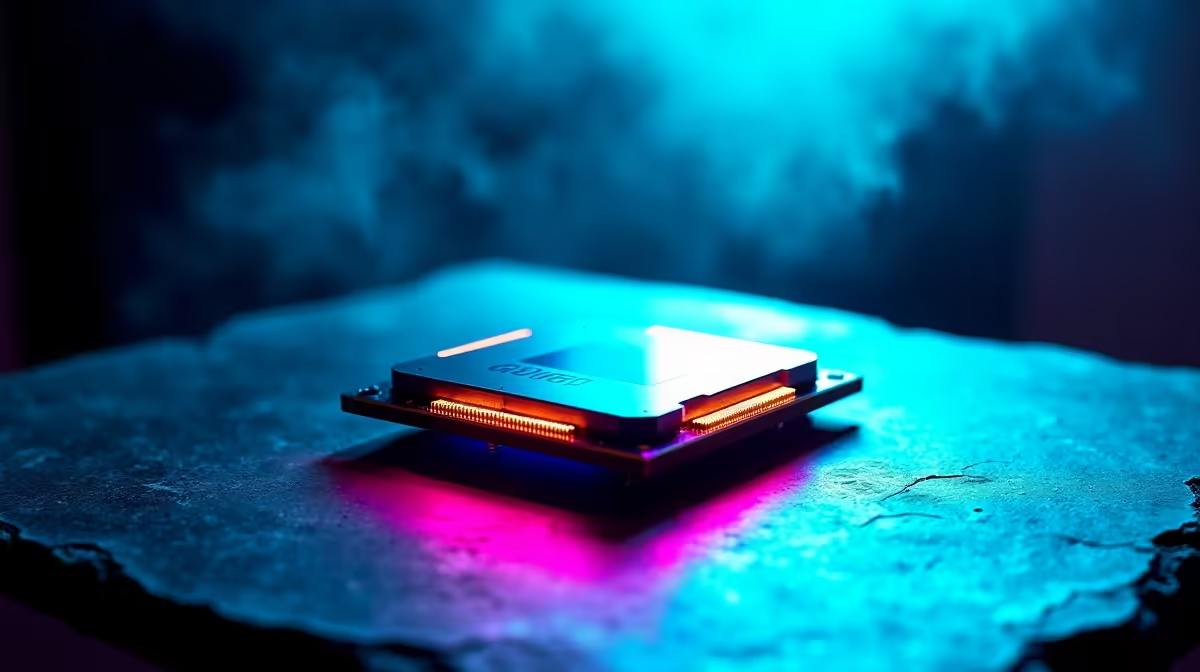
Low FPS in Fortnite is often caused by a CPU bottleneck, especially at lower resolutions where the GPU finishes rendering faster than the CPU can feed it draw calls. If your GPU usage is below 90% while your CPU cores are maxed out, you have a CPU bottleneck. Upgrading your processor or optimising Fortnite's CPU-heavy settings is the fix.
Open your system monitoring tool while Fortnite is running. Check GPU usage and CPU usage at the same time. A healthy gaming setup shows GPU usage above 90% and CPU usage spread across cores at moderate levels. If your GPU is sitting at 50 to 70% while individual CPU cores are hitting 100%, you have a CPU bottleneck. Fortnite's Unreal Engine 5 implementation in 2026 leans heavily on the CPU for world streaming, building physics, and player rendering, making this a common issue on older processors.
At 1080p, this bottleneck is most noticeable because the GPU can handle the rendering so quickly that it is constantly waiting on the CPU. At 1440p and 4K, the GPU has more work per frame, which shifts the load balance and often reduces how severe the bottleneck feels.
Several in-game settings are processed primarily by the CPU. Lowering these can significantly improve frame rates without requiring a hardware upgrade. Set 3D Resolution to 100% but reduce Shadows to Low or Off, as shadow calculations are CPU-intensive. Lower View Distance reduces the number of objects the CPU needs to process each frame. Disable Background Application Max Frame Rate and cap your in-game frame rate to just above your monitor's refresh rate using the Frame Rate Limit setting.
South African players should also check Windows power settings. The default Balanced power plan throttles CPU performance. Switch to High Performance mode in your power settings to ensure the processor runs at full speed. This alone can recover several frames per second on machines that have never had this adjusted.
If you are running a processor that is more than three or four generations old alongside a relatively modern GPU, a CPU upgrade is likely to deliver a noticeable FPS improvement in Fortnite. Modern CPUs with strong single-core performance and higher core counts handle Fortnite's Unreal Engine 5 demands comfortably. Budget for a processor upgrade in the R2,500 to R5,000 range in ZAR for a meaningful generational step.
Yes. Fortnite in 2026 uses multiple threads, but it also relies heavily on a few primary cores for its main game loop. A CPU with strong single-core performance and at least 6 cores handles the game well.
Yes. Faster RAM reduces latency between the CPU and memory, which helps in CPU-bottlenecked scenarios. Ensuring your RAM is running at its rated XMP or EXPO speed in BIOS can recover a few fps.
Epic preset is the most CPU and GPU intensive. For competitive play, Medium or Low settings deliver dramatically higher frame rates and the visual change rarely affects gameplay.
Ready to Find Your Perfect Match? Upgrade your processor and stop leaving frames on the table in Fortnite. Shop CPU Processors
Fortnite Low FPS: CPU Bottleneck available at Evetech.co.za with local warranty and fast delivery.
Fortnite Low FPS: CPU Bottleneck - check Evetech for latest stock and SA pricing.
Depends on your use case. Fortnite Low FPS: CPU Bottlene offers good value at current Rand pricing.
Headset Stock Levels in Bloemfontein: January. Current stock data & price tracking for SA buyers. See what is available and where prices are heading.
Read more
iMac for Medical Practice: Patient Management. SA-focused analysis with local pricing data, real-world insights & actionable buying advice.
Read more
RTX 5060 Fortnite Ultra Settings at 1080p: FPS. Real-world benchmark data, FPS numbers & performance analysis. What SA gamers can actually expect.
Read more
Headset Stock Levels in Cape Town: August Report. Current stock data & price tracking for SA buyers. See what is available and where prices are heading.
Read more
Eskom Load Shedding During Video Call: Solutions. SA-focused analysis with local pricing data, real-world insights & actionable buying advice.
Read more
LoL Performance on Extreme Gaming PC. Real-world benchmark data, FPS numbers & performance analysis. What SA gamers can actually expect.
Read more
Is a Ultra Short Throw Projector Good for Gaming?. Diagnosis steps, proven fixes & when to seek professional help. SA-specific support info included.

Is a Short Throw Projector Good for Gaming? Input. Diagnosis steps, proven fixes & when to seek professional help. SA-specific support info included.

Top Mouse Settings for Competitive FPS: Sensitivity picks evaluated on performance, value & SA availability with current Rand pricing from Evetech.

Top Speakers for MacBook Desk Setup picks evaluated on performance, value & SA availability with current Rand pricing from Evetech.

Is a Ergonomic Chair Better Than a Standard Office Chair for Gaming Detailed answer with SA data, expert analysis & practical recommendations for local buyers.

Use Spotlight Search Like a Pro on macOS. Step-by-step instructions with SA-specific tips, common pitfalls to avoid & expert recommendations.

wireless keyboard Fan Noise Too Loud: Quiet. Everything you need to know with SA pricing, step-by-step instructions & expert recommendations.

Connection Timeout: Troubleshooting Guide #2. Diagnosis steps, proven fixes & when to seek professional help. SA-specific support info included.
Headset Stock Levels in Bloemfontein: January. Current stock data & price tracking for SA buyers. See what is available and where prices are heading.
iMac for Medical Practice: Patient Management. SA-focused analysis with local pricing data, real-world insights & actionable buying advice.
RTX 5060 Fortnite Ultra Settings at 1080p: FPS. Real-world benchmark data, FPS numbers & performance analysis. What SA gamers can actually expect.
Headset Stock Levels in Cape Town: August Report. Current stock data & price tracking for SA buyers. See what is available and where prices are heading.