


Headset Stock Levels in Bloemfontein: January 2026 Report
Headset Stock Levels in Bloemfontein: January. Current stock data & price tracking for SA buyers. See what is available and where prices are heading.
Read moreFortnite Low FPS: SSD Bottleneck. Real-world benchmark data, FPS numbers & performance analysis. What SA gamers can actually expect.
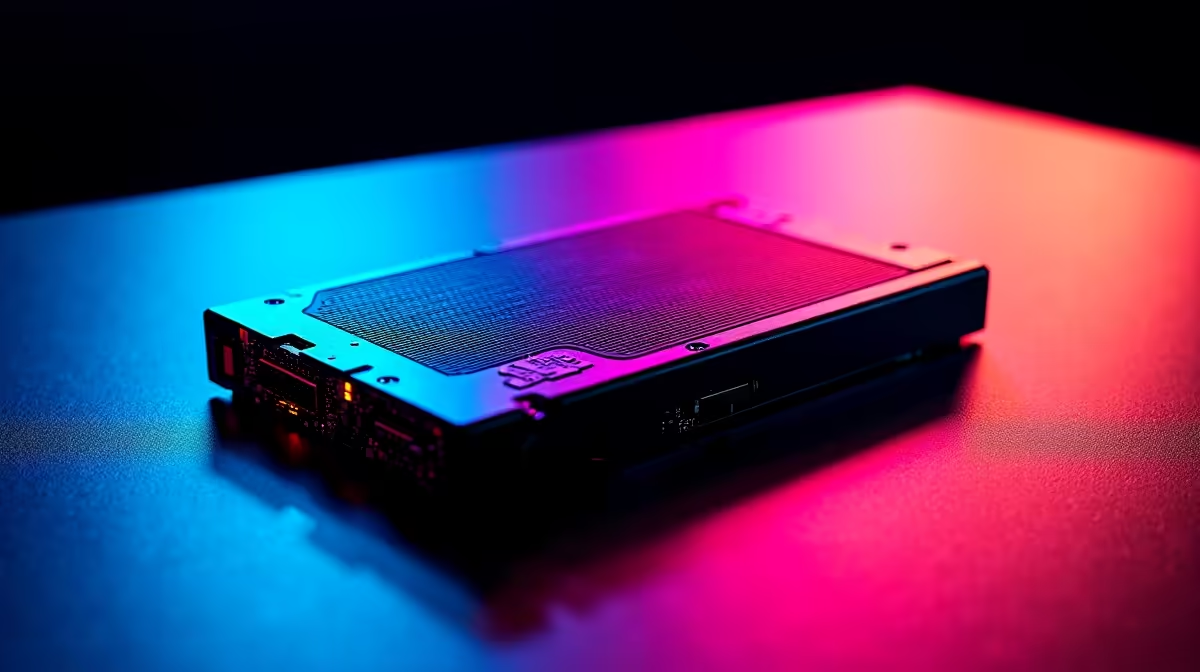
An SSD is rarely the direct cause of low FPS in Fortnite, but a slow or failing drive can cause stutters, long loading hitches, and asset pop-in that feel like frame drops. If your FPS dips happen during scene transitions or building loads rather than consistently during combat, your storage could be contributing to the problem.
Fortnite loads map tiles, textures, and audio assets from storage in real time as you move around the island. On a traditional hard drive these reads can stall the CPU, causing micro-stutters that appear as FPS drops in the frame-time graph. Switching to a SATA SSD eliminates most of that stall time, and an NVMe drive pushes sequential read speeds high enough that storage almost never becomes a bottleneck during normal gameplay.
That said, FPS is primarily determined by your GPU and CPU. If your frame rate is consistently low - say 40 FPS even in the lobby - no SSD upgrade will fix that. Storage only matters when the problem shows up as irregular hitches or the dreaded "SSD stutter" pattern visible in tools like CapFrameX.
Open Task Manager while Fortnite is running and watch the Disk column. If disk usage spikes to 100% during gameplay, your drive cannot feed assets fast enough. Also check disk health with CrystalDiskInfo - a drive showing reallocated sectors or high uncorrectable error counts will cause random stalls regardless of its rated speed. SA gamers on older rigs sometimes run Fortnite off an external USB drive; this almost always causes hitches and should be avoided.
Another quick test: set Fortnite's texture quality to Low. If the stutters disappear, you have confirmed an asset-streaming problem rather than a GPU issue, and storage or system RAM is likely the cause.
Can a bad SSD cause FPS drops in Fortnite? Yes - a failing or nearly full SSD can cause irregular frame-time spikes that look like FPS drops. Keep at least 15% of your SSD free and run a health check to rule this out.
Will upgrading to NVMe SSD boost my Fortnite FPS? Not directly. NVMe reduces load times and eliminates storage-caused hitches, but your average FPS is set by your GPU and CPU, not storage speed.
Is 8 GB RAM enough for Fortnite without stutter? Fortnite recommends 16 GB. With only 8 GB the game offloads more to the pagefile on your SSD, which can cause hitches on slower drives.
Ready to Find Your Perfect Match? Shop gaming PCs built for smooth Fortnite performance at Evetech
Fortnite Low FPS: SSD Bottleneck available at Evetech.co.za with local warranty and fast delivery.
Fortnite Low FPS: SSD Bottleneck - check Evetech for latest stock and SA pricing.
Depends on your use case. Fortnite Low FPS: SSD Bottlene offers good value at current Rand pricing.
Headset Stock Levels in Bloemfontein: January. Current stock data & price tracking for SA buyers. See what is available and where prices are heading.
Read more
iMac for Medical Practice: Patient Management. SA-focused analysis with local pricing data, real-world insights & actionable buying advice.
Read more
RTX 5060 Fortnite Ultra Settings at 1080p: FPS. Real-world benchmark data, FPS numbers & performance analysis. What SA gamers can actually expect.
Read more
Headset Stock Levels in Cape Town: August Report. Current stock data & price tracking for SA buyers. See what is available and where prices are heading.
Read more
Eskom Load Shedding During Video Call: Solutions. SA-focused analysis with local pricing data, real-world insights & actionable buying advice.
Read more
LoL Performance on Extreme Gaming PC. Real-world benchmark data, FPS numbers & performance analysis. What SA gamers can actually expect.
Read more
Is a Ultra Short Throw Projector Good for Gaming?. Diagnosis steps, proven fixes & when to seek professional help. SA-specific support info included.

Is a Short Throw Projector Good for Gaming? Input. Diagnosis steps, proven fixes & when to seek professional help. SA-specific support info included.

Top Mouse Settings for Competitive FPS: Sensitivity picks evaluated on performance, value & SA availability with current Rand pricing from Evetech.

Top Speakers for MacBook Desk Setup picks evaluated on performance, value & SA availability with current Rand pricing from Evetech.

Is a Ergonomic Chair Better Than a Standard Office Chair for Gaming Detailed answer with SA data, expert analysis & practical recommendations for local buyers.

Use Spotlight Search Like a Pro on macOS. Step-by-step instructions with SA-specific tips, common pitfalls to avoid & expert recommendations.

wireless keyboard Fan Noise Too Loud: Quiet. Everything you need to know with SA pricing, step-by-step instructions & expert recommendations.

Connection Timeout: Troubleshooting Guide #2. Diagnosis steps, proven fixes & when to seek professional help. SA-specific support info included.
Headset Stock Levels in Bloemfontein: January. Current stock data & price tracking for SA buyers. See what is available and where prices are heading.
iMac for Medical Practice: Patient Management. SA-focused analysis with local pricing data, real-world insights & actionable buying advice.
RTX 5060 Fortnite Ultra Settings at 1080p: FPS. Real-world benchmark data, FPS numbers & performance analysis. What SA gamers can actually expect.
Headset Stock Levels in Cape Town: August Report. Current stock data & price tracking for SA buyers. See what is available and where prices are heading.