


Headset Stock Levels in Bloemfontein: January 2026 Report
Headset Stock Levels in Bloemfontein: January. Current stock data & price tracking for SA buyers. See what is available and where prices are heading.
Read moreYes, you can game on a VGA monitor using an HDMI to VGA adapter, but compatibility and signal limits matter. Learn the key setup checks so you avoid blank screens and lag. 🎮🖥️
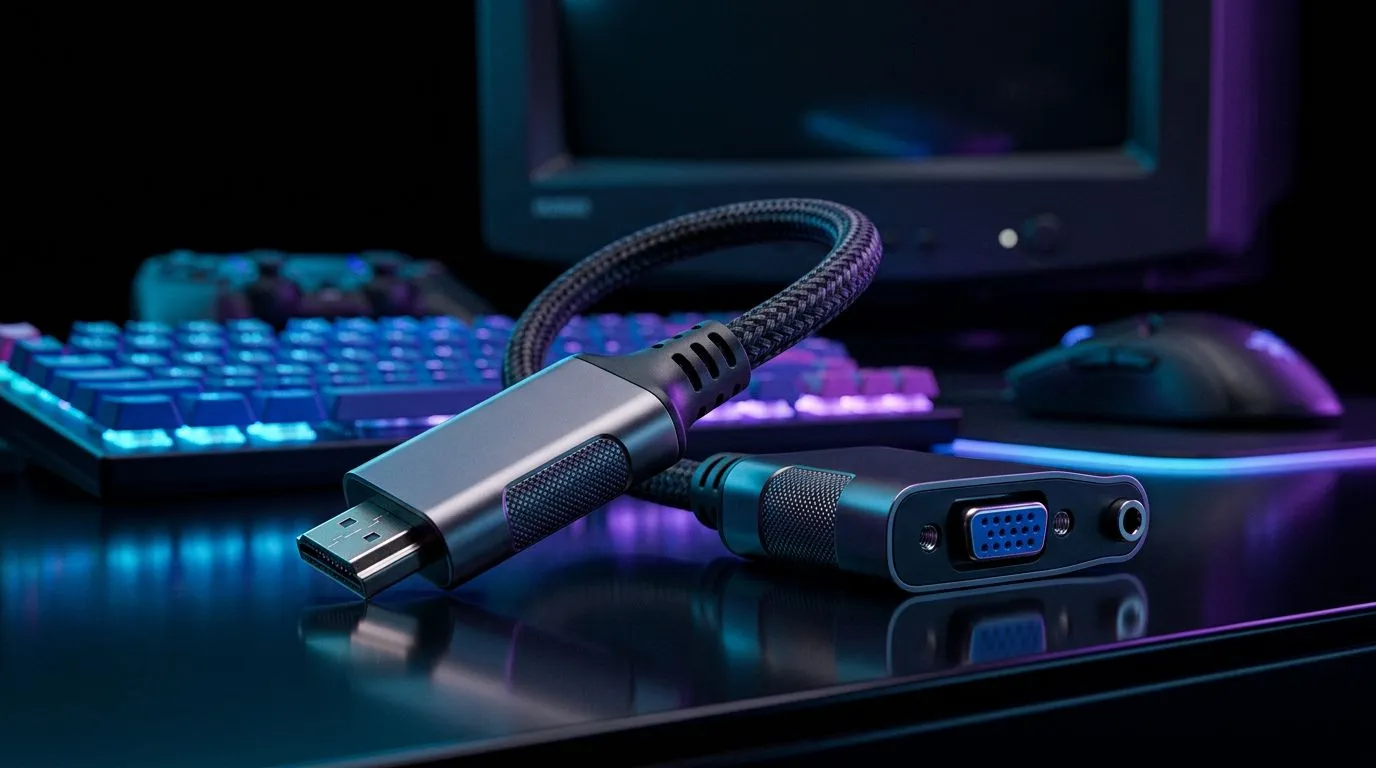
You just picked up a shiny new graphics card, but your desk is still rocking a trusty old monitor from the mid-2000s. We have all been there... staring at a VGA cable while your GPU only offers HDMI or DisplayPort. The big question remains: can you actually game on a VGA monitor using an HDMI to VGA adapter? The short answer is yes, but there are some trade-offs you need to understand before you commit.
Digital signals from your GPU and analogue signals for your monitor are not naturally compatible. When you use an adapter, you are relying on an active converter chip to bridge that gap. Because these adapters often rely on USB power or the minimal current from the HDMI port, you might experience slight input lag or colour inaccuracies. If you are a competitive gamer playing titles like Valorant or CS2, this might feel like a dealbreaker.
If you are looking to upgrade your setup to something more modern, you should check out our range of gaming accessories to see if a newer display might fit your budget better than an adapter.
Always ensure your HDMI to VGA adapter is an "active" converter. Passive cables simply do not work because they cannot physically convert the digital data stream into an analogue format. Look for adapters that explicitly state they support 1080p60 to avoid blurry, low-resolution output.
While an adapter is a cheap fix—often costing less than R300—it is essentially a temporary bandage. VGA cannot support high refresh rates or G-Sync/FreeSync technology, which are standard for modern gaming. If you are tired of searching for gaming accessories deals to patch together an old rig, it might be time to consider a dedicated high-refresh-rate monitor that supports native HDMI or DisplayPort connections.
For those who just need a quick fix for a secondary screen, browse our full selection of gaming accessories to find the right cables and mounting solutions for your desk space. ⚡
If you decide to stick with your VGA monitor for now, ensure your Windows display settings are manually set to the monitor's native resolution. Sometimes, adapters cause Windows to misidentify the screen, forcing it into a stretched or blurry aspect ratio. A quick trip to the display settings menu usually fixes this, ensuring your pixels remain as crisp as possible for your next session. 🚀
Ready to Find Your Perfect Match? The hardware debate is complex, but for maximum power, choice, and value in South Africa, a modern display is hard to beat. Explore our massive range of gaming monitor specials and find the perfect panel to conquer your world.
Often yes, as long as the adapter supports analog VGA output from HDMI and your monitor accepts the adapter’s resolution and refresh rate.
Some do, but console HDMI output can require specific resolution settings. If you get no signal, try 720p and disable overscan.
You may see added latency depending on the adapter’s scaler. Look for low-latency adapters and test at a stable refresh rate like 60Hz.
Common causes include wrong adapter direction, unsupported resolution, or HDCP handshakes. Set the source to 720p/1080p and avoid protected video sources.
Start with 1280x720 or 1024x768 for stability. Higher resolutions may downscale poorly on some HDMI to VGA adapters.
Most HDMI to VGA adapters do not pass audio. Use separate audio output from your PC or console to speakers or headphones.
You need HDMI to VGA if your source is HDMI and your display is VGA. VGA to HDMI is the opposite and will not work for a VGA monitor.
No. Compatibility varies by chip, scaling quality, and refresh support. Choose adapters that explicitly support HDMI-to-VGA conversion for display signals.
Headset Stock Levels in Bloemfontein: January. Current stock data & price tracking for SA buyers. See what is available and where prices are heading.
Read more
iMac for Medical Practice: Patient Management. SA-focused analysis with local pricing data, real-world insights & actionable buying advice.
Read more
RTX 5060 Fortnite Ultra Settings at 1080p: FPS. Real-world benchmark data, FPS numbers & performance analysis. What SA gamers can actually expect.
Read more
Headset Stock Levels in Cape Town: August Report. Current stock data & price tracking for SA buyers. See what is available and where prices are heading.
Read more
Eskom Load Shedding During Video Call: Solutions. SA-focused analysis with local pricing data, real-world insights & actionable buying advice.
Read more
LoL Performance on Extreme Gaming PC. Real-world benchmark data, FPS numbers & performance analysis. What SA gamers can actually expect.
Read more
Is a Ultra Short Throw Projector Good for Gaming?. Diagnosis steps, proven fixes & when to seek professional help. SA-specific support info included.

Is a Short Throw Projector Good for Gaming? Input. Diagnosis steps, proven fixes & when to seek professional help. SA-specific support info included.

Top Mouse Settings for Competitive FPS: Sensitivity picks evaluated on performance, value & SA availability with current Rand pricing from Evetech.

Top Speakers for MacBook Desk Setup picks evaluated on performance, value & SA availability with current Rand pricing from Evetech.

Is a Ergonomic Chair Better Than a Standard Office Chair for Gaming Detailed answer with SA data, expert analysis & practical recommendations for local buyers.

Use Spotlight Search Like a Pro on macOS. Step-by-step instructions with SA-specific tips, common pitfalls to avoid & expert recommendations.

wireless keyboard Fan Noise Too Loud: Quiet. Everything you need to know with SA pricing, step-by-step instructions & expert recommendations.

Connection Timeout: Troubleshooting Guide #2. Diagnosis steps, proven fixes & when to seek professional help. SA-specific support info included.
Headset Stock Levels in Bloemfontein: January. Current stock data & price tracking for SA buyers. See what is available and where prices are heading.
iMac for Medical Practice: Patient Management. SA-focused analysis with local pricing data, real-world insights & actionable buying advice.
RTX 5060 Fortnite Ultra Settings at 1080p: FPS. Real-world benchmark data, FPS numbers & performance analysis. What SA gamers can actually expect.
Headset Stock Levels in Cape Town: August Report. Current stock data & price tracking for SA buyers. See what is available and where prices are heading.