


Headset Stock Levels in Bloemfontein: January 2026 Report
Headset Stock Levels in Bloemfontein: January. Current stock data & price tracking for SA buyers. See what is available and where prices are heading.
Read moreGaming During Peak Hours Load Shedding. Practical power protection strategies for SA conditions. Keep your hardware safe during outages.
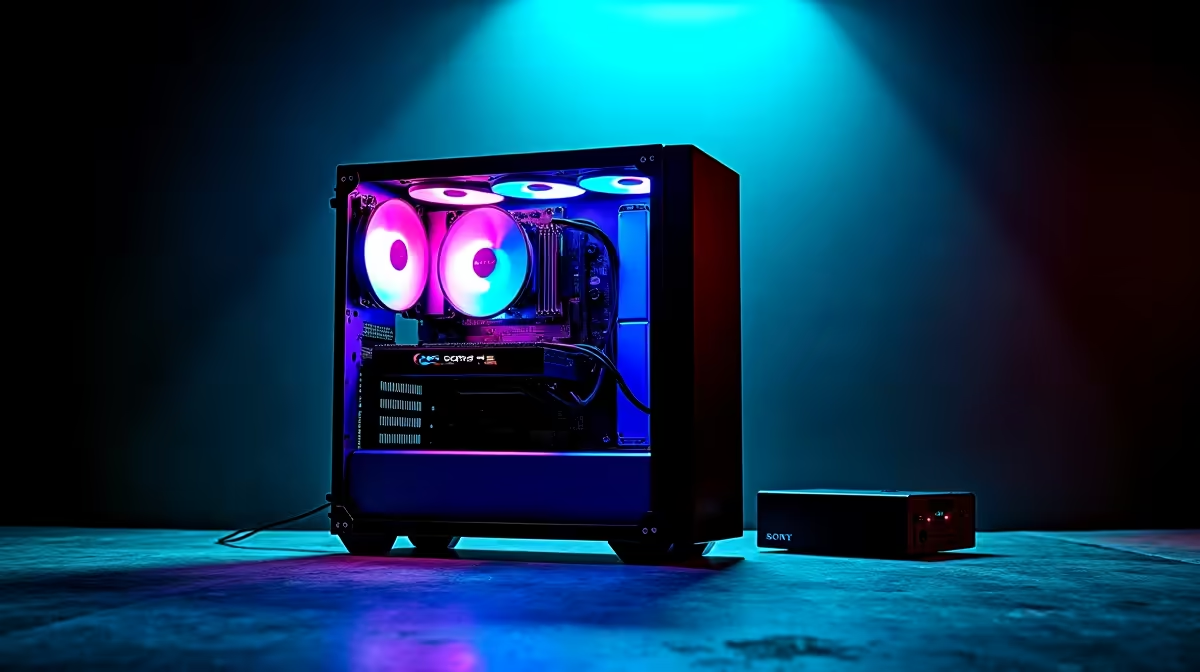
Gaming during peak-hours loadshedding in South Africa requires either a UPS, an inverter, or a generator capable of sustaining your PC's load. A desktop gaming PC typically draws 300 to 600 watts under load, meaning you need a substantial UPS or power solution - not a standard laptop UPS - to keep you online during scheduled cuts.
Loadshedding has become a daily reality for South African gamers, and peak hours (typically 6:00 to 10:00 and 18:00 to 22:00) overlap almost perfectly with prime gaming time. Whether you are mid-match in a competitive game or deep into a single-player save, getting cut off by an unannounced or extended stage is genuinely frustrating. The good news is that with the right power solution, gaming through loadshedding is completely achievable.
Before buying any power solution, you need to know how much wattage your gaming setup actually draws. A mid-range gaming PC with an RTX 4060 and a Ryzen 5 7600 might draw 250 to 350 watts under full gaming load. A high-end rig with an RTX 4090 can pull 500 to 700 watts. Add your monitor (20 to 80 watts), peripherals, and router if you need internet connectivity, and your total load becomes clearer. A standard 650 VA office UPS is not going to cut it for a gaming desktop - it is designed to give you 5 to 10 minutes to save and shut down, not to sustain gaming sessions. For genuine gaming continuity during loadshedding you need a pure sine wave inverter UPS or a home battery backup system rated well above your peak draw.
For desktop gaming through loadshedding, a line-interactive or online pure sine wave UPS in the 1500 VA to 3000 VA range is the most practical solution. These units typically come with sealed lead-acid or lithium batteries and can sustain a mid-range gaming PC for 30 to 90 minutes depending on load and battery capacity. Alternatively, many SA households have invested in solar and battery systems that output clean 220V power regardless of Eskom supply - these are ideal for gaming and eliminate the runtime limitation entirely. If you are on a laptop, the built-in battery already handles loadshedding up to the battery's capacity, making laptops inherently loadshedding-friendly for gamers.
Surge protection and voltage regulation matter as much as backup runtime. When Eskom power returns after a cut, voltage can spike briefly before stabilising. An AVR (Automatic Voltage Regulator) built into your UPS protects sensitive components from these surges. Never use a basic power strip as your only protection during loadshedding - the risk of surge damage to your GPU, motherboard, or storage is real. Make sure your UPS has surge protection rated for the equipment connected to it, and always plug your modem and router into the UPS too so your internet connection stays alive during cuts.
Q: How long can a UPS keep a gaming PC running during loadshedding? A: It depends on the UPS capacity and your PC's draw. A 1500 VA pure sine wave UPS with a 250-watt gaming PC might give you 30 to 45 minutes. A 3000 VA unit with larger batteries could sustain 60 to 90 minutes at that load. Online gaming needs router power too, so account for that in your calculations.
Q: Can I use a modified sine wave inverter with a gaming PC? A: It is not recommended. Gaming PCs with modern power supplies work best on pure sine wave output. Modified sine wave inverters can cause efficiency losses, coil whine, and in some cases stability issues or PSU damage over time.
Q: Is a solar battery backup better than a UPS for loadshedding? A: For long-term use and extended loadshedding stages (Stage 4 to 6), a home solar and battery system is far superior. It provides unlimited runtime as long as the battery holds charge and can power your entire setup - but the upfront cost in South Africa typically starts at R15,000 to R40,000 for a meaningful system.
Ready to Find Your Perfect Match? Shop Evetech's UPS and power solutions range to keep your gaming setup running through loadshedding.
Gaming During Peak Hours Load Shedding available at Evetech.co.za with local warranty and fast delivery.
Gaming During Peak Hours Load Shedding - check Evetech for latest stock and SA pricing.
Depends on your use case. Gaming During Peak Hours Load offers good value at current Rand pricing.
Headset Stock Levels in Bloemfontein: January. Current stock data & price tracking for SA buyers. See what is available and where prices are heading.
Read more
iMac for Medical Practice: Patient Management. SA-focused analysis with local pricing data, real-world insights & actionable buying advice.
Read more
RTX 5060 Fortnite Ultra Settings at 1080p: FPS. Real-world benchmark data, FPS numbers & performance analysis. What SA gamers can actually expect.
Read more
Headset Stock Levels in Cape Town: August Report. Current stock data & price tracking for SA buyers. See what is available and where prices are heading.
Read more
Eskom Load Shedding During Video Call: Solutions. SA-focused analysis with local pricing data, real-world insights & actionable buying advice.
Read more
LoL Performance on Extreme Gaming PC. Real-world benchmark data, FPS numbers & performance analysis. What SA gamers can actually expect.
Read more
Is a Ultra Short Throw Projector Good for Gaming?. Diagnosis steps, proven fixes & when to seek professional help. SA-specific support info included.

Is a Short Throw Projector Good for Gaming? Input. Diagnosis steps, proven fixes & when to seek professional help. SA-specific support info included.

Top Mouse Settings for Competitive FPS: Sensitivity picks evaluated on performance, value & SA availability with current Rand pricing from Evetech.

Top Speakers for MacBook Desk Setup picks evaluated on performance, value & SA availability with current Rand pricing from Evetech.

Is a Ergonomic Chair Better Than a Standard Office Chair for Gaming Detailed answer with SA data, expert analysis & practical recommendations for local buyers.

Use Spotlight Search Like a Pro on macOS. Step-by-step instructions with SA-specific tips, common pitfalls to avoid & expert recommendations.

wireless keyboard Fan Noise Too Loud: Quiet. Everything you need to know with SA pricing, step-by-step instructions & expert recommendations.

Connection Timeout: Troubleshooting Guide #2. Diagnosis steps, proven fixes & when to seek professional help. SA-specific support info included.
Headset Stock Levels in Bloemfontein: January. Current stock data & price tracking for SA buyers. See what is available and where prices are heading.
iMac for Medical Practice: Patient Management. SA-focused analysis with local pricing data, real-world insights & actionable buying advice.
RTX 5060 Fortnite Ultra Settings at 1080p: FPS. Real-world benchmark data, FPS numbers & performance analysis. What SA gamers can actually expect.
Headset Stock Levels in Cape Town: August Report. Current stock data & price tracking for SA buyers. See what is available and where prices are heading.