


Headset Stock Levels in Bloemfontein: January 2026 Report
Headset Stock Levels in Bloemfontein: January. Current stock data & price tracking for SA buyers. See what is available and where prices are heading.
Read moreGPU Temperature During Web Browsing: Normal Detailed answer with SA data, expert analysis & practical recommendations for local buyers.
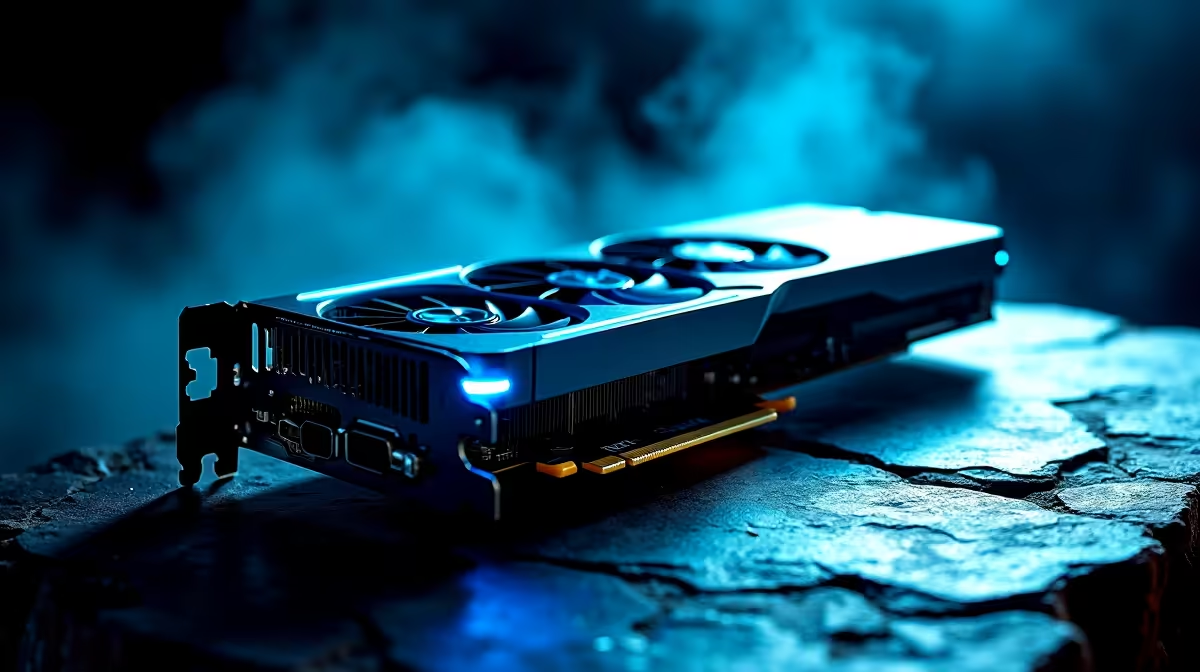
You are chilling on a Sunday afternoon... browsing YouTube and reading up on the latest tech news. Suddenly, you hear your fans spin up. You check your system stats and see your graphics card getting warm. Is a high GPU temperature during web browsing normal, or is your rig about to melt? Let us break down what to expect from your system before you panic.
Most modern graphics cards are designed to run warm. If you are just scrolling through social media or watching streams, your GPU temperature during web browsing should sit between 30°C and 55°C. Many modern cards feature a zero-RPM mode. The fans will not even spin until the card hits around 60°C. This keeps your room quiet but means idle temps look higher than expected. If you are looking to buy graphics cards with massive heatsinks, you will notice they handle these passive loads effortlessly.
Browsers like Chrome and Edge use hardware acceleration. They offload tasks like rendering high-resolution videos and animations directly to your graphics chip. This makes your browsing experience buttery smooth... but it does generate heat. If you are running multiple 4K monitors, your idle temps will naturally be higher. Even the beefiest rigs from our best gaming PC deals will show a slight temp bump when hardware acceleration kicks in.
We all know how brutal a South African summer can be. When your room temperature hits 35°C, your PC components will run hotter. Ambient temperature plays a massive role in cooling efficiency. If you are rocking an older system in a stuffy room, those temps will climb fast. Sometimes, upgrading to a system with optimised airflow is the best fix. You can find excellent airflow setups in our pre-built PC deals that handle local heatwaves perfectly.
If your GPU temperature during web browsing consistently crosses 60°C, it is time for some basic maintenance. Dust buildup is the number one killer of PC hardware. Give your case a good clean with compressed air. Also, consider checking your custom fan curves using software like MSI Afterburner. A slightly more aggressive fan curve can drop temps instantly.
If your browser is pushing your GPU too hard, simply turn off 'Hardware Acceleration' in your browser settings. This forces your CPU to do the heavy lifting... which is great if you have a powerful processor but want to keep your graphics card icy cold.
Keep in mind that gaming laptops naturally run hotter than desktops due to their compact chassis. If you are working on a portable machine, elevate the back to improve intake airflow. Need a cooler portable setup? Check out our premium notebooks for sale in South Africa.
Finally, if your hardware is simply too old, the thermal paste may have dried to dust. Replacing it can cost very little in ZAR but saves your chip. If you would rather skip the DIY repair, it might be time to upgrade. Keep an eye on our weekly specials to save thousands of Rands on fresh, icy-cool gear.
Ready to Upgrade Your Setup? Do not let overheating hardware ruin your gaming or browsing experience. Whether you need a cooler graphics card or a completely new rig built for the South African climate, we have you covered. Explore our massive range of PC specials and find the perfect machine to conquer your world.
GPU Temperature During Web Browsing: Nor available at Evetech.co.za with local warranty and fast delivery.
GPU Temperature During Web Browsing: Nor - check Evetech for latest stock and SA pricing.
Depends on your use case. GPU Temperature During Web Bro offers good value at current Rand pricing.
Headset Stock Levels in Bloemfontein: January. Current stock data & price tracking for SA buyers. See what is available and where prices are heading.
Read more
iMac for Medical Practice: Patient Management. SA-focused analysis with local pricing data, real-world insights & actionable buying advice.
Read more
RTX 5060 Fortnite Ultra Settings at 1080p: FPS. Real-world benchmark data, FPS numbers & performance analysis. What SA gamers can actually expect.
Read more
Headset Stock Levels in Cape Town: August Report. Current stock data & price tracking for SA buyers. See what is available and where prices are heading.
Read more
Eskom Load Shedding During Video Call: Solutions. SA-focused analysis with local pricing data, real-world insights & actionable buying advice.
Read more
LoL Performance on Extreme Gaming PC. Real-world benchmark data, FPS numbers & performance analysis. What SA gamers can actually expect.
Read more
Is a Ultra Short Throw Projector Good for Gaming?. Diagnosis steps, proven fixes & when to seek professional help. SA-specific support info included.

Is a Short Throw Projector Good for Gaming? Input. Diagnosis steps, proven fixes & when to seek professional help. SA-specific support info included.

Top Mouse Settings for Competitive FPS: Sensitivity picks evaluated on performance, value & SA availability with current Rand pricing from Evetech.

Top Speakers for MacBook Desk Setup picks evaluated on performance, value & SA availability with current Rand pricing from Evetech.

Is a Ergonomic Chair Better Than a Standard Office Chair for Gaming Detailed answer with SA data, expert analysis & practical recommendations for local buyers.

Use Spotlight Search Like a Pro on macOS. Step-by-step instructions with SA-specific tips, common pitfalls to avoid & expert recommendations.

wireless keyboard Fan Noise Too Loud: Quiet. Everything you need to know with SA pricing, step-by-step instructions & expert recommendations.

Connection Timeout: Troubleshooting Guide #2. Diagnosis steps, proven fixes & when to seek professional help. SA-specific support info included.
Headset Stock Levels in Bloemfontein: January. Current stock data & price tracking for SA buyers. See what is available and where prices are heading.
iMac for Medical Practice: Patient Management. SA-focused analysis with local pricing data, real-world insights & actionable buying advice.
RTX 5060 Fortnite Ultra Settings at 1080p: FPS. Real-world benchmark data, FPS numbers & performance analysis. What SA gamers can actually expect.
Headset Stock Levels in Cape Town: August Report. Current stock data & price tracking for SA buyers. See what is available and where prices are heading.