


Headset Stock Levels in Bloemfontein: January 2026 Report
Headset Stock Levels in Bloemfontein: January. Current stock data & price tracking for SA buyers. See what is available and where prices are heading.
Read moreHeadset Glossary: Every Term You Need. Plain-English explanation of what it means, why it matters & how it affects your buying decisions in SA.
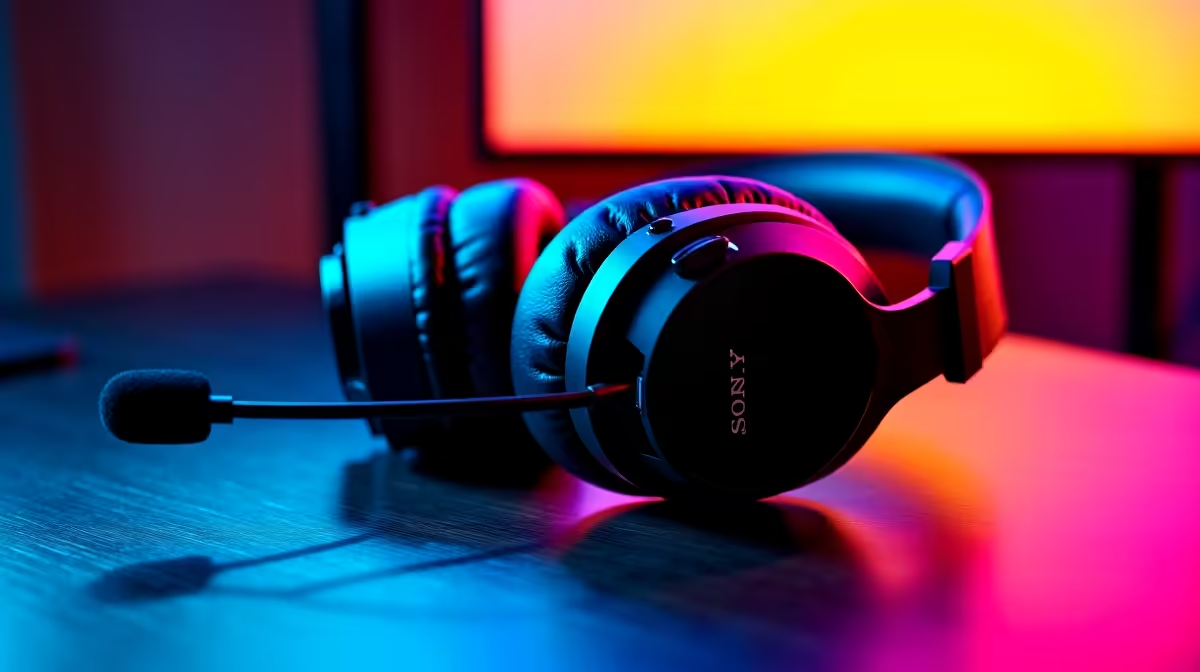
Shopping for audio gear in South Africa can feel like reading another language. You just want to hear enemy footsteps or enjoy crisp dialogue in your favourite RPG. Instead, you face jargon like impedance and frequency response. If you are tired of guessing, you are in the right place. Welcome to your ultimate headset glossary... every term you need explained simply.
Let us start with the absolute basics. When you browse the latest gaming headsets, you will spot a few recurring specifications on the box.
Drivers: Think of drivers as the tiny speakers inside your earcups. They convert electrical signals into sound waves. Larger drivers... usually 40mm or 50mm... generally produce better bass and louder volume.
Frequency Response: This measures the range of sounds a headset can reproduce. The standard is 20Hz to 20,000Hz. This covers the entire spectrum of human hearing. Deeper bass sits at the lower end while crisp treble lives at the top.
Impedance: Measured in ohms, this dictates how much electrical power your headset needs to deliver decent volume. Most standard headsets sit around 32 ohms. This makes them perfect to plug straight into your motherboard. If you grab one of our best gaming PC deals, the onboard audio will drive these perfectly without needing an external amplifier.
Virtual Surround Sound: You will often see 7.1 surround sound advertised. This uses software to trick your brain into hearing directional audio. It is crucial for competitive shooters where pinpointing an enemy location means the difference between a win and a loss.
Active Noise Cancellation (ANC): ANC uses built-in microphones to listen to background noise. It then creates inverse waves to cancel that noise out. It is brilliant for noisy environments.
Cardioid Microphones: This refers to the pickup pattern. A cardioid mic only captures sound from the front. It ignores the sides and back. Your squad will hear your callouts instead of your mechanical keyboard clacking.
Pairing a solid cardioid headset with one of our pre-built PC deals guarantees a premium plug-and-play experience. Alternatively, if you game on the go, our high-performance laptops offer incredible audio software integration to fine-tune your microphone settings.
Closed-Back vs Open-Back: Closed-back headsets seal the sound inside. They block out external noise and boost bass punch. Most competitive gamers prefer this design to stay focused during intense LAN tournaments.
Open-back headsets feature perforated earcups. This allows air and sound to pass through freely. They offer a wider, more natural soundstage but they will leak audio into your room.
Understanding this headset glossary makes upgrading much easier. Before you spend your hard-earned ZAR, keep an eye on our weekly tech specials to score premium audio gear at unbeatable prices.
Always download the dedicated software for your headset. Brands like Logitech and Razer offer companion apps that let you adjust EQ settings, tweak mic monitoring, and enable spatial audio for maximum immersion.
Ready to Upgrade Your Audio Arsenal? Now that you speak the language of premium sound, it is time to find the perfect headset for your setup. Explore our massive range of gaming headsets and experience true audio immersion today.
Headset Glossary: Every Term You Need available at Evetech.co.za with local warranty and fast delivery.
Headset Glossary: Every Term You Need - check Evetech for latest stock and SA pricing.
Depends on your use case. Headset Glossary: Every Term Y offers good value at current Rand pricing.
Headset Stock Levels in Bloemfontein: January. Current stock data & price tracking for SA buyers. See what is available and where prices are heading.
Read more
iMac for Medical Practice: Patient Management. SA-focused analysis with local pricing data, real-world insights & actionable buying advice.
Read more
RTX 5060 Fortnite Ultra Settings at 1080p: FPS. Real-world benchmark data, FPS numbers & performance analysis. What SA gamers can actually expect.
Read more
Headset Stock Levels in Cape Town: August Report. Current stock data & price tracking for SA buyers. See what is available and where prices are heading.
Read more
Eskom Load Shedding During Video Call: Solutions. SA-focused analysis with local pricing data, real-world insights & actionable buying advice.
Read more
LoL Performance on Extreme Gaming PC. Real-world benchmark data, FPS numbers & performance analysis. What SA gamers can actually expect.
Read more
Is a Ultra Short Throw Projector Good for Gaming?. Diagnosis steps, proven fixes & when to seek professional help. SA-specific support info included.

Is a Short Throw Projector Good for Gaming? Input. Diagnosis steps, proven fixes & when to seek professional help. SA-specific support info included.

Top Mouse Settings for Competitive FPS: Sensitivity picks evaluated on performance, value & SA availability with current Rand pricing from Evetech.

Top Speakers for MacBook Desk Setup picks evaluated on performance, value & SA availability with current Rand pricing from Evetech.

Is a Ergonomic Chair Better Than a Standard Office Chair for Gaming Detailed answer with SA data, expert analysis & practical recommendations for local buyers.

Use Spotlight Search Like a Pro on macOS. Step-by-step instructions with SA-specific tips, common pitfalls to avoid & expert recommendations.

wireless keyboard Fan Noise Too Loud: Quiet. Everything you need to know with SA pricing, step-by-step instructions & expert recommendations.

Connection Timeout: Troubleshooting Guide #2. Diagnosis steps, proven fixes & when to seek professional help. SA-specific support info included.
Headset Stock Levels in Bloemfontein: January. Current stock data & price tracking for SA buyers. See what is available and where prices are heading.
iMac for Medical Practice: Patient Management. SA-focused analysis with local pricing data, real-world insights & actionable buying advice.
RTX 5060 Fortnite Ultra Settings at 1080p: FPS. Real-world benchmark data, FPS numbers & performance analysis. What SA gamers can actually expect.
Headset Stock Levels in Cape Town: August Report. Current stock data & price tracking for SA buyers. See what is available and where prices are heading.