


Headset Stock Levels in Bloemfontein: January 2026 Report
Headset Stock Levels in Bloemfontein: January. Current stock data & price tracking for SA buyers. See what is available and where prices are heading.
Read moreHigh GPU Memory Temperature: VRAM Cooling. Heat causes, diagnostic steps & cooling upgrades tested in SA summer conditions.
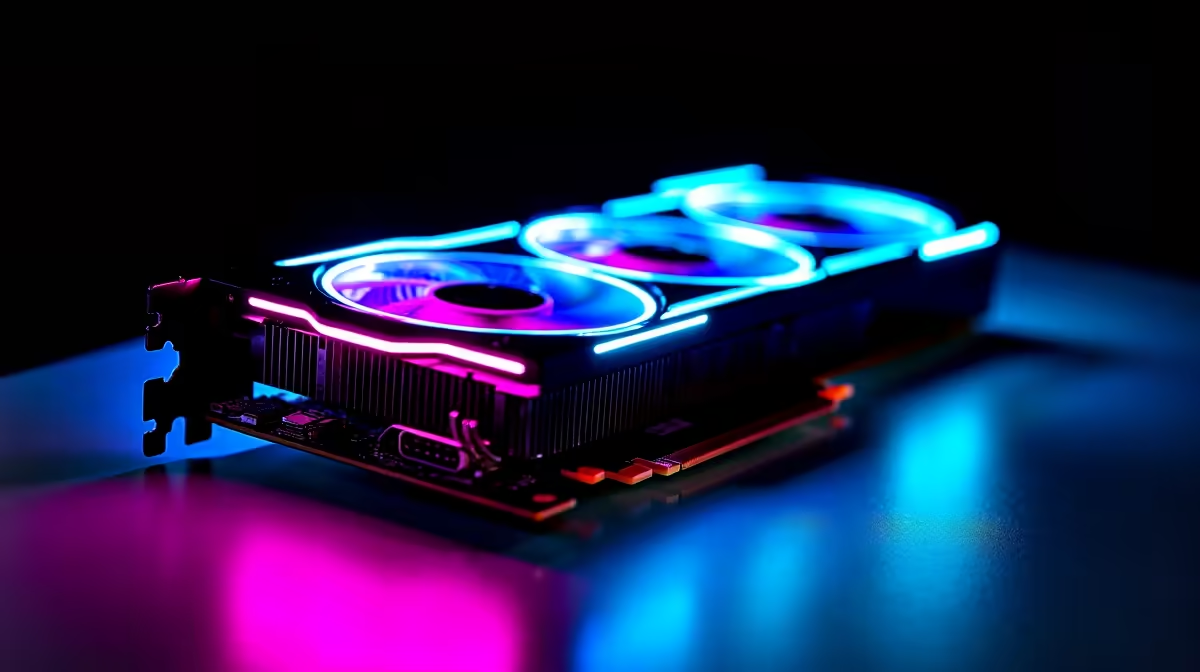
You are mid-raid or pushing high frames in Cyberpunk, and suddenly... stuttering. You check your hardware stats. Your core temp is perfectly fine, but your memory is absolutely cooking. High GPU memory temperature is a silent performance killer for South African gamers, especially during our scorching summer months. Let us look at effective VRAM cooling strategies to keep your rig running icy cold. ⚡
Modern graphics memory like GDDR6X pushes massive amounts of data to render high-resolution textures. This intense workload generates serious heat. If your memory junctions hit 100°C or more, your card will automatically throttle its clock speeds to protect the silicon. This means you get dropped frames right when you need them most. Upgrading to one of the latest graphics cards with massive triple-fan coolers often solves this natively, as they feature dedicated cooling plates for the memory modules.
Sometimes the issue is not the graphics card itself... it is the hot air trapped inside your chassis. Good VRAM cooling starts with excellent case ventilation. If your intake fans are struggling, your GPU simply recycles its own hot exhaust. Consider pairing your setup with premium CPU coolers and high-static pressure case fans. This ensures a steady stream of fresh, cool air sweeps across your motherboard components.
If you are confident with electronics, replacing the stock thermal pads on your GPU memory modules can drop temperatures by up to 15°C. Just be sure to measure the exact thickness required for your specific card model before opening it up!
Your internal layout also plays a massive role in ambient case temperatures. Overcrowded components heavily restrict airflow. While upgrading your system RAM, ensure your memory sticks are not blocking the front intake fans. Keeping your build incredibly tidy with proper cable management goes a very long way in preventing high GPU memory temperature issues. Do not let rogue cables choke your fans.
Before you open your PC case, try customising your hardware via software. Applications like MSI Afterburner let you create aggressive fan curves. Ramping up your fans a bit earlier can prevent heat from building up in the first place. You can also slightly underclock your memory if you are experiencing severe artifacting. This reduces power draw and lowers temps without drastically impacting your overall frame rates. ✨
Tuning custom fan curves and applying aftermarket thermal paste is not for everyone. If you want guaranteed thermal performance without the DIY stress, exploring pre-built PC deals is a brilliant route. These systems are stress-tested by professionals to handle extreme South African climates. Alternatively, if you want a custom rig that is perfectly balanced for maximum airflow and cooling, check out our curated gaming PC deals starting from just R11,999. You get the performance you crave without the thermal headaches. 🚀
Ready to Freeze Your Framerates in Place? Do not let high GPU memory temperature throttle your next gaming session. Whether you need better airflow, a massive cooler, or a completely new rig, Evetech has the hardware to keep your temps low and your frames high. Explore our massive range of PC components and upgrade your cooling today.
High GPU Memory Temperature: VRAM Coolin available at Evetech.co.za with local warranty and fast delivery.
High GPU Memory Temperature: VRAM Coolin - check Evetech for latest stock and SA pricing.
Depends on your use case. High GPU Memory Temperature: V offers good value at current Rand pricing.
Headset Stock Levels in Bloemfontein: January. Current stock data & price tracking for SA buyers. See what is available and where prices are heading.
Read more
iMac for Medical Practice: Patient Management. SA-focused analysis with local pricing data, real-world insights & actionable buying advice.
Read more
RTX 5060 Fortnite Ultra Settings at 1080p: FPS. Real-world benchmark data, FPS numbers & performance analysis. What SA gamers can actually expect.
Read more
Headset Stock Levels in Cape Town: August Report. Current stock data & price tracking for SA buyers. See what is available and where prices are heading.
Read more
Eskom Load Shedding During Video Call: Solutions. SA-focused analysis with local pricing data, real-world insights & actionable buying advice.
Read more
LoL Performance on Extreme Gaming PC. Real-world benchmark data, FPS numbers & performance analysis. What SA gamers can actually expect.
Read more
Is a Ultra Short Throw Projector Good for Gaming?. Diagnosis steps, proven fixes & when to seek professional help. SA-specific support info included.

Is a Short Throw Projector Good for Gaming? Input. Diagnosis steps, proven fixes & when to seek professional help. SA-specific support info included.

Top Mouse Settings for Competitive FPS: Sensitivity picks evaluated on performance, value & SA availability with current Rand pricing from Evetech.

Top Speakers for MacBook Desk Setup picks evaluated on performance, value & SA availability with current Rand pricing from Evetech.

Is a Ergonomic Chair Better Than a Standard Office Chair for Gaming Detailed answer with SA data, expert analysis & practical recommendations for local buyers.

Use Spotlight Search Like a Pro on macOS. Step-by-step instructions with SA-specific tips, common pitfalls to avoid & expert recommendations.

wireless keyboard Fan Noise Too Loud: Quiet. Everything you need to know with SA pricing, step-by-step instructions & expert recommendations.

Connection Timeout: Troubleshooting Guide #2. Diagnosis steps, proven fixes & when to seek professional help. SA-specific support info included.
Headset Stock Levels in Bloemfontein: January. Current stock data & price tracking for SA buyers. See what is available and where prices are heading.
iMac for Medical Practice: Patient Management. SA-focused analysis with local pricing data, real-world insights & actionable buying advice.
RTX 5060 Fortnite Ultra Settings at 1080p: FPS. Real-world benchmark data, FPS numbers & performance analysis. What SA gamers can actually expect.
Headset Stock Levels in Cape Town: August Report. Current stock data & price tracking for SA buyers. See what is available and where prices are heading.