


Headset Stock Levels in Bloemfontein: January 2026 Report
Headset Stock Levels in Bloemfontein: January. Current stock data & price tracking for SA buyers. See what is available and where prices are heading.
Read morei7-14700K BIOS Update Required: Installation. SA-focused analysis with local pricing data, real-world insights & actionable buying advice.
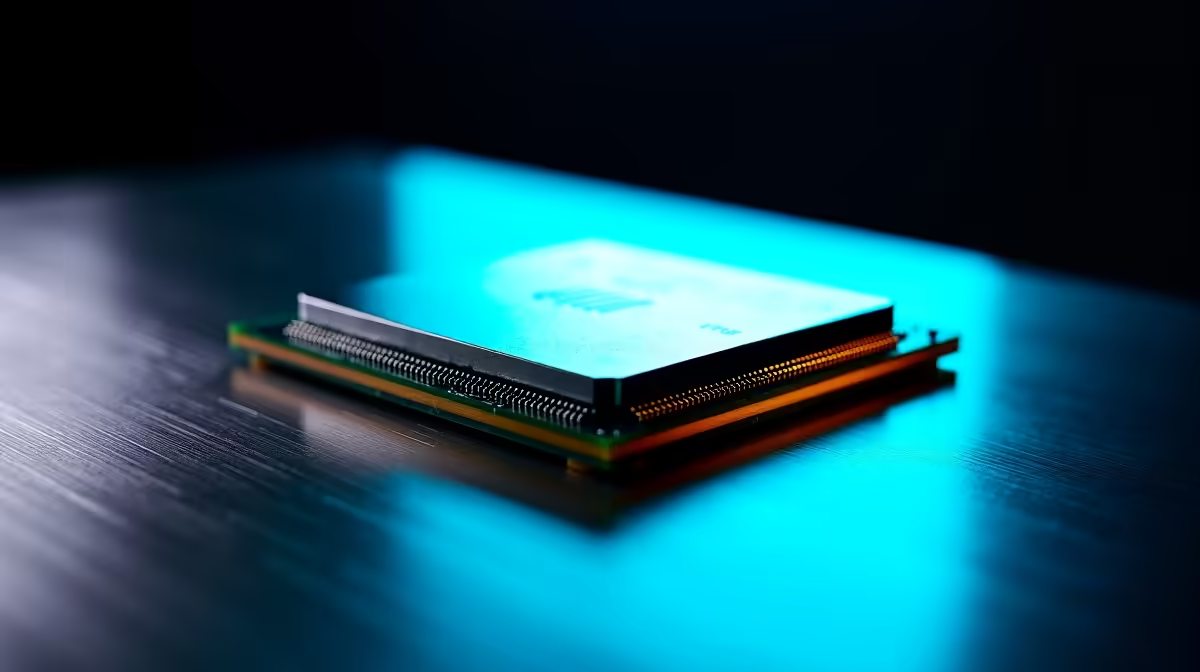
The Intel Core i7-14700K needs an updated BIOS on most Z790, B760, and H770 boards before it will POST. Flash the latest BIOS using a 13th-gen CPU, USB BIOS Flashback, or pick a board pre-flashed by Evetech to avoid the chicken-and-egg problem.
The i7-14700K shipped after most LGA1700 boards launched, so factory BIOS won't recognise the CPU and you get a blank screen on first boot. Intel released microcode updates that fix Raptor Lake voltage stability issues too, so even if your board powers on, an old BIOS may cause crashes under load. Always flash to the manufacturer's latest stable release before locking in the i7-14700K.
USB BIOS Flashback is the easiest path: download the BIOS from the board manufacturer's SA-friendly site, rename per their instructions, drop on a FAT32 USB stick, plug into the Flashback port, and hit the button. No CPU or RAM needed. Option two: borrow a 12th or 13th-gen CPU to boot, update through the EZ Flash or M-Flash utility, then swap. Option three: order from Evetech where pre-built bundles arrive with the latest BIOS already flashed.
Format a USB stick to FAT32. Download the latest BIOS from MSI, ASUS, Gigabyte, or ASRock support. Rename the file to whatever your board requires (MSI.ROM, GIGABYTE.BIN, etc.). Plug only the 24-pin and 8-pin power into the board, no CPU, no RAM, no GPU needed. Insert the USB into the dedicated Flashback port (usually labelled). Press and hold the Flashback button for 3 seconds. Wait 4-6 minutes for the LED to stop flashing. Done.
Use USB BIOS Flashback if your board supports it (most Z790 and B760 boards do), or borrow a 13th-gen CPU temporarily to flash through the BIOS utility. Avoid Windows-based flash tools, they're more prone to corrupting the BIOS if power dips during loadshedding.
Same as global, the BIOS update requirement is universal. SA buyers benefit from Evetech pre-flashing boards on request and from local warranty if the flash bricks the board. International grey imports leave you without that safety net.
Yes, with full Intel SA warranty and the option to bundle with a pre-flashed motherboard so you skip the BIOS dance entirely. Free courier delivery nationwide and 2-3 working day shipping to major metros.
Ready to Find Your Perfect Match? Order a pre-flashed i7-14700K bundle today. Browse gaming PC deals
i7-14700K BIOS Update Required: Installa available at Evetech.co.za with local warranty and fast delivery.
i7-14700K BIOS Update Required: Installa - check Evetech for latest stock and SA pricing.
Depends on your use case. i7-14700K BIOS Update Required offers good value at current Rand pricing.
Headset Stock Levels in Bloemfontein: January. Current stock data & price tracking for SA buyers. See what is available and where prices are heading.
Read more
iMac for Medical Practice: Patient Management. SA-focused analysis with local pricing data, real-world insights & actionable buying advice.
Read more
RTX 5060 Fortnite Ultra Settings at 1080p: FPS. Real-world benchmark data, FPS numbers & performance analysis. What SA gamers can actually expect.
Read more
Headset Stock Levels in Cape Town: August Report. Current stock data & price tracking for SA buyers. See what is available and where prices are heading.
Read more
Eskom Load Shedding During Video Call: Solutions. SA-focused analysis with local pricing data, real-world insights & actionable buying advice.
Read more
LoL Performance on Extreme Gaming PC. Real-world benchmark data, FPS numbers & performance analysis. What SA gamers can actually expect.
Read more
Is a Ultra Short Throw Projector Good for Gaming?. Diagnosis steps, proven fixes & when to seek professional help. SA-specific support info included.

Is a Short Throw Projector Good for Gaming? Input. Diagnosis steps, proven fixes & when to seek professional help. SA-specific support info included.

Top Mouse Settings for Competitive FPS: Sensitivity picks evaluated on performance, value & SA availability with current Rand pricing from Evetech.

Top Speakers for MacBook Desk Setup picks evaluated on performance, value & SA availability with current Rand pricing from Evetech.

Is a Ergonomic Chair Better Than a Standard Office Chair for Gaming Detailed answer with SA data, expert analysis & practical recommendations for local buyers.

Use Spotlight Search Like a Pro on macOS. Step-by-step instructions with SA-specific tips, common pitfalls to avoid & expert recommendations.

wireless keyboard Fan Noise Too Loud: Quiet. Everything you need to know with SA pricing, step-by-step instructions & expert recommendations.

Connection Timeout: Troubleshooting Guide #2. Diagnosis steps, proven fixes & when to seek professional help. SA-specific support info included.
Headset Stock Levels in Bloemfontein: January. Current stock data & price tracking for SA buyers. See what is available and where prices are heading.
iMac for Medical Practice: Patient Management. SA-focused analysis with local pricing data, real-world insights & actionable buying advice.
RTX 5060 Fortnite Ultra Settings at 1080p: FPS. Real-world benchmark data, FPS numbers & performance analysis. What SA gamers can actually expect.
Headset Stock Levels in Cape Town: August Report. Current stock data & price tracking for SA buyers. See what is available and where prices are heading.