


Headset Stock Levels in Bloemfontein: January 2026 Report
Headset Stock Levels in Bloemfontein: January. Current stock data & price tracking for SA buyers. See what is available and where prices are heading.
Read moreIs My GPU Dying? Age Check. SA-focused analysis with local pricing data, real-world insights & actionable buying advice.
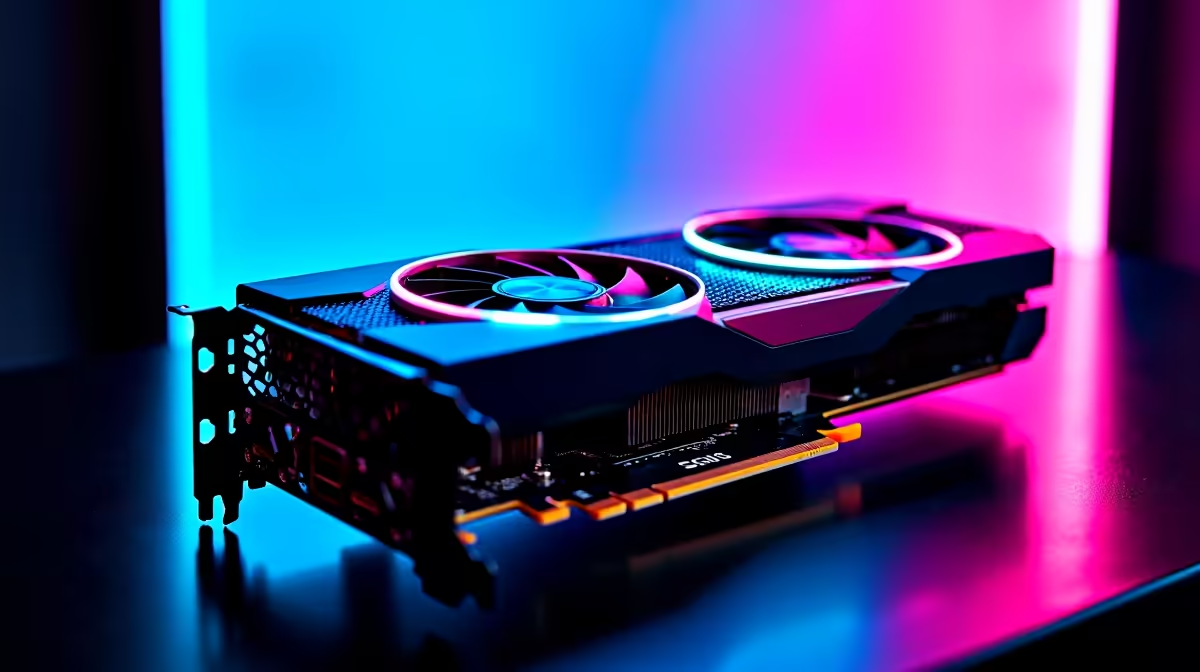
If your GPU is showing signs of struggle, it might be time to ask: Is my GPU dying? Age and heavy use eventually take their toll, especially on gaming rigs running demanding titles. South African gamers often push their graphics cards to the limit, hunting for every frame per second. When games start stuttering or your fps tanks, don’t just blame the update—your GPU could be aging.
Tracking your GPU’s health means more than guessing. Let’s explore how to check if your card is reaching its expiry date and what to do to stay ahead.
Graphics cards usually last 3 to 5 years under regular gaming loads. If your rig’s rocking an older card, performance dips are expected. Dust buildup, thermal paste drying, and hardware wear can cause throttling or crashes. Here’s what you can check:
In South Africa, environmental factors like dust and inconsistent power can also affect your GPU's longevity. Regularly cleaning your system and using surge protectors can help extend life.
Don't rush to replace your GPU just yet. Simple maintenance can keep your card healthy and your wallet intact:
Play around with fan settings using free apps like MSI Afterburner—it’s a small tweak that cools your card and can boost lifespan.
If you end up needing an upgrade, look for deals on best gaming PC builds or shop graphics cards designed to suit South African gamers’ needs. Evetech’s collection caters to those wanting solid performance without breaking the bank.
A fresh GPU will breathe new life into your system. Given fluctuating rand prices, it pays to shop smart. Check out the latest graphics cards available in South Africa—with brands from NVIDIA and AMD providing solid options from entry-level to high-end.
Want to skip the hassle of building yourself? Pre-built PC deals offer rigs optimised for gaming with balanced specs and warranties.
If mobility is key, browse through notebooks for sale that house capable GPUs, providing gaming-on-the-go with solid battery life.
Don’t forget to regularly check Evetech’s specials — you might snag excellent deals to upgrade your gaming setup.
Age check isn’t just about when to ditch your GPU but how to prepare. Back up your system data and plan your upgrade budget ahead. Also, consider selling your older card while it still has some market value—there’s a niche of budget-conscious South African gamers who’d love a second-hand deal.
Is your system showing signs of GPU decline? It’s worth acting sooner rather than later to keep enjoying the latest games smoothly. Your new build awaits.
Future-proof Your Gaming Setup Today Take control of your gaming experience with the latest graphics cards and PC deals. Shop now at Evetech for performance that leaves lag in the dust.
Is My GPU Dying? Age Check available at Evetech.co.za with local warranty and fast delivery.
Is My GPU Dying? Age Check - check Evetech for latest stock and SA pricing.
Depends on your use case. Is My GPU Dying? Age Check offers good value at current Rand pricing.
Headset Stock Levels in Bloemfontein: January. Current stock data & price tracking for SA buyers. See what is available and where prices are heading.
Read more
iMac for Medical Practice: Patient Management. SA-focused analysis with local pricing data, real-world insights & actionable buying advice.
Read more
RTX 5060 Fortnite Ultra Settings at 1080p: FPS. Real-world benchmark data, FPS numbers & performance analysis. What SA gamers can actually expect.
Read more
Headset Stock Levels in Cape Town: August Report. Current stock data & price tracking for SA buyers. See what is available and where prices are heading.
Read more
Eskom Load Shedding During Video Call: Solutions. SA-focused analysis with local pricing data, real-world insights & actionable buying advice.
Read more
LoL Performance on Extreme Gaming PC. Real-world benchmark data, FPS numbers & performance analysis. What SA gamers can actually expect.
Read more
Is a Ultra Short Throw Projector Good for Gaming?. Diagnosis steps, proven fixes & when to seek professional help. SA-specific support info included.

Is a Short Throw Projector Good for Gaming? Input. Diagnosis steps, proven fixes & when to seek professional help. SA-specific support info included.

Top Mouse Settings for Competitive FPS: Sensitivity picks evaluated on performance, value & SA availability with current Rand pricing from Evetech.

Top Speakers for MacBook Desk Setup picks evaluated on performance, value & SA availability with current Rand pricing from Evetech.

Is a Ergonomic Chair Better Than a Standard Office Chair for Gaming Detailed answer with SA data, expert analysis & practical recommendations for local buyers.

Use Spotlight Search Like a Pro on macOS. Step-by-step instructions with SA-specific tips, common pitfalls to avoid & expert recommendations.

wireless keyboard Fan Noise Too Loud: Quiet. Everything you need to know with SA pricing, step-by-step instructions & expert recommendations.

Connection Timeout: Troubleshooting Guide #2. Diagnosis steps, proven fixes & when to seek professional help. SA-specific support info included.
Headset Stock Levels in Bloemfontein: January. Current stock data & price tracking for SA buyers. See what is available and where prices are heading.
iMac for Medical Practice: Patient Management. SA-focused analysis with local pricing data, real-world insights & actionable buying advice.
RTX 5060 Fortnite Ultra Settings at 1080p: FPS. Real-world benchmark data, FPS numbers & performance analysis. What SA gamers can actually expect.
Headset Stock Levels in Cape Town: August Report. Current stock data & price tracking for SA buyers. See what is available and where prices are heading.