


Headset Stock Levels in Bloemfontein: January 2026 Report
Headset Stock Levels in Bloemfontein: January. Current stock data & price tracking for SA buyers. See what is available and where prices are heading.
Read moreKOSPET Offline Maps Feature: GPS Navigation. SA-focused analysis with local pricing data, real-world insights & actionable buying advice.
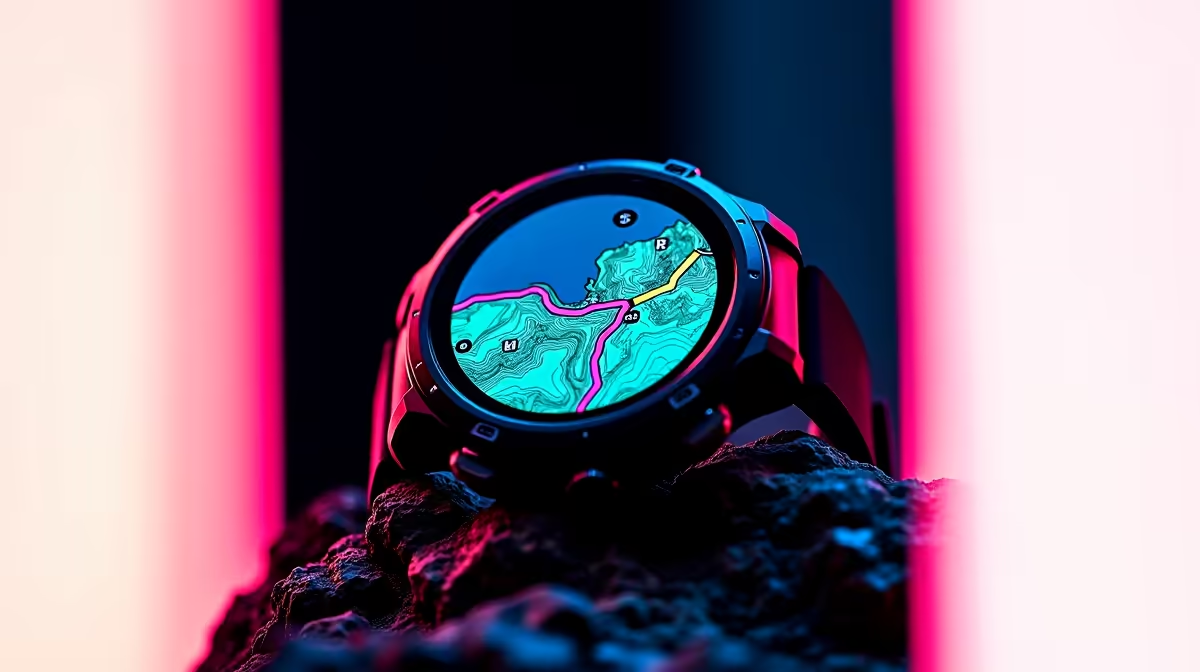
Data coverage in South Africa remains inconsistent outside major urban centres, making offline navigation capability a practical requirement rather than a luxury feature for many users. KOSPET smartwatches have gained traction in the SA market partly because of their GPS functionality, and the question of how well their offline maps feature actually works in local conditions is one that comes up regularly.
KOSPET smartwatches with built-in GPS support offline map caching through their companion app, allowing you to pre-download map tiles for a selected region before leaving areas with data coverage. Once cached, the watch can display your position on the stored map without any cellular or Wi-Fi connection. Coverage quality depends on the map source used - OpenStreetMap-based tiles generally offer good SA coverage for trails and secondary roads, while urban areas are well represented across all sources.
KOSPET's offline map functionality operates through the companion smartphone app (typically KOSPET Fit or a branded variant). Before heading out, you open the app while connected to Wi-Fi, select the region you want to cache - this can range from a single suburb to an entire province depending on storage limits - and initiate the download. The watch then stores compressed map tiles in its internal memory. During use, the watch's GPS receiver locks onto satellite signals independently of your phone, and your position is overlaid on the cached tiles in real time. No data connection is required at any point during navigation once the tiles are cached.
For urban navigation in Johannesburg, Cape Town, Durban, and Pretoria, offline map coverage is excellent. Secondary roads, township areas, and suburban routes are well mapped. Trail running and hiking in areas like the Drakensberg, Cape Point, or the Magaliesberg benefit significantly from pre-cached maps, as cellular dead zones make real-time data navigation unreliable. Farmers and outdoor workers in rural provinces find the offline feature particularly useful. The main limitation is map tile age - cached tiles do not update automatically offline, so newly developed areas may show outdated road layouts.
Download your region maps over Wi-Fi the evening before any trip where connectivity is uncertain. Select a slightly larger area than you think you need - it is easy to underestimate how far off-route you might go. Keep the watch charged above 30% before extended GPS use, as continuous satellite tracking drains the battery significantly faster than normal use. If you are pairing your KOSPET watch with a smartphone for logging, check out smart watches available at Evetech for compatible devices.
Q: Does KOSPET GPS work without a phone nearby? A: Yes. KOSPET models with built-in GPS (not GPS-assisted) lock onto satellites independently. Your phone is only needed to pre-download maps and sync data after the session.
Q: How much storage do offline maps use on a KOSPET watch? A: This depends on the region size and tile detail level. A medium SA city area typically uses 100–300MB. Check your specific model's available internal storage before downloading large regions.
Q: Can I use KOSPET offline maps for trail running in the Drakensberg? A: Yes, with pre-cached tiles. Download the relevant section of the Drakensberg over Wi-Fi before your trip. OpenStreetMap-sourced tiles have reasonable trail coverage in most popular hiking areas.
Evetech stocks Graphics Card Deals and Evetech Best Sellers — shop online with fast delivery across South Africa.
Ready to Find Your Perfect Match? Explore Tech Deals at Evetech
KOSPET Offline Maps Feature: GPS Navigat available at Evetech.co.za with local warranty and fast delivery.
KOSPET Offline Maps Feature: GPS Navigat - check Evetech for latest stock and SA pricing.
Depends on your use case. KOSPET Offline Maps Feature: G offers good value at current Rand pricing.
Headset Stock Levels in Bloemfontein: January. Current stock data & price tracking for SA buyers. See what is available and where prices are heading.
Read more
iMac for Medical Practice: Patient Management. SA-focused analysis with local pricing data, real-world insights & actionable buying advice.
Read more
RTX 5060 Fortnite Ultra Settings at 1080p: FPS. Real-world benchmark data, FPS numbers & performance analysis. What SA gamers can actually expect.
Read more
Headset Stock Levels in Cape Town: August Report. Current stock data & price tracking for SA buyers. See what is available and where prices are heading.
Read more
Eskom Load Shedding During Video Call: Solutions. SA-focused analysis with local pricing data, real-world insights & actionable buying advice.
Read more
LoL Performance on Extreme Gaming PC. Real-world benchmark data, FPS numbers & performance analysis. What SA gamers can actually expect.
Read more
Is a Ultra Short Throw Projector Good for Gaming?. Diagnosis steps, proven fixes & when to seek professional help. SA-specific support info included.

Is a Short Throw Projector Good for Gaming? Input. Diagnosis steps, proven fixes & when to seek professional help. SA-specific support info included.

Top Mouse Settings for Competitive FPS: Sensitivity picks evaluated on performance, value & SA availability with current Rand pricing from Evetech.

Top Speakers for MacBook Desk Setup picks evaluated on performance, value & SA availability with current Rand pricing from Evetech.

Is a Ergonomic Chair Better Than a Standard Office Chair for Gaming Detailed answer with SA data, expert analysis & practical recommendations for local buyers.

Use Spotlight Search Like a Pro on macOS. Step-by-step instructions with SA-specific tips, common pitfalls to avoid & expert recommendations.

wireless keyboard Fan Noise Too Loud: Quiet. Everything you need to know with SA pricing, step-by-step instructions & expert recommendations.

Connection Timeout: Troubleshooting Guide #2. Diagnosis steps, proven fixes & when to seek professional help. SA-specific support info included.
Headset Stock Levels in Bloemfontein: January. Current stock data & price tracking for SA buyers. See what is available and where prices are heading.
iMac for Medical Practice: Patient Management. SA-focused analysis with local pricing data, real-world insights & actionable buying advice.
RTX 5060 Fortnite Ultra Settings at 1080p: FPS. Real-world benchmark data, FPS numbers & performance analysis. What SA gamers can actually expect.
Headset Stock Levels in Cape Town: August Report. Current stock data & price tracking for SA buyers. See what is available and where prices are heading.