

Star Wars Outlaws Network Requirements: Minimum Internet Speed for SA
Star Wars Outlaws Network Requirements: Minimum. Comprehensive coverage with SA insights, Rand pricing & practical recommendations for local buyers.
Read moremini-ITX case Performance Drops After Update: Fix. Real-world benchmark data, FPS numbers & performance analysis. What SA gamers can actually expect.
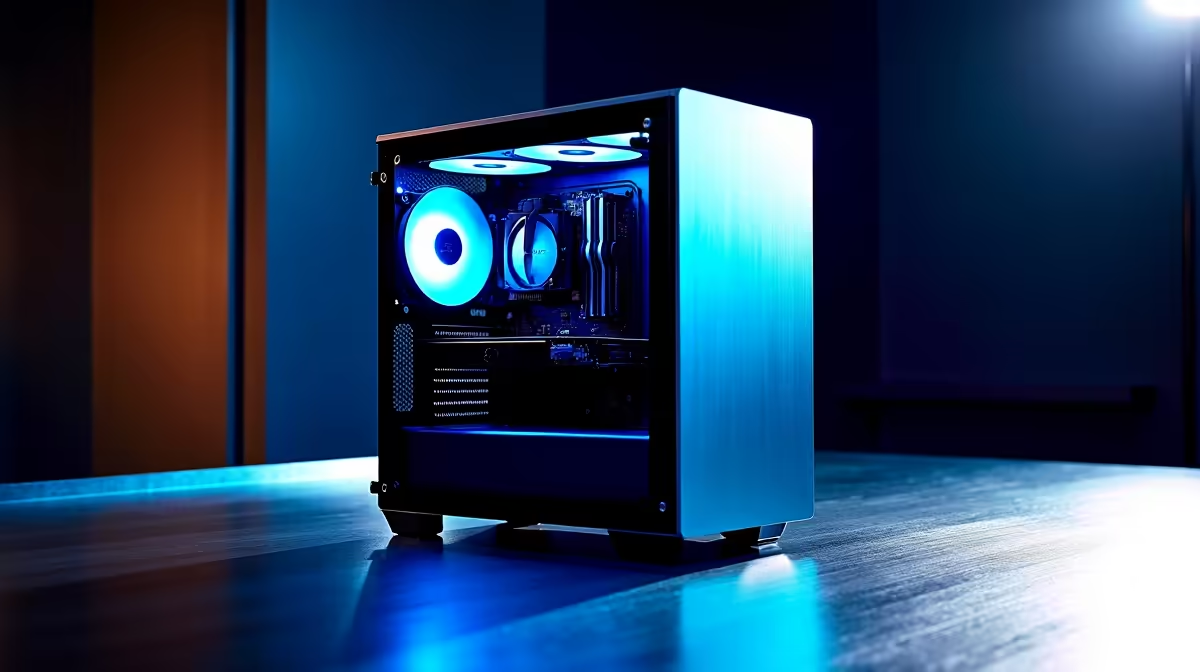
Mini-ITX case performance drops after a system update are typically caused by thermal throttling from restricted airflow, updated power management settings, or driver conflicts - all fixable with targeted troubleshooting specific to compact South African PC builds.
Mini-ITX cases are inherently more sensitive to thermal management changes than larger form factors because the smaller internal volume limits airflow options. When a Windows update, GPU driver update, or BIOS update changes power management behavior, mini-ITX systems can be disproportionately affected. The first step after noticing a performance drop is to identify whether the issue is thermal or software-driven.
Open HWiNFO64 or MSI Afterburner and monitor CPU and GPU temperatures alongside clock speeds during a demanding task. If you see your processor dropping significantly below its rated boost frequency while temperatures climb above 90 degrees Celsius, thermal throttling is the cause. If temperatures are normal but clocks are still low, a power management or driver issue is more likely responsible. This distinction determines which fix path to follow.
Post-update thermal problems in mini-ITX cases often trace back to fan curve changes or power limit modifications introduced in BIOS updates. Check your BIOS settings after any firmware update to confirm your CPU and system fan profiles have not reverted to conservative defaults. Some BIOS updates reset fan curves to quiet profiles that are appropriate for office use but inadequate for sustained gaming loads in tight cases.
For South African builders dealing with loadshedding-related restarts, multiple rapid power cycles can occasionally cause BIOS settings to reset to defaults. After any unexpected shutdown or power interruption, check BIOS fan settings before assuming a software update is to blame. Reapplying thermal paste is also worth considering if your mini-ITX build is more than two years old - small cases trap heat more effectively than large ones, and thermal paste degradation is accelerated by the higher sustained temperatures these environments create.
If temperatures are normal but performance is still degraded, the issue is likely in the software stack. Roll back the most recently installed driver - particularly GPU drivers, which can introduce performance regressions in specific titles or workloads. Device Manager in Windows allows driver rollback without a clean reinstall, which is the fastest diagnostic step before attempting more involved fixes.
Windows power plan settings sometimes reset to Balanced or Power Saver profiles after major updates, which caps CPU performance by reducing its ability to sustain boost frequencies. Navigate to Power Options and ensure you are running the High Performance or Ultimate Performance power plan. For SA mini-ITX gaming rigs, this single change occasionally resolves the entire performance drop without any further action needed.
A: Windows updates can reset power plans to balanced mode, install new drivers that have regressions, or change CPU power management behavior. Check your power plan settings first, then verify CPU and GPU temperatures to isolate whether the cause is software or thermal.
A: Repeated power interruptions can reset BIOS settings to defaults, including fan curves and power delivery settings. After any unplanned shutdown, verify your BIOS configuration has not reverted - particularly fan profiles and XMP/EXPO memory settings.
A: Use a free monitoring tool like HWiNFO64 to track CPU and GPU temperatures and clock speeds simultaneously under load. If your CPU is running above 90 degrees and its boost clock is dropping below rated frequencies, you have a confirmed thermal throttling issue.
Also at Evetech: All PC Cases | Graphics Card Deals
Ready to Find Your Perfect Match? Shop at Evetech
mini-ITX case Performance Drops After Up available at Evetech.co.za with local warranty and fast delivery.
mini-ITX case Performance Drops After Up - check Evetech for latest stock and SA pricing.
Depends on your use case. mini-ITX case Performance Drop offers good value at current Rand pricing.
Star Wars Outlaws Network Requirements: Minimum. Comprehensive coverage with SA insights, Rand pricing & practical recommendations for local buyers.
Read more
Creator Stream Deck: TikTok Edition. Comprehensive coverage with SA insights, Rand pricing & practical recommendations for local buyers.
Read more
Monitor Stock Levels in Johannesburg: September. Comprehensive coverage with SA insights, Rand pricing & practical recommendations for local buyers.
Read more
Headset Stock Levels in Port Elizabeth: June. Comprehensive coverage with SA insights, Rand pricing & practical recommendations for local buyers.
Read more
Monitor Glossary. Comprehensive coverage with SA insights, Rand pricing & practical recommendations for local buyers.
Read more
Headset Stock Levels in Bloemfontein: June Report. Comprehensive coverage with SA insights, Rand pricing & practical recommendations for local buyers.
Read more
Is a Ultra Short Throw Projector Good for Gaming?. Diagnosis steps, proven fixes & when to seek professional help. SA-specific support info included.

Is a Short Throw Projector Good for Gaming? Input. Diagnosis steps, proven fixes & when to seek professional help. SA-specific support info included.

Top Mouse Settings for Competitive FPS: Sensitivity picks evaluated on performance, value & SA availability with current Rand pricing from Evetech.

Top Speakers for MacBook Desk Setup picks evaluated on performance, value & SA availability with current Rand pricing from Evetech.

Is a Ergonomic Chair Better Than a Standard Office Chair for Gaming Detailed answer with SA data, expert analysis & practical recommendations for local buyers.

Use Spotlight Search Like a Pro on macOS. Step-by-step instructions with SA-specific tips, common pitfalls to avoid & expert recommendations.

wireless keyboard Fan Noise Too Loud: Quiet. Everything you need to know with SA pricing, step-by-step instructions & expert recommendations.

Connection Timeout: Troubleshooting Guide #2. Diagnosis steps, proven fixes & when to seek professional help. SA-specific support info included.

Gaming PC Question: Is my power supply dying Detailed answer with SA data, expert analysis & practical recommendations for local buyers.

Projector Throw Ratio Calculator: Perfect. SA-focused analysis with local pricing data, real-world insights & actionable buying advice.

Monitor Stock Levels in Nelspruit: July Report. Current stock data & price tracking for SA buyers. See what is available and where prices are heading.

CS2 Low FPS: Power Supply Bottleneck. Real-world benchmark data, FPS numbers & performance analysis. What SA gamers can actually expect.