


Headset Stock Levels in Bloemfontein: January 2026 Report
Headset Stock Levels in Bloemfontein: January. Current stock data & price tracking for SA buyers. See what is available and where prices are heading.
Read moreNetwork Glossary: Every Term You Need. Plain-English explanation of what it means, why it matters & how it affects your buying decisions in SA.
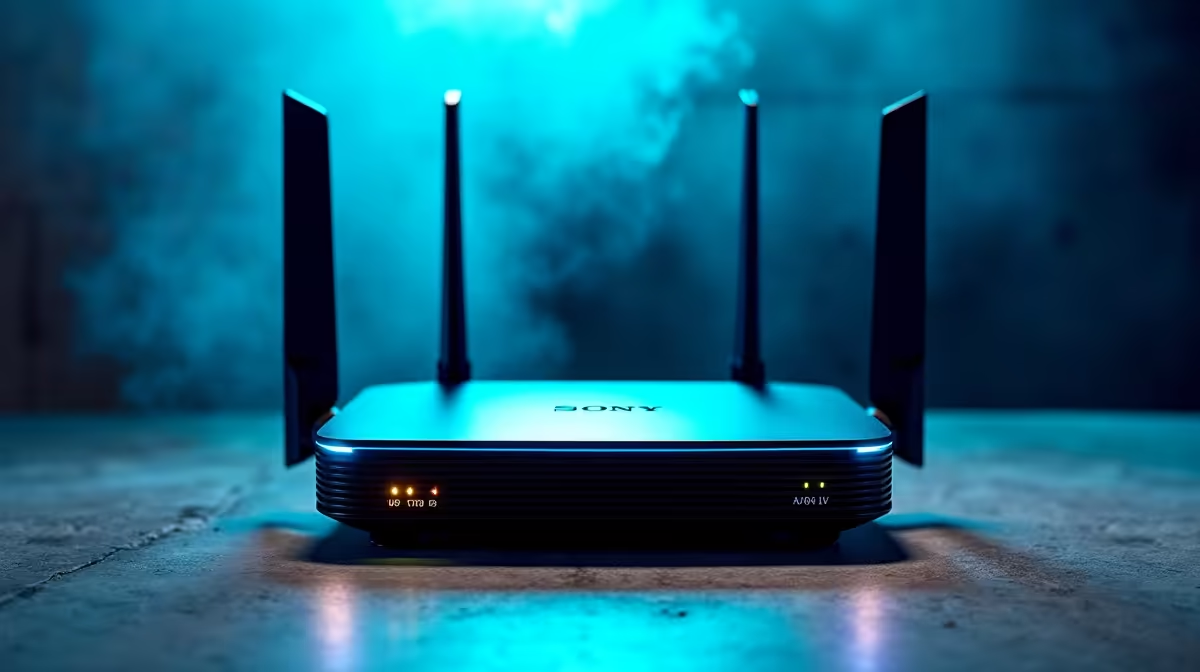
A practical network glossary covers the everyday terms SA gamers and home users actually run into: ping, jitter, packet loss, NAT, DNS, MTU, QoS, ONT, and PPPoE. Knowing these helps you diagnose lag, pick the right router, and explain issues to your ISP without going in circles.
Ping (or latency) is the round trip in milliseconds between your PC and the game server. Anything under 30ms to JHB or CT servers is excellent for SA gaming. Jitter is the variation in ping; high jitter causes rubber-banding even when ping looks fine. Packet loss is the percentage of data that never arrives, and it's the silent killer of competitive matches. Bandwidth, measured in Mbps, is your maximum throughput, while throughput is what you actually achieve in practice.
ONT (Optical Network Terminal) is the box your fibre ISP installs that converts fibre to Ethernet. PPPoE is the auth protocol most SA fibre ISPs use, sometimes handled by the ONT and sometimes by your router. NAT (Network Address Translation) lets multiple devices share one public IP, and "double NAT" is what happens when both the ONT and your router do it, often breaking gaming peer-to-peer connections. UPnP and Port Forwarding are the two ways games punch through NAT to reach servers reliably.
Wi-Fi 6 (802.11ax) and Wi-Fi 7 (802.11be) are the current standards, with Wi-Fi 6E adding the 6GHz band for less interference. QoS prioritises gaming traffic over streaming or downloads on the same line, and MTU (Maximum Transmission Unit) is the packet size, defaulted to 1500 but sometimes lowered to 1492 on PPPoE. DNS converts domain names to IPs; using a fast DNS like Cloudflare 1.1.1.1 sometimes shaves milliseconds off your lookups. ISP-side, mention these terms when you log a fault and you'll skip three call-centre tiers.
Under 30ms to Johannesburg or Cape Town servers is excellent, 30 to 50ms is fine, and above 80ms starts hurting competitive play.
High ping is consistent, so you can compensate. Jitter is unpredictable variance, which causes rubber-banding and missed shots even when average ping looks acceptable.
It helps with throughput and channel congestion in flat blocks and res rooms, but a wired Ethernet connection is always lower latency for serious gaming.
Ready to Find Your Perfect Match? Build a gaming PC ready for fibre and competitive play. Browse gaming PC deals at Evetech
Network Glossary: Every Term You Need available at Evetech.co.za with local warranty and fast delivery.
Network Glossary: Every Term You Need - check Evetech for latest stock and SA pricing.
Depends on your use case. Network Glossary: Every Term Y offers good value at current Rand pricing.
Headset Stock Levels in Bloemfontein: January. Current stock data & price tracking for SA buyers. See what is available and where prices are heading.
Read more
iMac for Medical Practice: Patient Management. SA-focused analysis with local pricing data, real-world insights & actionable buying advice.
Read more
RTX 5060 Fortnite Ultra Settings at 1080p: FPS. Real-world benchmark data, FPS numbers & performance analysis. What SA gamers can actually expect.
Read more
Headset Stock Levels in Cape Town: August Report. Current stock data & price tracking for SA buyers. See what is available and where prices are heading.
Read more
Eskom Load Shedding During Video Call: Solutions. SA-focused analysis with local pricing data, real-world insights & actionable buying advice.
Read more
LoL Performance on Extreme Gaming PC. Real-world benchmark data, FPS numbers & performance analysis. What SA gamers can actually expect.
Read more
Is a Ultra Short Throw Projector Good for Gaming?. Diagnosis steps, proven fixes & when to seek professional help. SA-specific support info included.

Is a Short Throw Projector Good for Gaming? Input. Diagnosis steps, proven fixes & when to seek professional help. SA-specific support info included.

Top Mouse Settings for Competitive FPS: Sensitivity picks evaluated on performance, value & SA availability with current Rand pricing from Evetech.

Top Speakers for MacBook Desk Setup picks evaluated on performance, value & SA availability with current Rand pricing from Evetech.

Is a Ergonomic Chair Better Than a Standard Office Chair for Gaming Detailed answer with SA data, expert analysis & practical recommendations for local buyers.

Use Spotlight Search Like a Pro on macOS. Step-by-step instructions with SA-specific tips, common pitfalls to avoid & expert recommendations.

wireless keyboard Fan Noise Too Loud: Quiet. Everything you need to know with SA pricing, step-by-step instructions & expert recommendations.

Connection Timeout: Troubleshooting Guide #2. Diagnosis steps, proven fixes & when to seek professional help. SA-specific support info included.
Headset Stock Levels in Bloemfontein: January. Current stock data & price tracking for SA buyers. See what is available and where prices are heading.
iMac for Medical Practice: Patient Management. SA-focused analysis with local pricing data, real-world insights & actionable buying advice.
RTX 5060 Fortnite Ultra Settings at 1080p: FPS. Real-world benchmark data, FPS numbers & performance analysis. What SA gamers can actually expect.
Headset Stock Levels in Cape Town: August Report. Current stock data & price tracking for SA buyers. See what is available and where prices are heading.