


Headset Stock Levels in Bloemfontein: January 2026 Report
Headset Stock Levels in Bloemfontein: January. Current stock data & price tracking for SA buyers. See what is available and where prices are heading.
Read moreOptical mouse tracking inconsistent on different surfaces? Learn why your sensor loses accuracy and how proper calibration fixes jitter, skips, and cursor drift. 🎯🖱️
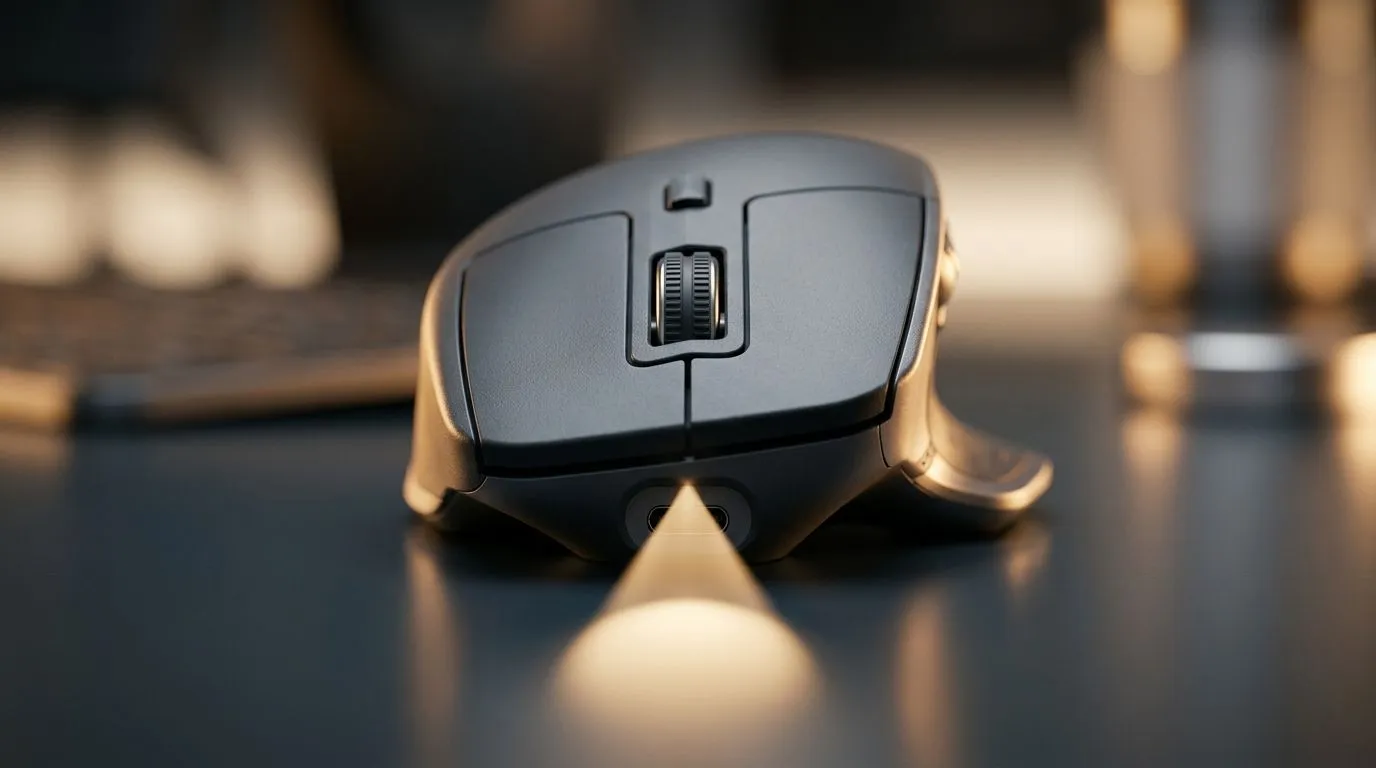
If your mouse feels fine on one desk and hopeless on another, you’re not imagining it. Optical sensors can struggle with shiny, textured, or uneven surfaces, and that can turn a clutch moment into a missed click. For South African gamers, creators, and remote workers, that inconsistency is more than annoying… it costs time, accuracy, and confidence. 🔧
The good news? In most cases, the fix is simple. You do not need to replace your whole setup straight away. Start by understanding what the sensor is seeing. Optical mice track surface detail, so a reflective glass top, a patterned tablecloth, or even dust on a mat can confuse it.
If you want to improve the feel fast, begin with the basics. Clean the sensor lens gently. Then test the mouse on a flat, matte surface. A decent mouse pad usually helps more than people expect. If you are still shopping for upgrades, browse mouse accessories that can stabilise your setup and compare how much a proper surface can change day-to-day tracking.
Before blaming the mouse, check your environment. Bright sunlight can reflect off glossy surfaces. Strong RGB lighting rarely hurts the sensor directly, but poor contrast on the desk can. Also, some surfaces wear down unevenly over time, especially cheap laminate desks common in home offices.
If you’re using an older office mouse, it may simply be time for a better fit. A modern wired mouse selection can give you more consistent tracking and no battery worries. That matters when you’re working through load shedding, or grinding late at night.
Not all mice behave the same way. Sensor quality, DPI settings, and lift-off behaviour all influence how stable tracking feels. Microsoft notes that mouse performance depends on the mouse surface and sensor type, which is why a mouse that feels perfect on one desk can feel unreliable on another. If you want to verify compatibility or feature details, check the product pages before buying.
If your workspace doubles as a gaming station, study desk, and dinner table, keep a dedicated mouse mat nearby. It is a small upgrade, but it creates a predictable base for both work and play. For those who want flexibility, a wireless mouse range can also reduce cable drag and make your desk feel cleaner. Just make sure the surface still suits the sensor.
A large, plain mouse pad is often the easiest fix for inconsistent tracking. It gives the sensor a stable texture, protects your desk, and makes your aim feel more predictable in games and daily work.
Sometimes the honest answer is that the mouse is the weak link. If tracking still wobbles after cleaning and testing, compare sensor behaviour, grip comfort, and surface compatibility before you spend. You can also check best gaming mouse deals for better performance without overpaying.
For buyers who want a broader upgrade path, Evetech’s gaming mouse range is worth a look. A solid gaming mouse does not just help in shooters. It improves spreadsheet work, creative editing, and everyday navigation too. That is value you feel immediately.
The fastest fix is usually surface control. Clean the sensor, use a proper mat, and match the mouse to your setup. If that still does not solve it, upgrade to a mouse designed for better tracking and comfort. Small changes can make a big difference… especially when you need precision every day. ✨
Ready to Find Your Perfect Match? The Mac vs Windows debate is complex, but for maximum power, choice, and value in South Africa, Windows is hard to beat. Explore our massive range of laptop specials and find the perfect machine to conquer your world.
Optical sensors read surface texture. Smooth, glossy, or patterned materials can reduce contrast, causing inconsistent tracking. Proper calibration and a suitable surface help.
Start by calibrating the optical sensor (DPI and surface profile), then test on a quality mouse pad. Clean the lens and avoid reflective surfaces.
Glass, glossy desks, high-gloss laminates, and some patterned surfaces can cause cursor drift. Using a consistent mouse pad usually stabilizes tracking.
Yes. Matching DPI to your movement distance and sensitivity settings reduces perceived jitter and improves control. Combine DPI changes with sensor calibration for best results.
Often, basic steps like lens cleaning and surface testing are enough. If you use dedicated mouse software, calibrate tracking settings to your current surface and DPI.
Test the mouse on multiple known-good surfaces (mouse pad, matte cloth, or another pad). If issues follow the mouse across surfaces, it points to sensor or settings.
A consistent, matte mouse pad with uniform texture typically delivers the most reliable optical tracking. Avoid reflective glass or shiny finishes.
Headset Stock Levels in Bloemfontein: January. Current stock data & price tracking for SA buyers. See what is available and where prices are heading.
Read more
iMac for Medical Practice: Patient Management. SA-focused analysis with local pricing data, real-world insights & actionable buying advice.
Read more
RTX 5060 Fortnite Ultra Settings at 1080p: FPS. Real-world benchmark data, FPS numbers & performance analysis. What SA gamers can actually expect.
Read more
Headset Stock Levels in Cape Town: August Report. Current stock data & price tracking for SA buyers. See what is available and where prices are heading.
Read more
Eskom Load Shedding During Video Call: Solutions. SA-focused analysis with local pricing data, real-world insights & actionable buying advice.
Read more
LoL Performance on Extreme Gaming PC. Real-world benchmark data, FPS numbers & performance analysis. What SA gamers can actually expect.
Read more
Is a Ultra Short Throw Projector Good for Gaming?. Diagnosis steps, proven fixes & when to seek professional help. SA-specific support info included.

Is a Short Throw Projector Good for Gaming? Input. Diagnosis steps, proven fixes & when to seek professional help. SA-specific support info included.

Top Mouse Settings for Competitive FPS: Sensitivity picks evaluated on performance, value & SA availability with current Rand pricing from Evetech.

Top Speakers for MacBook Desk Setup picks evaluated on performance, value & SA availability with current Rand pricing from Evetech.

Is a Ergonomic Chair Better Than a Standard Office Chair for Gaming Detailed answer with SA data, expert analysis & practical recommendations for local buyers.

Use Spotlight Search Like a Pro on macOS. Step-by-step instructions with SA-specific tips, common pitfalls to avoid & expert recommendations.

wireless keyboard Fan Noise Too Loud: Quiet. Everything you need to know with SA pricing, step-by-step instructions & expert recommendations.

Connection Timeout: Troubleshooting Guide #2. Diagnosis steps, proven fixes & when to seek professional help. SA-specific support info included.
Headset Stock Levels in Bloemfontein: January. Current stock data & price tracking for SA buyers. See what is available and where prices are heading.
iMac for Medical Practice: Patient Management. SA-focused analysis with local pricing data, real-world insights & actionable buying advice.
RTX 5060 Fortnite Ultra Settings at 1080p: FPS. Real-world benchmark data, FPS numbers & performance analysis. What SA gamers can actually expect.
Headset Stock Levels in Cape Town: August Report. Current stock data & price tracking for SA buyers. See what is available and where prices are heading.