


Headset Stock Levels in Bloemfontein: January 2026 Report
Headset Stock Levels in Bloemfontein: January. Current stock data & price tracking for SA buyers. See what is available and where prices are heading.
Read morePC Freezing During Gaming: Every Possible Cause. SA-focused analysis with local pricing data, real-world insights & actionable buying advice.
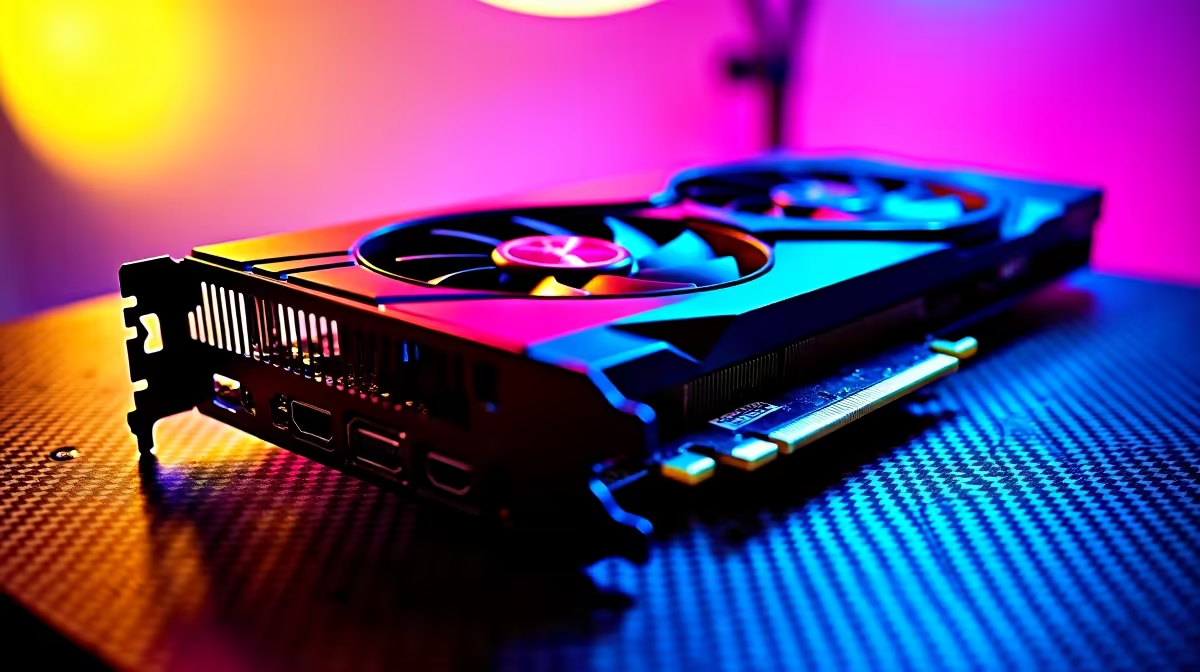
Few things are more frustrating than your PC locking up mid-session - whether it's a full freeze requiring a hard reboot or momentary stutters that break immersion. SA gamers deal with this more than they should, often because of a combination of hardware, software, and environmental factors that each require a different fix. Here's a systematic breakdown of every possible cause and what to do about each one.
PC freezing during gaming is most commonly caused by overheating (CPU or GPU), insufficient RAM, a failing or slow storage drive, driver conflicts, or an unstable overclock. Less common causes include a faulty PSU, corrupted game files, or Windows background processes competing for resources. The fix depends entirely on identifying the correct cause first.
Overheating is the single most common cause of gaming freezes in SA. If your CPU exceeds 95°C or your GPU crosses 90°C under load, thermal throttling and emergency shutdowns occur. Check temperatures using HWiNFO64 or MSI Afterburner while gaming. Dusty heatsinks, dried thermal paste, and inadequate case airflow are the primary culprits - a full clean and thermal paste replacement often resolves recurring freezes completely. A failing PSU is a less obvious but serious cause: if your power supply can't sustain peak load during GPU-intensive moments, voltage dips cause instant freezes. Test with a known-good PSU or use a multimeter. Upgrading your CPU cooler or PC case for better airflow can solve thermal freezes permanently.
Driver conflicts - particularly GPU drivers - cause freezes that appear as full system locks or game-specific crashes. Use DDU (Display Driver Uninstaller) in safe mode to fully remove old GPU drivers before installing fresh ones. Storage is another underappreciated cause: a failing HDD with bad sectors or an SSD approaching write endurance limits causes game asset loading freezes that look thermal but aren't. Run CrystalDiskInfo to check drive health. Upgrading to a fast NVMe SSD resolves asset streaming stutters entirely. RAM instability - either from running XMP/EXPO at unstable speeds or from a failing module - produces random freezes under memory pressure. Test with MemTest86 overnight.
Unstable CPU or GPU overclocks are a clean, fixable cause of gaming freezes. If you've applied any OC settings, reset to stock and test - if freezes stop, your OC needs tuning or reverting. On the software side, Windows Update background processes, antivirus scans, and Game Bar capture have all been documented causes of mid-game freezes on specific system configurations. Disable Xbox Game Bar capture, set Windows Update to active hours, and whitelist your games in antivirus settings. For background process conflicts, use Process Lasso to limit non-game thread priority during sessions.
Q: Why does my PC freeze only in certain games but not others? A: Game-specific freezes usually indicate a driver issue, corrupted game files (verify through Steam/Epic), or a VRAM limitation being hit in heavier titles. Some games also interact poorly with specific Windows or GPU driver versions.
Q: Can a bad PSU cause gaming freezes without shutting the PC off? A: Yes. A PSU that's degraded or undersized may deliver unstable voltages under peak gaming load, causing freezes or hard locks without a full power-off event. This is especially common in builds that have added hardware over time without upgrading the PSU.
Q: How do I know if my RAM is causing gaming freezes? A: Run MemTest86 from a USB drive for at least 2 passes. Also check if disabling XMP/EXPO in BIOS resolves the freezes - if it does, your memory needs better subtimings or is running beyond its stable ceiling.
Evetech stocks Graphics Card Deals and Evetech Best Sellers — shop online with fast delivery across South Africa.
Ready to Find Your Perfect Match? Upgrade to a stable, purpose-built gaming PC - browse Evetech's full gaming PC range.
PC Freezing During Gaming: Every Possibl available at Evetech.co.za with local warranty and fast delivery.
PC Freezing During Gaming: Every Possibl - check Evetech for latest stock and SA pricing.
Depends on your use case. PC Freezing During Gaming: Eve offers good value at current Rand pricing.
Headset Stock Levels in Bloemfontein: January. Current stock data & price tracking for SA buyers. See what is available and where prices are heading.
Read more
iMac for Medical Practice: Patient Management. SA-focused analysis with local pricing data, real-world insights & actionable buying advice.
Read more
RTX 5060 Fortnite Ultra Settings at 1080p: FPS. Real-world benchmark data, FPS numbers & performance analysis. What SA gamers can actually expect.
Read more
Headset Stock Levels in Cape Town: August Report. Current stock data & price tracking for SA buyers. See what is available and where prices are heading.
Read more
Eskom Load Shedding During Video Call: Solutions. SA-focused analysis with local pricing data, real-world insights & actionable buying advice.
Read more
LoL Performance on Extreme Gaming PC. Real-world benchmark data, FPS numbers & performance analysis. What SA gamers can actually expect.
Read more
Is a Ultra Short Throw Projector Good for Gaming?. Diagnosis steps, proven fixes & when to seek professional help. SA-specific support info included.

Is a Short Throw Projector Good for Gaming? Input. Diagnosis steps, proven fixes & when to seek professional help. SA-specific support info included.

Top Mouse Settings for Competitive FPS: Sensitivity picks evaluated on performance, value & SA availability with current Rand pricing from Evetech.

Top Speakers for MacBook Desk Setup picks evaluated on performance, value & SA availability with current Rand pricing from Evetech.

Is a Ergonomic Chair Better Than a Standard Office Chair for Gaming Detailed answer with SA data, expert analysis & practical recommendations for local buyers.

Use Spotlight Search Like a Pro on macOS. Step-by-step instructions with SA-specific tips, common pitfalls to avoid & expert recommendations.

wireless keyboard Fan Noise Too Loud: Quiet. Everything you need to know with SA pricing, step-by-step instructions & expert recommendations.

Connection Timeout: Troubleshooting Guide #2. Diagnosis steps, proven fixes & when to seek professional help. SA-specific support info included.
Headset Stock Levels in Bloemfontein: January. Current stock data & price tracking for SA buyers. See what is available and where prices are heading.
iMac for Medical Practice: Patient Management. SA-focused analysis with local pricing data, real-world insights & actionable buying advice.
RTX 5060 Fortnite Ultra Settings at 1080p: FPS. Real-world benchmark data, FPS numbers & performance analysis. What SA gamers can actually expect.
Headset Stock Levels in Cape Town: August Report. Current stock data & price tracking for SA buyers. See what is available and where prices are heading.