


Headset Stock Levels in Bloemfontein: January 2026 Report
Headset Stock Levels in Bloemfontein: January. Current stock data & price tracking for SA buyers. See what is available and where prices are heading.
Read morePC Issues After Temperature Drop: Diagnosis. Diagnosis steps, proven fixes & when to seek professional help. SA-specific support info included.
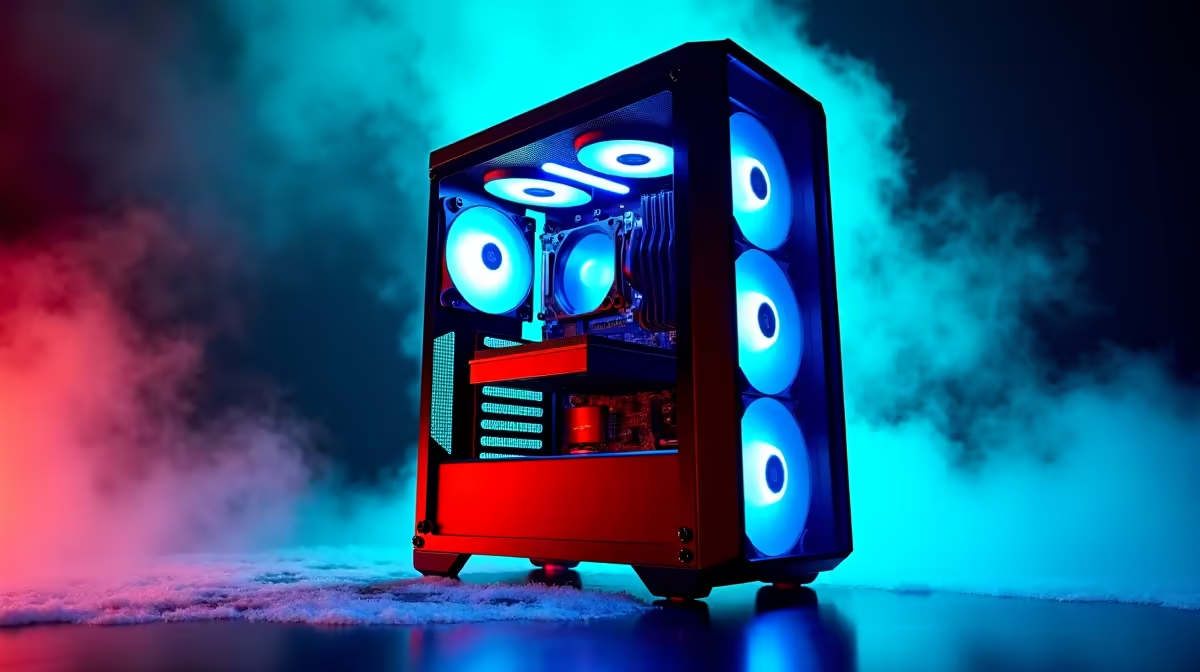
PC problems that appear after a temperature drop are usually caused by thermal contraction affecting loose connections, condensation on cold components, or battery and capacitor issues. Systematic diagnosis from the outside in, starting with cables and seating, resolves most cold-related PC failures.
Electronic components expand slightly when warm and contract when cold. In South Africa, this matters most during winter months in Gauteng, the Free State, and the Karoo where overnight temperatures regularly drop below five degrees Celsius. A PC that sits in a cold garage, unheated study, or near an open window overnight may develop connection issues that disappear once the system warms up, or may fail to boot entirely.
The most common culprits are RAM modules and GPU cards that shift slightly in their slots as the motherboard contracts in the cold. What was a firmly seated module at room temperature can develop enough gap in the connector to cause boot failures or memory errors. Power connectors, particularly the 24-pin ATX main connector and CPU power cables, can also develop intermittent contact for the same reason.
Condensation is a more serious risk. If a cold PC is moved into a warm humid room quickly, moisture can form on circuit boards. Never power on a PC immediately after bringing it in from a cold environment. Allow it to reach room temperature for at least 30 to 60 minutes before applying power.
Start diagnosis with a visual inspection before touching anything. Look for obvious condensation, corroded contacts, or components that appear to have shifted. Then work through the following steps.
Reseat RAM modules first. Remove each stick, clean the gold contacts gently with a dry cloth or eraser, and push them firmly back into their slots until both retaining clips click. This resolves a surprising percentage of cold-related boot failures. Follow the same process for any expansion cards, particularly the GPU.
Check all power connectors next. Unplug and reconnect the 24-pin motherboard connector, the CPU 8-pin connector, and GPU power cables. Even connectors that appear seated can have enough play to cause problems after thermal cycling.
If the system still does not POST correctly, test RAM in single-channel mode using one stick at a time in the primary A2 slot. This isolates whether one module is faulty or whether the issue is systemic.
For South African PC owners in cold-winter regions, a few habits prevent most cold-related failures. Keep the PC in a room that maintains at least 15 degrees Celsius overnight. If the system is in a garage or utility room, a small oil heater or heated enclosure maintains the ambient temperature without risk of fire.
For desktop PCs that are left on during loadshedding recovery cycles, ensure the UPS or surge protector provides clean power on restoration. Cold conditions combined with power spikes during loadshedding recovery are a particularly damaging combination for capacitors and power supply components.
Briefest exposure to mild cold without condensation is unlikely to cause permanent damage. The primary risks are connection issues from thermal contraction and condensation damage if a cold PC is powered on before it reaches room temperature. Extended storage in very cold conditions can degrade battery-backed components like the CMOS battery.
Intermittent cold-related boot issues that resolve at operating temperature are usually connection or seating problems rather than component failure. Reseating RAM, GPU, and power connectors while the system is at normal temperature typically eliminates the issue.
Allow at least 30 minutes at room temperature if the PC has been in a cold environment below 10 degrees Celsius. If there is any visible condensation, wait longer until all moisture has evaporated.
Ready to Find Your Perfect Match? If cold-related damage has affected your components, find replacement parts and new PC builds with nationwide delivery. Browse PC Deals
PC Issues After Temperature Drop: Diagno available at Evetech.co.za with local warranty and fast delivery.
PC Issues After Temperature Drop: Diagno - check Evetech for latest stock and SA pricing.
Depends on your use case. PC Issues After Temperature Dr offers good value at current Rand pricing.
Headset Stock Levels in Bloemfontein: January. Current stock data & price tracking for SA buyers. See what is available and where prices are heading.
Read more
iMac for Medical Practice: Patient Management. SA-focused analysis with local pricing data, real-world insights & actionable buying advice.
Read more
RTX 5060 Fortnite Ultra Settings at 1080p: FPS. Real-world benchmark data, FPS numbers & performance analysis. What SA gamers can actually expect.
Read more
Headset Stock Levels in Cape Town: August Report. Current stock data & price tracking for SA buyers. See what is available and where prices are heading.
Read more
Eskom Load Shedding During Video Call: Solutions. SA-focused analysis with local pricing data, real-world insights & actionable buying advice.
Read more
LoL Performance on Extreme Gaming PC. Real-world benchmark data, FPS numbers & performance analysis. What SA gamers can actually expect.
Read more
Is a Ultra Short Throw Projector Good for Gaming?. Diagnosis steps, proven fixes & when to seek professional help. SA-specific support info included.

Is a Short Throw Projector Good for Gaming? Input. Diagnosis steps, proven fixes & when to seek professional help. SA-specific support info included.

Top Mouse Settings for Competitive FPS: Sensitivity picks evaluated on performance, value & SA availability with current Rand pricing from Evetech.

Top Speakers for MacBook Desk Setup picks evaluated on performance, value & SA availability with current Rand pricing from Evetech.

Is a Ergonomic Chair Better Than a Standard Office Chair for Gaming Detailed answer with SA data, expert analysis & practical recommendations for local buyers.

Use Spotlight Search Like a Pro on macOS. Step-by-step instructions with SA-specific tips, common pitfalls to avoid & expert recommendations.

wireless keyboard Fan Noise Too Loud: Quiet. Everything you need to know with SA pricing, step-by-step instructions & expert recommendations.

Connection Timeout: Troubleshooting Guide #2. Diagnosis steps, proven fixes & when to seek professional help. SA-specific support info included.
Headset Stock Levels in Bloemfontein: January. Current stock data & price tracking for SA buyers. See what is available and where prices are heading.
iMac for Medical Practice: Patient Management. SA-focused analysis with local pricing data, real-world insights & actionable buying advice.
RTX 5060 Fortnite Ultra Settings at 1080p: FPS. Real-world benchmark data, FPS numbers & performance analysis. What SA gamers can actually expect.
Headset Stock Levels in Cape Town: August Report. Current stock data & price tracking for SA buyers. See what is available and where prices are heading.