


Headset Stock Levels in Bloemfontein: January 2026 Report
Headset Stock Levels in Bloemfontein: January. Current stock data & price tracking for SA buyers. See what is available and where prices are heading.
Read moreRAM Maintenance Schedule: Keep It Running. Essential maintenance routine to keep your gear running longer in SA climate conditions.
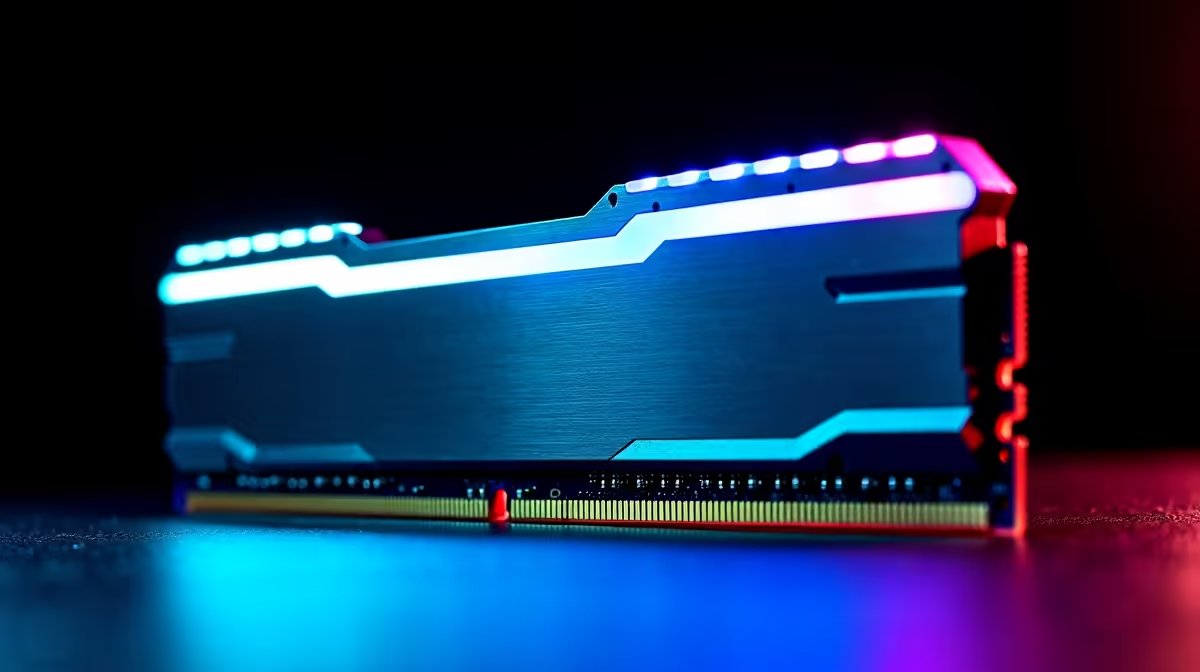
If your gaming rig or workstation feels sluggish, don’t jump straight to buying new hardware. Often, regular RAM upkeep can keep your system running smoothly ⚡. South African tech enthusiasts know how vital memory performance is for South Africa’s fast gaming scenes and demanding applications. A well-planned RAM maintenance schedule helps avoid costly hiccups and downtime. Let’s explore how you can keep your RAM in peak shape without breaking the bank.
Most users overlook RAM when maintaining PCs—but dirty contacts or faulty slots can cause random crashes and slow loads. Schedule a deep clean every 3–6 months, especially if your setup lives in a dusty environment like many South African homes. Removing dust from RAM slots and modules with compressed air helps maintain flawless connections.
Next, run diagnostic tools monthly to check for errors. Windows Memory Diagnostic or MemTest86 are excellent free utilities that flag potential issues before they escalate. These scans can prevent sudden crashes during your intense gaming sessions or creative work.
Consider upgrading if you notice frequent slowdowns despite upkeep. Visit Evetech’s buy memory page to explore RAM options tailored for South Africa’s gaming rigs, ensuring compatibility and solid performance.
You don’t always need more RAM—managing it properly makes a big difference! Keep background apps in check, disable unnecessary startup programs, and adjust virtual memory settings to complement your physical RAM. These steps maintain your system’s responsiveness and smooth gameplay.
If you’re hunting for value-packed upgrades, browsing the best gaming PC deals in South Africa can reveal rigs pre-optimised with quality RAM. Pre-built rigs also come with tested compatibility, easing the RAM integration headaches.
With SA's fluctuating power supply, unexpected shutdowns can harm components, including RAM modules. It’s wise to regularly check your RAM’s health after outages or system freezes. Incorporate RAM tests in your routine after power surges or lightning storms —common in many parts of South Africa.
Explore pre-built PC deals from trusted suppliers focusing on durability and optimised memory setups to reduce hardware failure risks.
Disable SuperFetch (SysMain) on Windows for computers with 16GB or more RAM — it can free up precious memory and reduce wear on your modules by limiting unnecessary data caching.
South African gamers and professionals increasingly use laptops with tight cooling systems. Overheating harms memory chips over time—clean the cooling vents every few months, especially off dusty roads or urban environments like Johannesburg or Cape Town.
For laptop buyers curious about upgrading or replacing RAM, check out Evetech’s notebooks available in South Africa. You’ll find models with upgrade-friendly memory modules, perfect for extending lifespan while staying mobile.
South Africa’s spring and summer bring more dust and heat, meaning maintenance schedules should adapt accordingly. Increase cleaning frequency during this period for optimal memory health.
Finally, keep an eye on specials offering RAM upgrades or complete system tune-ups. Evetech’s specials page regularly features competitive deals that can stretch your ZAR without sacrificing quality.
Ready to Boost Your System Memory? Don’t wait for lag or crashes to ruin your day. Shop now at Evetech for reliable RAM upgrades and keep your rig performing smoothly.
RAM Maintenance Schedule: Keep It Runnin available at Evetech.co.za with local warranty and fast delivery.
RAM Maintenance Schedule: Keep It Runnin - check Evetech for latest stock and SA pricing.
Depends on your use case. RAM Maintenance Schedule: Keep offers good value at current Rand pricing.
Headset Stock Levels in Bloemfontein: January. Current stock data & price tracking for SA buyers. See what is available and where prices are heading.
Read more
iMac for Medical Practice: Patient Management. SA-focused analysis with local pricing data, real-world insights & actionable buying advice.
Read more
RTX 5060 Fortnite Ultra Settings at 1080p: FPS. Real-world benchmark data, FPS numbers & performance analysis. What SA gamers can actually expect.
Read more
Headset Stock Levels in Cape Town: August Report. Current stock data & price tracking for SA buyers. See what is available and where prices are heading.
Read more
Eskom Load Shedding During Video Call: Solutions. SA-focused analysis with local pricing data, real-world insights & actionable buying advice.
Read more
LoL Performance on Extreme Gaming PC. Real-world benchmark data, FPS numbers & performance analysis. What SA gamers can actually expect.
Read more
Is a Ultra Short Throw Projector Good for Gaming?. Diagnosis steps, proven fixes & when to seek professional help. SA-specific support info included.

Is a Short Throw Projector Good for Gaming? Input. Diagnosis steps, proven fixes & when to seek professional help. SA-specific support info included.

Top Mouse Settings for Competitive FPS: Sensitivity picks evaluated on performance, value & SA availability with current Rand pricing from Evetech.

Top Speakers for MacBook Desk Setup picks evaluated on performance, value & SA availability with current Rand pricing from Evetech.

Is a Ergonomic Chair Better Than a Standard Office Chair for Gaming Detailed answer with SA data, expert analysis & practical recommendations for local buyers.

Use Spotlight Search Like a Pro on macOS. Step-by-step instructions with SA-specific tips, common pitfalls to avoid & expert recommendations.

wireless keyboard Fan Noise Too Loud: Quiet. Everything you need to know with SA pricing, step-by-step instructions & expert recommendations.

Connection Timeout: Troubleshooting Guide #2. Diagnosis steps, proven fixes & when to seek professional help. SA-specific support info included.
Headset Stock Levels in Bloemfontein: January. Current stock data & price tracking for SA buyers. See what is available and where prices are heading.
iMac for Medical Practice: Patient Management. SA-focused analysis with local pricing data, real-world insights & actionable buying advice.
RTX 5060 Fortnite Ultra Settings at 1080p: FPS. Real-world benchmark data, FPS numbers & performance analysis. What SA gamers can actually expect.
Headset Stock Levels in Cape Town: August Report. Current stock data & price tracking for SA buyers. See what is available and where prices are heading.