


Headset Stock Levels in Bloemfontein: January 2026 Report
Headset Stock Levels in Bloemfontein: January. Current stock data & price tracking for SA buyers. See what is available and where prices are heading.
Read moreRTX 4060 Highest Settings: Performance Impact &. Real-world benchmark data, FPS numbers & performance analysis. What SA gamers can actually expect.
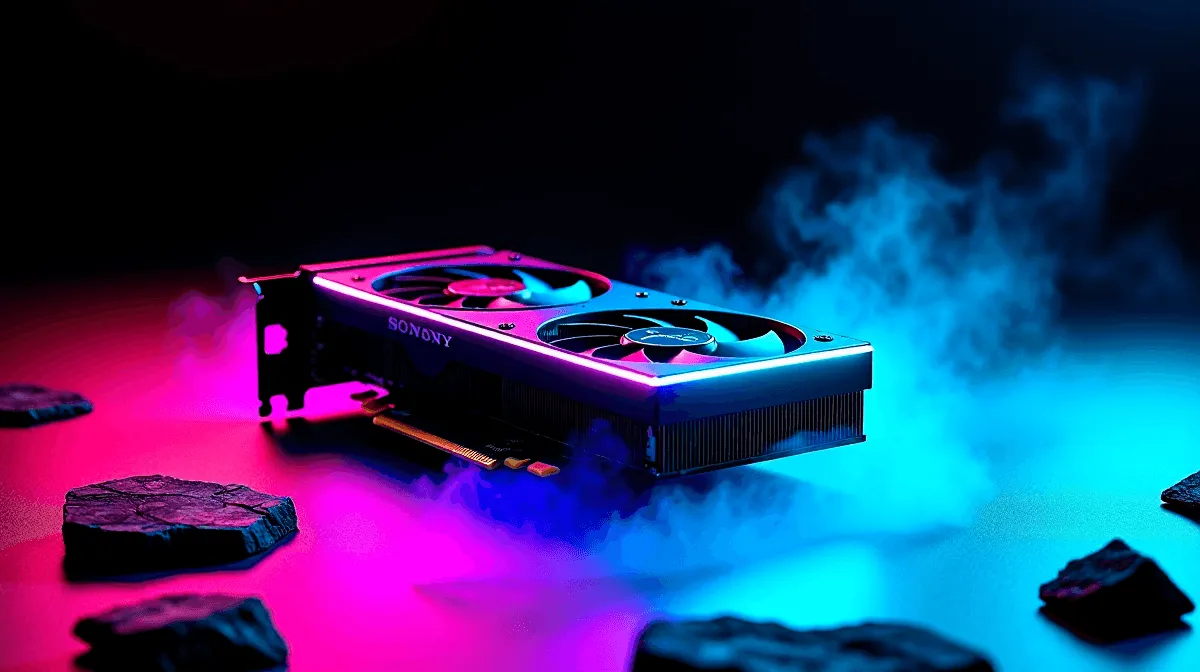
The RTX 4060 handles highest settings well in most modern titles, but the performance cost varies significantly by game and resolution. Understanding where the GPU shines and where to dial back a single setting can make the difference between a smooth 60fps experience and frustrating stutters.
Can the RTX 4060 run games on highest settings? Yes, the RTX 4060 handles highest settings at 1080p comfortably in most titles and can push 1440p on high in many games, though ray tracing and ultra presets in AAA titles will demand frame rate trade-offs.
Running a game on maximum preset is rarely a single toggle - it combines shadow quality, texture resolution, ambient occlusion, draw distance, and ray tracing into one heavy bundle. On the RTX 4060 at 1080p, most of these settings have a modest performance impact individually, but stacked together they can cut framerates by 30–40% compared to a High preset.
Ray tracing is the biggest culprit. Enabling ray tracing on Ultra in graphically demanding games can drop the RTX 4060 from 90fps down to 55fps at 1080p. DLSS Quality mode recovers most of that performance with minimal visual difference, making it the first tool to reach for before dropping presets.
Shadow quality and global illumination are the next biggest drains. Dropping either from Ultra to High typically costs less than 5% visual quality while recovering 10–15% performance. This is the sweet spot adjustment on the RTX 4060.
At 1080p, the RTX 4060 consistently delivers 60fps or better on highest settings in most 2024–2026 titles with DLSS enabled. Competitive games like CS2 and Valorant hit 200fps+ even on maximum quality settings.
At 1440p, the RTX 4060 starts showing its limits on highest settings in graphically intensive games. Expect 45–60fps on maximum presets without DLSS. With DLSS Quality enabled, most titles push back to 60–80fps comfortably.
At 4K, highest settings on the RTX 4060 are generally not recommended without significant DLSS assistance. Performance mode DLSS gets you playable frame rates but the GPU is working at its ceiling.
Rather than running a blanket "highest" preset, the RTX 4060 performs best with a tuned profile: keep texture quality and anisotropic filtering on Ultra (VRAM-bound, minimal GPU cost), drop shadows to High, disable or set ray tracing to Low unless DLSS is available, and enable DLSS Quality at 1440p or 1080p if the game supports it.
For competitive gaming, disabling motion blur, depth of field, and chromatic aberration costs zero fps but improves clarity. These cinematic effects are aesthetic preferences, not quality indicators.
Temperature also matters. If your RTX 4060 is throttling due to case airflow issues, you may see inconsistent frame pacing even before hitting the GPU ceiling. Monitor GPU temps - sustained loads above 85°C suggest a cooling or airflow problem worth addressing.
Is the RTX 4060 good for 1080p highest settings? Yes, it is one of the best GPUs for 1080p maximum quality gaming. Most titles run above 60fps on highest settings, and enabling DLSS Quality pushes framerates even higher with near-identical image quality.
Should I use DLSS with the RTX 4060 on highest settings? Absolutely. DLSS Quality mode recovers 20–30% performance with minimal visual compromise. It is the single most effective tool for maintaining high settings without dropping presets.
Which settings have the biggest performance impact on the RTX 4060? Ray tracing, global illumination, and shadow quality have the largest impact. Dropping ray tracing from Ultra to Off can recover 30fps or more. Texture quality is relatively cheap and can stay on Ultra.
Evetech stocks All Graphics Cards and Graphics Card Deals — browse current SA pricing and availability online.
Ready to Find Your Perfect Match? Shop at Evetech
RTX 4060 Highest Settings: Performance I available at Evetech.co.za with local warranty and fast delivery.
RTX 4060 Highest Settings: Performance I - check Evetech for latest stock and SA pricing.
Depends on your use case. RTX 4060 Highest Settings: Per offers good value at current Rand pricing.
Headset Stock Levels in Bloemfontein: January. Current stock data & price tracking for SA buyers. See what is available and where prices are heading.
Read more
iMac for Medical Practice: Patient Management. SA-focused analysis with local pricing data, real-world insights & actionable buying advice.
Read more
RTX 5060 Fortnite Ultra Settings at 1080p: FPS. Real-world benchmark data, FPS numbers & performance analysis. What SA gamers can actually expect.
Read more
Headset Stock Levels in Cape Town: August Report. Current stock data & price tracking for SA buyers. See what is available and where prices are heading.
Read more
Eskom Load Shedding During Video Call: Solutions. SA-focused analysis with local pricing data, real-world insights & actionable buying advice.
Read more
LoL Performance on Extreme Gaming PC. Real-world benchmark data, FPS numbers & performance analysis. What SA gamers can actually expect.
Read more
Is a Ultra Short Throw Projector Good for Gaming?. Diagnosis steps, proven fixes & when to seek professional help. SA-specific support info included.

Is a Short Throw Projector Good for Gaming? Input. Diagnosis steps, proven fixes & when to seek professional help. SA-specific support info included.

Top Mouse Settings for Competitive FPS: Sensitivity picks evaluated on performance, value & SA availability with current Rand pricing from Evetech.

Top Speakers for MacBook Desk Setup picks evaluated on performance, value & SA availability with current Rand pricing from Evetech.

Is a Ergonomic Chair Better Than a Standard Office Chair for Gaming Detailed answer with SA data, expert analysis & practical recommendations for local buyers.

Use Spotlight Search Like a Pro on macOS. Step-by-step instructions with SA-specific tips, common pitfalls to avoid & expert recommendations.

wireless keyboard Fan Noise Too Loud: Quiet. Everything you need to know with SA pricing, step-by-step instructions & expert recommendations.

Connection Timeout: Troubleshooting Guide #2. Diagnosis steps, proven fixes & when to seek professional help. SA-specific support info included.
Headset Stock Levels in Bloemfontein: January. Current stock data & price tracking for SA buyers. See what is available and where prices are heading.
iMac for Medical Practice: Patient Management. SA-focused analysis with local pricing data, real-world insights & actionable buying advice.
RTX 5060 Fortnite Ultra Settings at 1080p: FPS. Real-world benchmark data, FPS numbers & performance analysis. What SA gamers can actually expect.
Headset Stock Levels in Cape Town: August Report. Current stock data & price tracking for SA buyers. See what is available and where prices are heading.