


Headset Stock Levels in Bloemfontein: January 2026 Report
Headset Stock Levels in Bloemfontein: January. Current stock data & price tracking for SA buyers. See what is available and where prices are heading.
Read moreRTX 4060 Running Below Expected FPS: Diagnosis. Real-world benchmark data, FPS numbers & performance analysis. What SA gamers can actually expect.
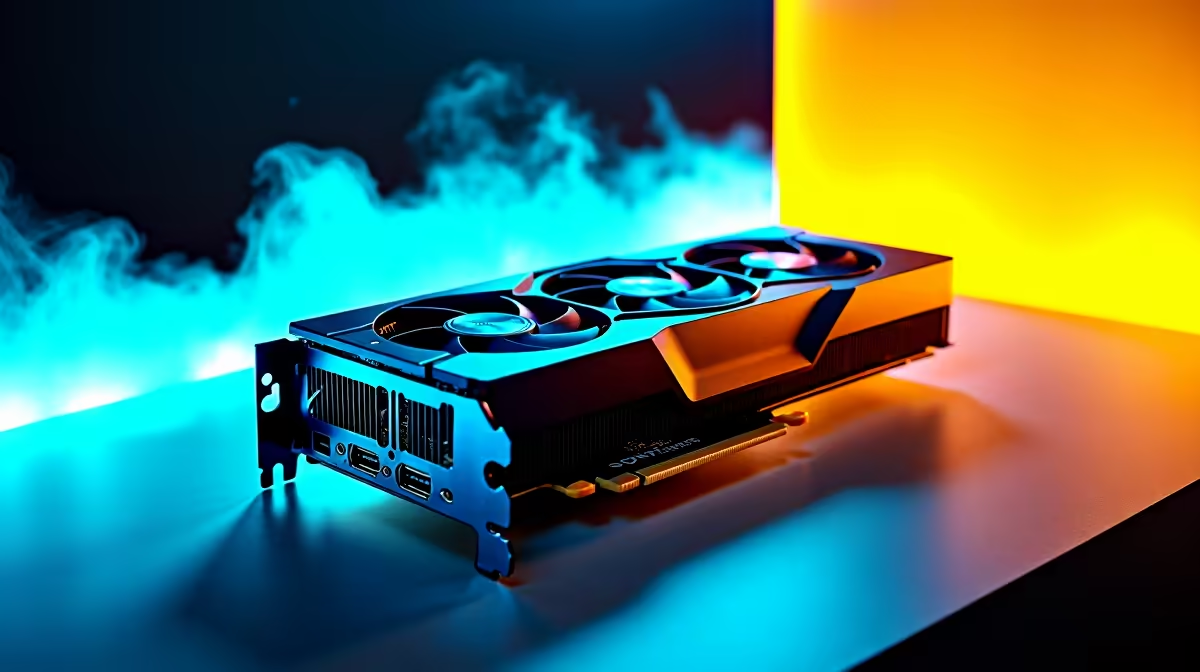
South African gamers know how frustrating it is when your RTX 4060 punches below its weight in frames per second (FPS). You invested in this GPU expecting smooth 1080p or even 1440p gameplay, but stutters and dips are killing your fun? Don't stress – many factors could be capping your RTX 4060's performance, from software quirks to hardware bottlenecks. Let's break it down and get those frames soaring again. 🚀
Outdated or corrupted drivers are the first suspects. Nvidia frequently patches bugs or optimises for new games, so running an old driver can drag down your card’s potential. Also, ensure your Windows version is up to date as well, since OS-level tweaks can affect gaming performance.
Your RTX 4060 might be held back by slower RAM, a weak CPU, or even limited storage speeds. For instance, a CPU bottleneck means your processor can't keep up with the GPU’s demands, causing frame drops even with a top-tier graphics card.
Heat can throttle your RTX 4060’s clockspeed. If your rig isn’t cooling efficiently, the GPU will automatically reduce speed to stay safe. Check if your case airflow is sufficient or if your GPU fans are running properly. Power limits can also cap performance if your PSU is inadequate.
Head over to the official Nvidia site or use GeForce Experience to get the latest RTX 4060 drivers. Pair this with Windows updates. Keeping everything fresh can often bump FPS by 5 to 10%.
Not all games scale evenly on the RTX 4060. Reducing shadow quality, turning off ray tracing features, or dropping resolution scaling can stabilise frame rates significantly.
If your CPU or RAM is bottlenecking, consider investing in upgrades. You can explore our best gaming PC deals available locally, perfect for boosting your whole setup with the latest tech.
Make sure your PC case allows good airflow, and clean any dust buildup. Adjust your GPU fan curves with tools like MSI Afterburner to maintain optimal temperatures. Thermal management can unlock smoother, steadier FPS.
Lower your fan curve by 5% to shave off 2 °C… quieter rig, same FPS.
Looking beyond just the GPU, consider your entire gaming setup. South African gamers frequently upgrade laptops for portability without sacrificing power; check out a wide selection of robust notebooks locally. If you’re hunting for the latest graphics cards, our Evetech PC components range has many RTX 4060 options ready for your rig.
For tailored gaming rigs, browse our pre-built PC deals for configurations balanced perfectly for FPS gains. Plus, catch time-sensitive offers on gaming essentials in our specials section for unbeatable ZAR prices.
The RTX 4060 is a solid mid-range card, but it’s not designed for ultra settings on every title at high resolutions. Understand where it fits within your gaming goals and adjust accordingly. Frame rate dips often signal system imbalances or settings that can be optimised, not faulty hardware. With these insights, you can enjoy a notably smoother experience on your South African gaming setup.
Maximise Your Gaming Potential Ready to elevate your gaming rig? Explore our premium graphics cards and pre-built PC deals to get the most out of your RTX 4060. Shop now at Evetech for performance that leaves lag in the dust.
RTX 4060 Running Below Expected FPS: Dia available at Evetech.co.za with local warranty and fast delivery.
RTX 4060 Running Below Expected FPS: Dia - check Evetech for latest stock and SA pricing.
Depends on your use case. RTX 4060 Running Below Expecte offers good value at current Rand pricing.
Headset Stock Levels in Bloemfontein: January. Current stock data & price tracking for SA buyers. See what is available and where prices are heading.
Read more
iMac for Medical Practice: Patient Management. SA-focused analysis with local pricing data, real-world insights & actionable buying advice.
Read more
RTX 5060 Fortnite Ultra Settings at 1080p: FPS. Real-world benchmark data, FPS numbers & performance analysis. What SA gamers can actually expect.
Read more
Headset Stock Levels in Cape Town: August Report. Current stock data & price tracking for SA buyers. See what is available and where prices are heading.
Read more
Eskom Load Shedding During Video Call: Solutions. SA-focused analysis with local pricing data, real-world insights & actionable buying advice.
Read more
LoL Performance on Extreme Gaming PC. Real-world benchmark data, FPS numbers & performance analysis. What SA gamers can actually expect.
Read more
Is a Ultra Short Throw Projector Good for Gaming?. Diagnosis steps, proven fixes & when to seek professional help. SA-specific support info included.

Is a Short Throw Projector Good for Gaming? Input. Diagnosis steps, proven fixes & when to seek professional help. SA-specific support info included.

Top Mouse Settings for Competitive FPS: Sensitivity picks evaluated on performance, value & SA availability with current Rand pricing from Evetech.

Top Speakers for MacBook Desk Setup picks evaluated on performance, value & SA availability with current Rand pricing from Evetech.

Is a Ergonomic Chair Better Than a Standard Office Chair for Gaming Detailed answer with SA data, expert analysis & practical recommendations for local buyers.

Use Spotlight Search Like a Pro on macOS. Step-by-step instructions with SA-specific tips, common pitfalls to avoid & expert recommendations.

wireless keyboard Fan Noise Too Loud: Quiet. Everything you need to know with SA pricing, step-by-step instructions & expert recommendations.

Connection Timeout: Troubleshooting Guide #2. Diagnosis steps, proven fixes & when to seek professional help. SA-specific support info included.
Headset Stock Levels in Bloemfontein: January. Current stock data & price tracking for SA buyers. See what is available and where prices are heading.
iMac for Medical Practice: Patient Management. SA-focused analysis with local pricing data, real-world insights & actionable buying advice.
RTX 5060 Fortnite Ultra Settings at 1080p: FPS. Real-world benchmark data, FPS numbers & performance analysis. What SA gamers can actually expect.
Headset Stock Levels in Cape Town: August Report. Current stock data & price tracking for SA buyers. See what is available and where prices are heading.