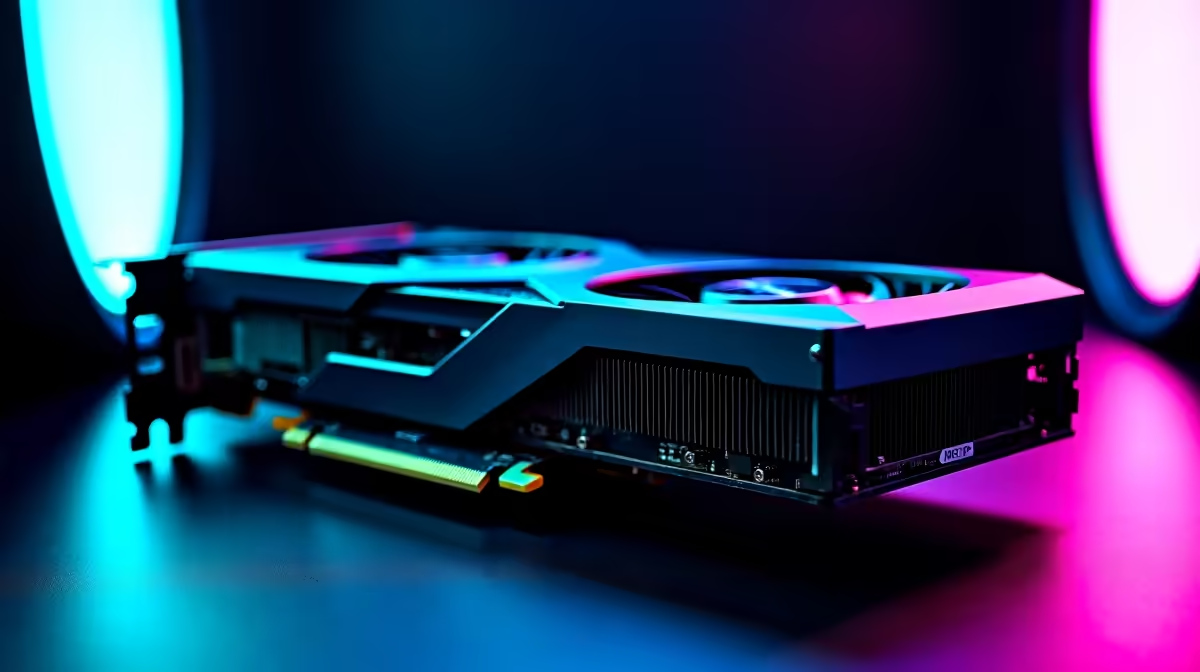
The RTX 4080 is one of the most powerful GPUs available to SA gamers, but hot spot temperature warnings can cause unnecessary panic - or signal a real problem worth addressing. Understanding what hot spot temperatures mean on NVIDIA's Ada Lovelace architecture is the first step to knowing whether your card needs attention or is operating exactly as designed.
Quick Answer
RTX 4080 hot spot temperatures up to 110°C are within NVIDIA's specification and do not indicate damage. Hot spot readings reflect the single hottest sensor on the die, which will always read higher than the average GPU temperature. Sustained readings above 105°C under full load may warrant improved airflow or a thermal pad replacement.
What Is Hot Spot Temperature and Why Is It Higher? 🔧
NVIDIA introduced hot spot (also called junction temperature) monitoring as a more granular thermal metric than average GPU core temperature. While the GPU temperature shows an average across the die, hot spot captures the reading from the single hottest point - typically near the shader cores or memory interface where current density is highest.
On the RTX 4080, NVIDIA's official maximum hot spot limit is 110°C. This means the card will throttle before reaching that ceiling, so readings in the 95°C–108°C range under sustained 4K or ray-traced workloads are expected, not alarming. Average GPU temp will typically sit 15°C–25°C lower than the hot spot reading.
If your hot spot is hitting 110°C+ and the GPU is throttling (clock speeds dropping noticeably), that is when investigation is warranted.
Diagnosing High Hot Spot Readings 💡
Before replacing anything, run a structured diagnosis:
Check airflow first. Most hot spot spikes on otherwise healthy RTX 4080 cards trace back to case airflow, not GPU defects. Ensure you have at least two intake fans and one exhaust, with the GPU getting fresh cool air from the front of the case. Dust filters on intakes should be cleaned every 2–3 months in SA's dusty conditions.
Monitor under different workloads. Use MSI Afterburner to log temperatures during gaming versus synthetic benchmarks (3DMark). Spikes to 105°C during a 15-minute stress test that settle back during gaming are normal. Consistent 110°C+ during everyday gaming is the red flag.
Check thermal pads, not just paste. The RTX 4080's VRAM and VRM components use thermal pads between the PCB and heatsink. These pads degrade over 2–3 years and can cause hot spot readings to climb even when the GPU core paste is fine. Replacing thermal pads is a more involved repair but can drop hot spot temps by 8°C–15°C on older units.
Review fan curve settings. NVIDIA's default fan curve is conservative to minimize noise. Applying a custom aggressive fan curve in Afterburner - ramping fans to 70% at 75°C instead of the default - directly reduces hot spot temps without any hardware change.
Frequently Asked Questions ❓
Q: Is 105°C hot spot temperature safe on an RTX 4080?
A: Yes, 105°C hot spot is within NVIDIA's 110°C specification for the RTX 4080 and does not indicate damage. The card will manage its own thermal limits through clock speed adjustments before reaching the ceiling.
Q: Will high hot spot temperatures reduce my GPU's lifespan?
A: Operating consistently at or near the 110°C hot spot limit adds thermal stress over time. Sustained readings above 105°C under everyday gaming loads - not just synthetic benchmarks - are worth addressing with improved airflow or thermal pad replacement.
Q: Should I repaste my RTX 4080 to lower hot spot temps?
A: Repasting the GPU core helps if the card is over two years old, but on RTX 4080 specifically, thermal pad replacement on the VRAM modules often has a larger impact on hot spot temperature than the core paste alone.
Evetech stocks All Graphics Cards and Graphics Card Deals — browse current SA pricing and availability online.
Ready to Find Your Perfect Match?
Explore relevant Evetech options, compare current South African pricing, and choose hardware that fits your setup. Shop now