


Headset Stock Levels in Bloemfontein: January 2026 Report
Headset Stock Levels in Bloemfontein: January. Current stock data & price tracking for SA buyers. See what is available and where prices are heading.
Read moreRTX 4090 Not Showing in Device Manager: Fix. SA-focused analysis with local pricing data, real-world insights & actionable buying advice.
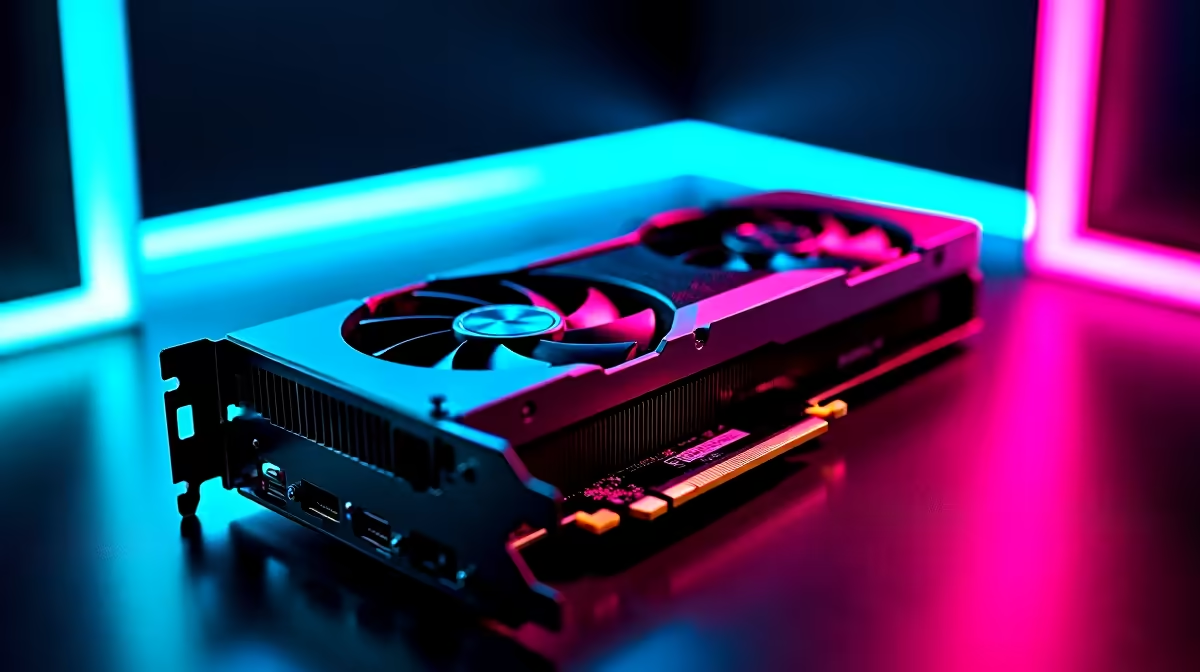
South African gamers investing in an RTX 4090 expect instant power and performance. But what if your brand-new RTX 4090 isn’t visible in Device Manager? That can be frustrating — no graphics boost, no gains. The good news: this issue is usually quick to fix with the right approach. Let’s explore how to troubleshoot the RTX 4090 not showing in Device Manager so you get back to smooth gaming fast.
An RTX 4090 not appearing can happen for several reasons. It might be a driver glitch, a connection problem, or a BIOS setting holding things back. South African PC builders often face issues after upgrading GPUs or BIOS versions. Here’s what to check first:
Make sure your RTX 4090 is well connected and your system firmware is up to date.
Follow these proven steps for troubleshooting the RTX 4090 not showing in Device Manager:
First, power down your PC and double-check the GPU is properly seated in the PCIe x16 slot. Also, ensure the 16-pin power cable is firmly plugged into the card. Poor connections are surprisingly common causes.
Download the latest drivers directly from NVIDIA or use a trusted source. A clean driver installation often solves graphics detection bugs. You can find the latest RTX 4090 drivers on Evetech’s graphics cards page — they stock cards with guaranteed support and drivers.
Update your motherboard BIOS to the latest version from the manufacturer’s site. Meanwhile, run Windows Update and reboot your PC after completing updates. Both Windows and BIOS updates can fix compatibility quirks affecting GPU detection.
Open Device Manager, click “Action” > “Scan for hardware changes.” This forces Windows to rescan connected devices and can refresh the GPU list. If the RTX 4090 still doesn’t appear, try uninstalling the NVIDIA display adapter from Device Manager and restarting your PC.
If the problem persists, test the GPU in a different motherboard slot or another PC if possible. This helps rule out hardware defects or slot issues. South African users can also consult Evetech’s pre-built PC deals, where components come pre-tested for compatibility.
Occasionally, simply unplugging your PC’s power cable for 60 seconds before booting resets hardware detection and brings the RTX 4090 back online.
Keeping your system updated isn’t just about bug fixes. For a powerful GPU like the RTX 4090, staying current with drivers and BIOS ensures you unlock optimised performance and stability. In South Africa’s hot climate, proper hardware tuning also avoids overheating, which can cause the RTX 4090 to malfunction or disappear from Device Manager.
Gaming laptops or desktops come with their own update tools — check out Evetech’s selection of notebooks on sale that balance heat and power efficiently for smooth gaming.
If none of the fixes above show the RTX 4090 in Device Manager, consider a warranty check or tech support. Evetech’s specials include repair offers and upgrade deals to get your rig back up. Don’t let an undetected GPU stall your gaming rig—expert help will speed things up.
Building or upgrading your rig with the RTX 4090 is an exciting leap — and with the right troubleshooting, you’ll always keep your graphics card in view.
Get Your RTX 4090 or Gaming PC Ready Don’t let hardware hiccups hold you back. Shop now at Evetech for top RTX 4090 deals and gaming PCs that power through any challenge.
RTX 4090 Not Showing in Device Manager: available at Evetech.co.za with local warranty and fast delivery.
RTX 4090 Not Showing in Device Manager: - check Evetech for latest stock and SA pricing.
Depends on your use case. RTX 4090 Not Showing in Device offers good value at current Rand pricing.
Headset Stock Levels in Bloemfontein: January. Current stock data & price tracking for SA buyers. See what is available and where prices are heading.
Read more
iMac for Medical Practice: Patient Management. SA-focused analysis with local pricing data, real-world insights & actionable buying advice.
Read more
RTX 5060 Fortnite Ultra Settings at 1080p: FPS. Real-world benchmark data, FPS numbers & performance analysis. What SA gamers can actually expect.
Read more
Headset Stock Levels in Cape Town: August Report. Current stock data & price tracking for SA buyers. See what is available and where prices are heading.
Read more
Eskom Load Shedding During Video Call: Solutions. SA-focused analysis with local pricing data, real-world insights & actionable buying advice.
Read more
LoL Performance on Extreme Gaming PC. Real-world benchmark data, FPS numbers & performance analysis. What SA gamers can actually expect.
Read more
Is a Ultra Short Throw Projector Good for Gaming?. Diagnosis steps, proven fixes & when to seek professional help. SA-specific support info included.

Is a Short Throw Projector Good for Gaming? Input. Diagnosis steps, proven fixes & when to seek professional help. SA-specific support info included.

Top Mouse Settings for Competitive FPS: Sensitivity picks evaluated on performance, value & SA availability with current Rand pricing from Evetech.

Top Speakers for MacBook Desk Setup picks evaluated on performance, value & SA availability with current Rand pricing from Evetech.

Is a Ergonomic Chair Better Than a Standard Office Chair for Gaming Detailed answer with SA data, expert analysis & practical recommendations for local buyers.

Use Spotlight Search Like a Pro on macOS. Step-by-step instructions with SA-specific tips, common pitfalls to avoid & expert recommendations.

wireless keyboard Fan Noise Too Loud: Quiet. Everything you need to know with SA pricing, step-by-step instructions & expert recommendations.

Connection Timeout: Troubleshooting Guide #2. Diagnosis steps, proven fixes & when to seek professional help. SA-specific support info included.
Headset Stock Levels in Bloemfontein: January. Current stock data & price tracking for SA buyers. See what is available and where prices are heading.
iMac for Medical Practice: Patient Management. SA-focused analysis with local pricing data, real-world insights & actionable buying advice.
RTX 5060 Fortnite Ultra Settings at 1080p: FPS. Real-world benchmark data, FPS numbers & performance analysis. What SA gamers can actually expect.
Headset Stock Levels in Cape Town: August Report. Current stock data & price tracking for SA buyers. See what is available and where prices are heading.