


Headset Stock Levels in Bloemfontein: January 2026 Report
Headset Stock Levels in Bloemfontein: January. Current stock data & price tracking for SA buyers. See what is available and where prices are heading.
Read moreRTX 5060 Marvel Rivals Ultra Settings at 4K: FPS. Real-world benchmark data, FPS numbers & performance analysis. What SA gamers can actually expect.
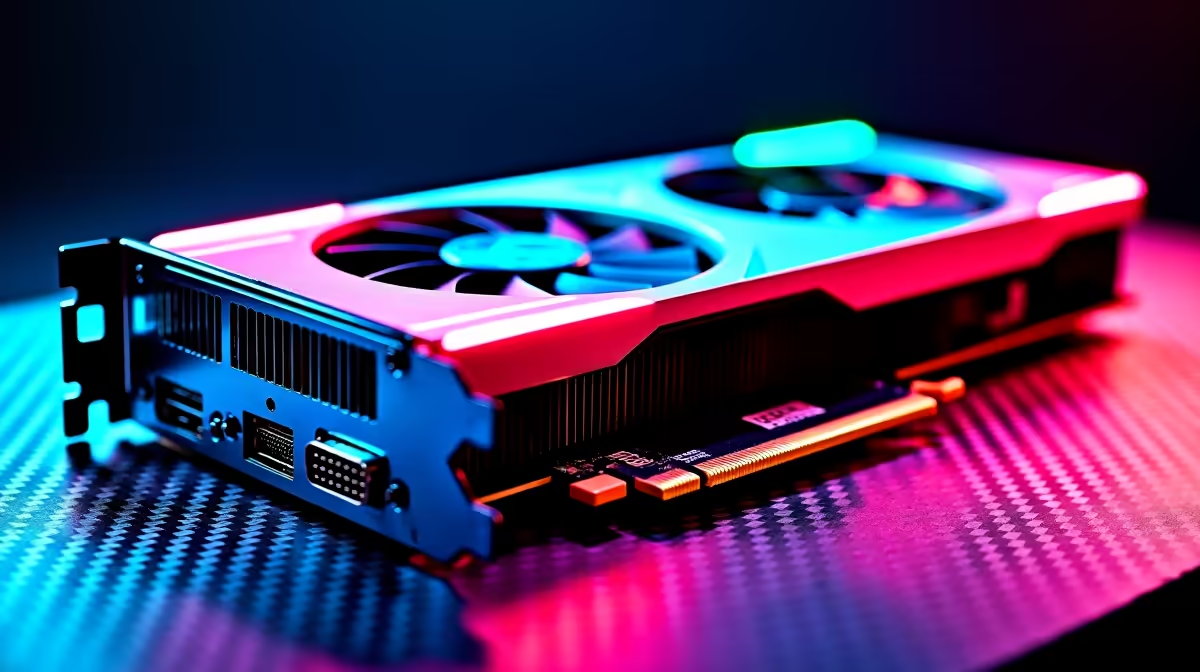
The RTX 5060 running Marvel Rivals at Ultra settings in 4K delivers playable but variable frame rates, typically sitting between 45 and 65 FPS depending on scene complexity, hero abilities on screen, and whether DLSS Quality or DLSS Balanced is enabled. Enabling DLSS 4 with Frame Generation pushes this comfortably above 80 FPS in most matches.
Marvel Rivals is a demanding hero shooter with large maps, particle-heavy ability effects, and lighting systems that stress mid-range GPUs hard at 4K. The RTX 5060, built on NVIDIA's Blackwell architecture, handles this workload in an interesting way. At native 4K Ultra settings without any upscaling, expect average frame rates in the 42 to 58 FPS range, which is technically playable but below the 60 FPS threshold that makes hero shooter movement feel fluid.
This is where the RTX 5060's strongest selling point, DLSS 4 with Multi-Frame Generation, changes the equation entirely. With DLSS set to Quality mode (rendering internally at approximately 1440p and upscaling to 4K), average FPS climbs to 75 to 90 FPS in most maps. Enabling Frame Generation on top of Quality mode pushes presented FPS to 110 to 140 FPS in typical gameplay, though frame generation does introduce a small amount of latency that competitive players should be aware of.
Marvel Rivals' performance is heavily scene-dependent. The game's team fight sequences, where six hero abilities fire simultaneously with overlapping particle effects and volumetric lighting, are significantly harder to render than exploration or flanking phases of a match.
During these peak team fights at 4K Ultra, native rendering on the RTX 5060 can dip to 35 to 42 FPS momentarily. With DLSS Quality active, these same scenes hold 60 to 75 FPS native-equivalent. Frame Generation softens these dips further in presented FPS terms, though the underlying render workload is the same.
Stages with large open sightlines and environmental destruction effects, such as the Tokyo 2099 and Yggsgard maps, push the GPU harder than smaller enclosed arenas. If you are targeting consistent 4K performance without frame generation, DLSS Balanced (rendering internally at approximately 1296p equivalent) provides a better stability-to-visual-quality ratio than Quality mode on these demanding maps.
For the best 4K experience on the RTX 5060 in Marvel Rivals, the recommended configuration is:
This configuration targets 90 to 120 presented FPS across most maps, which is a strong result for a mid-range card running at 4K.
Is the RTX 5060 good enough for 4K Marvel Rivals? With DLSS 4 Quality mode active, yes. Native 4K Ultra without upscaling is below 60 FPS in demanding scenes, but DLSS brings the RTX 5060 into genuinely playable 4K territory for Marvel Rivals.
Does Frame Generation cause noticeable input lag in Marvel Rivals? Frame Generation adds a small amount of input latency. At competitive skill levels, this is perceivable in direct comparisons. Enabling NVIDIA Reflex alongside Frame Generation significantly reduces this latency overhead and is the recommended pairing.
What CPU pairs well with the RTX 5060 for 4K Marvel Rivals? At 4K, GPU is the primary bottleneck, so CPU pairing matters less than at 1080p. Any modern 6-core or 8-core CPU at 3.6GHz or higher avoids bottlenecking the RTX 5060 at 4K Ultra.
Ready to Find Your Perfect Match? Shop NVIDIA graphics cards at Evetech and find the right GPU for your 4K gaming setup.
RTX 5060 Marvel Rivals Ultra Settings at available at Evetech.co.za with local warranty and fast delivery.
RTX 5060 Marvel Rivals Ultra Settings at - check Evetech for latest stock and SA pricing.
Depends on your use case. RTX 5060 Marvel Rivals Ultra S offers good value at current Rand pricing.
Headset Stock Levels in Bloemfontein: January. Current stock data & price tracking for SA buyers. See what is available and where prices are heading.
Read more
iMac for Medical Practice: Patient Management. SA-focused analysis with local pricing data, real-world insights & actionable buying advice.
Read more
RTX 5060 Fortnite Ultra Settings at 1080p: FPS. Real-world benchmark data, FPS numbers & performance analysis. What SA gamers can actually expect.
Read more
Headset Stock Levels in Cape Town: August Report. Current stock data & price tracking for SA buyers. See what is available and where prices are heading.
Read more
Eskom Load Shedding During Video Call: Solutions. SA-focused analysis with local pricing data, real-world insights & actionable buying advice.
Read more
LoL Performance on Extreme Gaming PC. Real-world benchmark data, FPS numbers & performance analysis. What SA gamers can actually expect.
Read more
Is a Ultra Short Throw Projector Good for Gaming?. Diagnosis steps, proven fixes & when to seek professional help. SA-specific support info included.

Is a Short Throw Projector Good for Gaming? Input. Diagnosis steps, proven fixes & when to seek professional help. SA-specific support info included.

Top Mouse Settings for Competitive FPS: Sensitivity picks evaluated on performance, value & SA availability with current Rand pricing from Evetech.

Top Speakers for MacBook Desk Setup picks evaluated on performance, value & SA availability with current Rand pricing from Evetech.

Is a Ergonomic Chair Better Than a Standard Office Chair for Gaming Detailed answer with SA data, expert analysis & practical recommendations for local buyers.

Use Spotlight Search Like a Pro on macOS. Step-by-step instructions with SA-specific tips, common pitfalls to avoid & expert recommendations.

wireless keyboard Fan Noise Too Loud: Quiet. Everything you need to know with SA pricing, step-by-step instructions & expert recommendations.

Connection Timeout: Troubleshooting Guide #2. Diagnosis steps, proven fixes & when to seek professional help. SA-specific support info included.
Headset Stock Levels in Bloemfontein: January. Current stock data & price tracking for SA buyers. See what is available and where prices are heading.
iMac for Medical Practice: Patient Management. SA-focused analysis with local pricing data, real-world insights & actionable buying advice.
RTX 5060 Fortnite Ultra Settings at 1080p: FPS. Real-world benchmark data, FPS numbers & performance analysis. What SA gamers can actually expect.
Headset Stock Levels in Cape Town: August Report. Current stock data & price tracking for SA buyers. See what is available and where prices are heading.