


Headset Stock Levels in Bloemfontein: January 2026 Report
Headset Stock Levels in Bloemfontein: January. Current stock data & price tracking for SA buyers. See what is available and where prices are heading.
Read moreRTX 5060 Ti Not Recognised After Windows Update. SA-focused analysis with local pricing data, real-world insights & actionable buying advice.
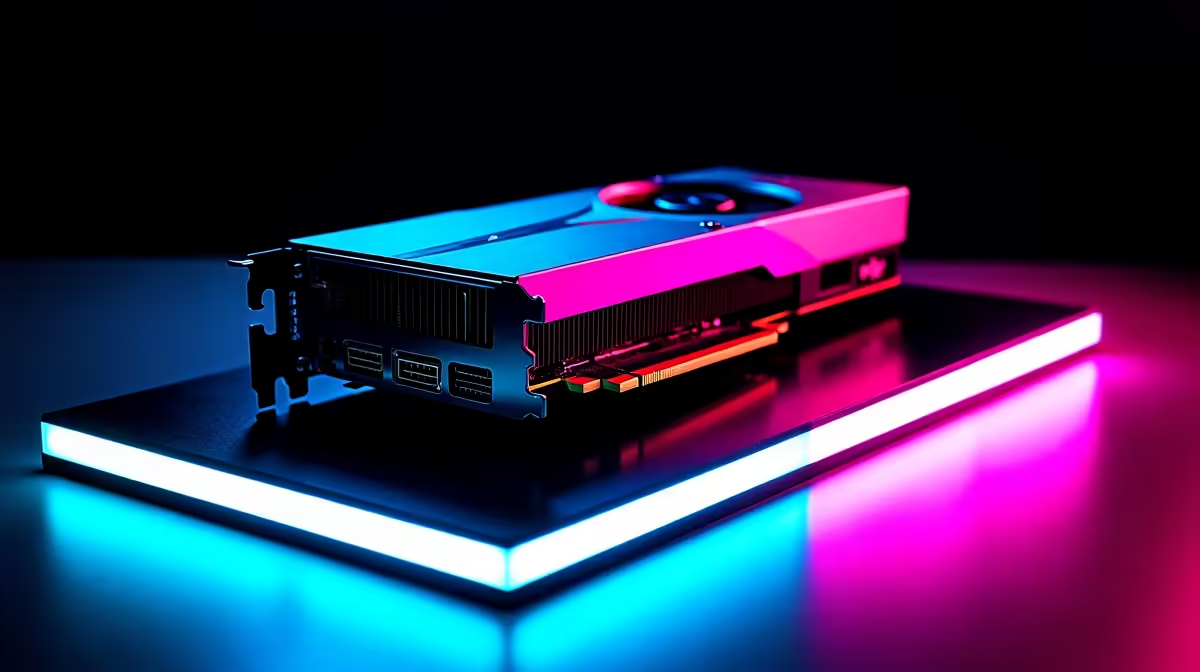
You finally saved up your hard-earned ZAR for a next-gen GPU, but disaster strikes. You boot up your rig, and suddenly your RTX 5060 Ti is not recognised after a Windows update. The screen looks stretched, games refuse to launch, and panic sets in. Do not stress... this is a common software glitch, not a fried card. Here is how to get your beast back online.
Microsoft tries to be helpful by pushing automatic driver updates in the background. Sometimes, these silent downloads clash directly with NVIDIA's official software. The result is a corrupted driver registry. Your system simply forgets what hardware is plugged into the motherboard, leaving you staring at a low-resolution nightmare. If you recently browsed the latest graphics cards for sale and dropped serious cash on a brand-new 50-series card, this software conflict is incredibly frustrating.
The most reliable solution involves wiping the slate clean. First, download the latest NVIDIA drivers directly from their official site. Next, grab a highly trusted, free tool called Display Driver Uninstaller (DDU). You will need to boot your PC into Windows Safe Mode to use it properly. DDU safely wipes every single trace of the corrupted display driver from your system. Once restarted, install the fresh NVIDIA package.
Always disconnect your internet cable or switch off Wi-Fi before running DDU. Windows will immediately try to download an outdated driver the second you reboot... pausing your connection guarantees a clean NVIDIA installation without interference.
If you recently bought one of our pre-built PC deals, you can rest easy knowing the hardware is thoroughly stress-tested before shipping. Sudden display issues right after an update are almost always a software conflict.
Still getting a black screen? It might be time to check the physical connections. Load-shedding power surges or simply bumping your tower can sometimes loosen internal cables. Ensure the PCIe power connectors are firmly clicked into your GPU and the card is seated perfectly. If you are hunting for the best gaming PC deals to replace an aging system, remember that newer cards require stable, high-quality power supplies to survive our local grid fluctuations.
For mobile gamers, this frustrating glitch can also happen on portable machines. If you are using one of the latest notebooks for sale in South Africa, a Windows update might overwrite your dedicated GPU switch. You can usually fix this by navigating to the NVIDIA Control Panel and forcing the dedicated graphics processor to run.
Prevention is always better than a cure. You can actually use the Windows Group Policy Editor to stop automatic driver updates entirely. This simple tweak leaves you in full control of your NVIDIA updates through the official app. Staying on top of your system maintenance means less downtime and more time enjoying those buttery-smooth framerates. If you need extra cooling, a better power supply, or just want to treat yourself to a new monitor to complement your fixed setup, keep an eye on our daily tech specials to stretch your rands further.
Ready to Upgrade Your Setup? Dealing with constant hardware headaches can drain the fun out of gaming. If your old rig is struggling to keep up with modern titles, it might be time for a fresh start. Explore our massive range of gaming PCs and find the perfect machine to conquer your world.
RTX 5060 Ti Not Recognised After Windows available at Evetech.co.za with local warranty and fast delivery.
RTX 5060 Ti Not Recognised After Windows - check Evetech for latest stock and SA pricing.
Depends on your use case. RTX 5060 Ti Not Recognised Aft offers good value at current Rand pricing.
Headset Stock Levels in Bloemfontein: January. Current stock data & price tracking for SA buyers. See what is available and where prices are heading.
Read more
iMac for Medical Practice: Patient Management. SA-focused analysis with local pricing data, real-world insights & actionable buying advice.
Read more
RTX 5060 Fortnite Ultra Settings at 1080p: FPS. Real-world benchmark data, FPS numbers & performance analysis. What SA gamers can actually expect.
Read more
Headset Stock Levels in Cape Town: August Report. Current stock data & price tracking for SA buyers. See what is available and where prices are heading.
Read more
Eskom Load Shedding During Video Call: Solutions. SA-focused analysis with local pricing data, real-world insights & actionable buying advice.
Read more
LoL Performance on Extreme Gaming PC. Real-world benchmark data, FPS numbers & performance analysis. What SA gamers can actually expect.
Read more
Is a Ultra Short Throw Projector Good for Gaming?. Diagnosis steps, proven fixes & when to seek professional help. SA-specific support info included.

Is a Short Throw Projector Good for Gaming? Input. Diagnosis steps, proven fixes & when to seek professional help. SA-specific support info included.

Top Mouse Settings for Competitive FPS: Sensitivity picks evaluated on performance, value & SA availability with current Rand pricing from Evetech.

Top Speakers for MacBook Desk Setup picks evaluated on performance, value & SA availability with current Rand pricing from Evetech.

Is a Ergonomic Chair Better Than a Standard Office Chair for Gaming Detailed answer with SA data, expert analysis & practical recommendations for local buyers.

Use Spotlight Search Like a Pro on macOS. Step-by-step instructions with SA-specific tips, common pitfalls to avoid & expert recommendations.

wireless keyboard Fan Noise Too Loud: Quiet. Everything you need to know with SA pricing, step-by-step instructions & expert recommendations.

Connection Timeout: Troubleshooting Guide #2. Diagnosis steps, proven fixes & when to seek professional help. SA-specific support info included.
Headset Stock Levels in Bloemfontein: January. Current stock data & price tracking for SA buyers. See what is available and where prices are heading.
iMac for Medical Practice: Patient Management. SA-focused analysis with local pricing data, real-world insights & actionable buying advice.
RTX 5060 Fortnite Ultra Settings at 1080p: FPS. Real-world benchmark data, FPS numbers & performance analysis. What SA gamers can actually expect.
Headset Stock Levels in Cape Town: August Report. Current stock data & price tracking for SA buyers. See what is available and where prices are heading.