


Headset Stock Levels in Bloemfontein: January 2026 Report
Headset Stock Levels in Bloemfontein: January. Current stock data & price tracking for SA buyers. See what is available and where prices are heading.
Read moreRTX 5070 Baldurs Gate 3 Competitive Settings. Real-world benchmark data, FPS numbers & performance analysis. What SA gamers can actually expect.
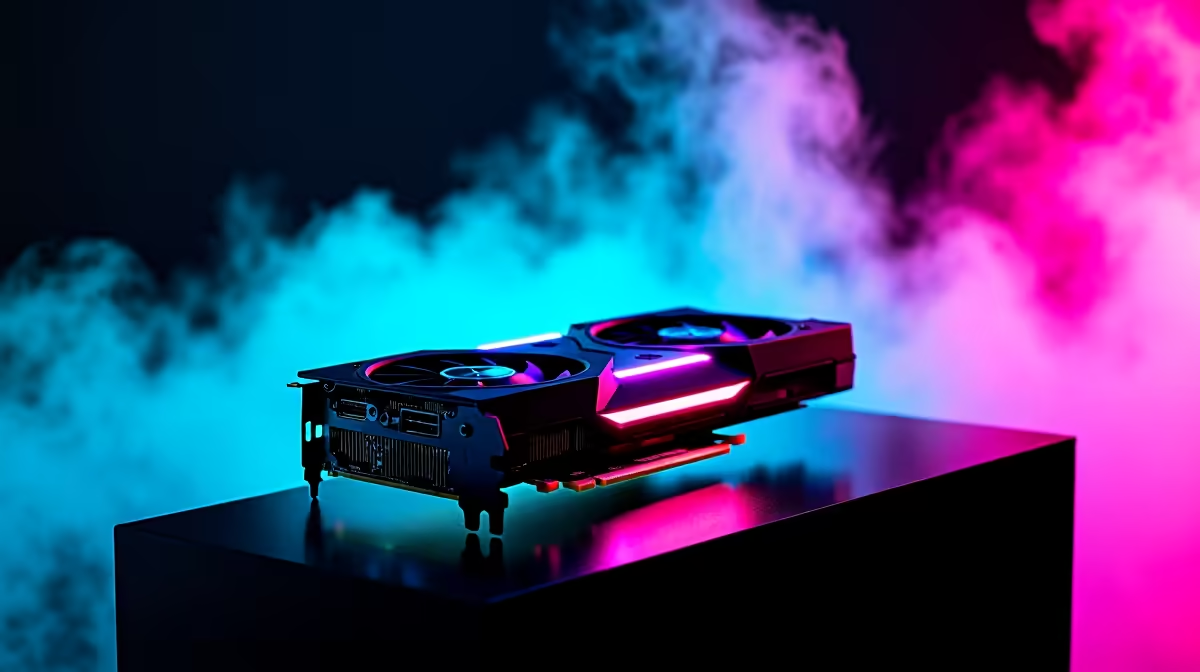
The RTX 5070 handles Baldur's Gate 3 at 1080p on competitive and high settings with ease, delivering 120 to 160 fps in most scenes. For competitive play focused on performance, medium settings with DLSS Quality pushes averages above 180 fps consistently.
Baldur's Gate 3 is a CPU-influenced title in combat-heavy scenes due to its complex AI and physics calculations, but GPU performance still meaningfully impacts frame rates, particularly in outdoor environments and cutscenes. The RTX 5070 at 1080p native ultra settings averages 130 to 155 fps across Act 1 outdoor areas and around 100 to 120 fps in the demanding Act 3 Lower City. At 1080p high settings without upscaling, averages climb to 150 to 175 fps. With DLSS Quality mode enabled at 1080p, the RTX 5070 consistently delivers 180 to 220 fps in most non-combat scenes and 140 to 165 fps during complex multi-character combat encounters. These numbers make the RTX 5070 an excellent card for BG3 at 1080p, offering smooth high-refresh-rate gaming without any compromises.
For players who prioritise frame rates over visual fidelity in Baldur's Gate 3, the following settings maximise performance on the RTX 5070 at 1080p. Set texture quality to Ultra as this has minimal GPU performance cost while significantly improving scene clarity. Drop shadows to Medium and disable distance field ambient occlusion. Set model detail to High rather than Ultra. Disable SSAO and use DLSS set to Quality mode. With this configuration, average frame rates in the most demanding scenes stay above 160 fps, with peaks exceeding 240 fps in simple interior scenes. This is overkill for most single-player RPG players, but for those with 144Hz or 165Hz monitors who want smooth, consistent performance with no dips below the refresh rate, these settings eliminate any stuttering in demanding zones.
For Baldur's Gate 3 specifically, yes. The RTX 5070 is significantly more GPU than this title requires at 1080p. An RTX 4060 Ti or RTX 5060 Ti handles BG3 at 1080p ultra above 60 fps without DLSS. The RTX 5070's strength in BG3 at 1080p is in future-proofing and headroom. If you are using the RTX 5070 for a broader library of more demanding titles and BG3 is one of many games you play, the card makes total sense. If you bought an RTX 5070 specifically to play BG3 at 1080p, it is heavier hardware than the title needs.
Does Baldur's Gate 3 support DLSS on the RTX 5070? Yes. BG3 supports DLSS 3 including frame generation on compatible NVIDIA cards. The RTX 5070 supports full DLSS 4 capabilities with the latest driver updates.
What CPU is needed to avoid bottlenecking the RTX 5070 in BG3? Baldur's Gate 3 is moderately CPU-demanding in Act 3. A Ryzen 5 7600X or Intel Core i5-13600K or better is recommended to avoid CPU bottlenecks at 1080p with the RTX 5070.
Does the RTX 5070 run BG3 at 4K well? At 4K ultra with DLSS Quality, the RTX 5070 delivers 70 to 95 fps in most scenes, which is excellent for a single-player RPG where 60 fps is completely comfortable.
Ready to Find Your Perfect Match? Get the RTX 5070 and more NVIDIA GPUs at Evetech for smooth gaming performance
RTX 5070 Baldurs Gate 3 Competitive Sett available at Evetech.co.za with local warranty and fast delivery.
RTX 5070 Baldurs Gate 3 Competitive Sett - check Evetech for latest stock and SA pricing.
Depends on your use case. RTX 5070 Baldurs Gate 3 Compet offers good value at current Rand pricing.
Headset Stock Levels in Bloemfontein: January. Current stock data & price tracking for SA buyers. See what is available and where prices are heading.
Read more
iMac for Medical Practice: Patient Management. SA-focused analysis with local pricing data, real-world insights & actionable buying advice.
Read more
RTX 5060 Fortnite Ultra Settings at 1080p: FPS. Real-world benchmark data, FPS numbers & performance analysis. What SA gamers can actually expect.
Read more
Headset Stock Levels in Cape Town: August Report. Current stock data & price tracking for SA buyers. See what is available and where prices are heading.
Read more
Eskom Load Shedding During Video Call: Solutions. SA-focused analysis with local pricing data, real-world insights & actionable buying advice.
Read more
LoL Performance on Extreme Gaming PC. Real-world benchmark data, FPS numbers & performance analysis. What SA gamers can actually expect.
Read more
Is a Ultra Short Throw Projector Good for Gaming?. Diagnosis steps, proven fixes & when to seek professional help. SA-specific support info included.

Is a Short Throw Projector Good for Gaming? Input. Diagnosis steps, proven fixes & when to seek professional help. SA-specific support info included.

Top Mouse Settings for Competitive FPS: Sensitivity picks evaluated on performance, value & SA availability with current Rand pricing from Evetech.

Top Speakers for MacBook Desk Setup picks evaluated on performance, value & SA availability with current Rand pricing from Evetech.

Is a Ergonomic Chair Better Than a Standard Office Chair for Gaming Detailed answer with SA data, expert analysis & practical recommendations for local buyers.

Use Spotlight Search Like a Pro on macOS. Step-by-step instructions with SA-specific tips, common pitfalls to avoid & expert recommendations.

wireless keyboard Fan Noise Too Loud: Quiet. Everything you need to know with SA pricing, step-by-step instructions & expert recommendations.

Connection Timeout: Troubleshooting Guide #2. Diagnosis steps, proven fixes & when to seek professional help. SA-specific support info included.
Headset Stock Levels in Bloemfontein: January. Current stock data & price tracking for SA buyers. See what is available and where prices are heading.
iMac for Medical Practice: Patient Management. SA-focused analysis with local pricing data, real-world insights & actionable buying advice.
RTX 5060 Fortnite Ultra Settings at 1080p: FPS. Real-world benchmark data, FPS numbers & performance analysis. What SA gamers can actually expect.
Headset Stock Levels in Cape Town: August Report. Current stock data & price tracking for SA buyers. See what is available and where prices are heading.