


Headset Stock Levels in Bloemfontein: January 2026 Report
Headset Stock Levels in Bloemfontein: January. Current stock data & price tracking for SA buyers. See what is available and where prices are heading.
Read moreRTX 5070 Marvel Rivals Competitive Settings. Real-world benchmark data, FPS numbers & performance analysis. What SA gamers can actually expect.
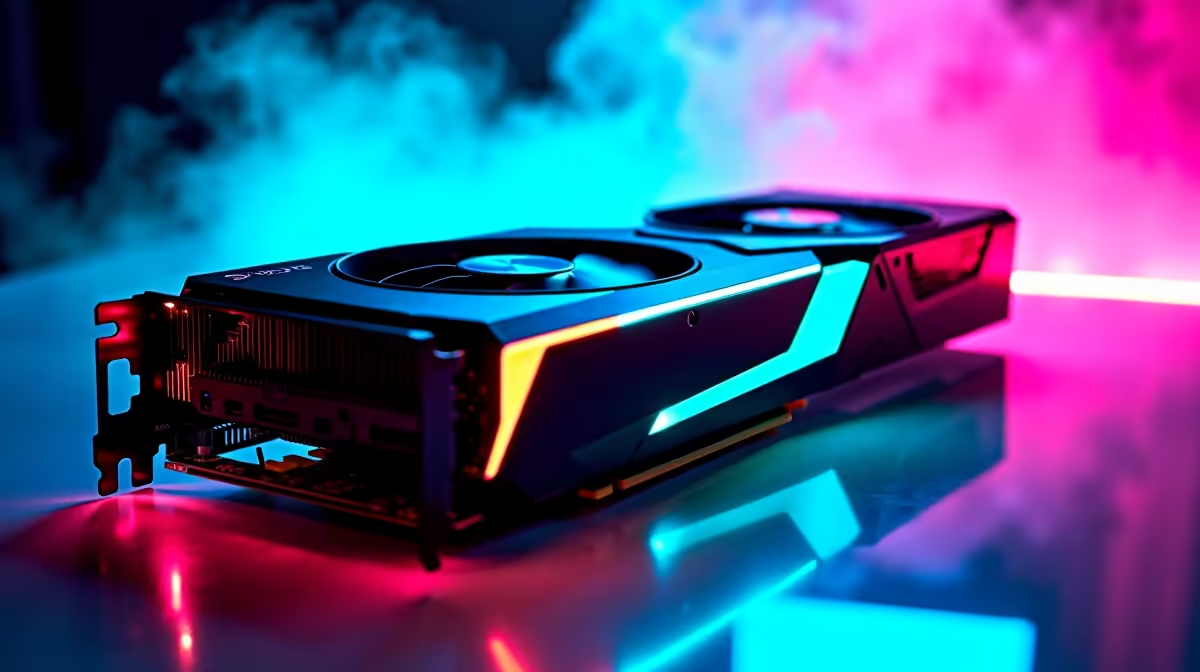
The RTX 5070 handles Marvel Rivals at 1440p extremely well. With optimised competitive settings you can expect smooth, high-framerate gameplay that gives you a real edge in ranked matches. Lowering a few quality options pushes performance even further without hurting visual clarity.
Marvel Rivals has taken the hero shooter scene by storm, and competitive players are always hunting for that extra framerate headroom at 1440p. The RTX 5070 sits in a strong mid-to-high range position - powerful enough to max most settings, but with room to squeeze even more frames by tuning things strategically. Here is what to expect and how to set it up.
For competitive play, you want to prioritise framerate over eye candy. Set your resolution to 2560x1440 and switch the rendering mode to Performance. Drop Shadow Quality to Medium, reduce Ambient Occlusion to Low or Off, and set Texture Quality to High (textures barely hit GPU VRAM, so quality loss is minimal). Anti-aliasing should be set to DLSS Quality or DLSS Balanced - the RTX 5070''s DLSS 4 implementation is excellent and keeps the image sharp while boosting framerate meaningfully. With these settings, the RTX 5070 delivers very high framerates well above typical 165Hz monitor refresh rates, keeping your experience fluid and responsive.
One major advantage of the RTX 5070 in Marvel Rivals is NVIDIA Reflex. Enable Reflex + Boost in the game settings. This reduces system latency significantly, meaning your inputs register faster - critical in a fast-paced hero shooter. Frame Generation (available via the DLSS 4 Multi Frame Generation on RTX 50 series) can push framerate numbers even higher, but many competitive players prefer to disable it to keep latency as low as possible. If you are playing casually or want a smoother feel at lower base framerates, Frame Generation is worth enabling. For ranked play, keep it off and let Reflex do the heavy lifting.
Marvel Rivals is a live-service game - you will be playing long sessions. Make sure your PC case has adequate airflow. The RTX 5070 runs efficiently relative to its performance tier, but sustained competitive loads will push temperatures up over time. Aim to keep GPU temperatures below 83°C. A good aftermarket cooler on your CPU and at least two case fans (one intake, one exhaust) will keep things stable. In South Africa, summer ambient temperatures can push thermals higher, so do not neglect airflow in your setup.
Q: Does the RTX 5070 support DLSS 4 in Marvel Rivals? A: Yes. Marvel Rivals supports DLSS, and the RTX 5070 can use DLSS 4 including the improved transformer model for better image quality at lower performance costs.
Q: Should I use DLSS Quality or Performance mode for competitive 1440p play? A: DLSS Balanced is the sweet spot - you get a strong framerate boost with image quality that remains sharp enough for spotting enemies accurately.
Q: Is the RTX 5070 overkill for Marvel Rivals at 1440p? A: Not at all. Higher framerates directly reduce input lag and give you a competitive edge. More GPU headroom also means the game stays smooth during hectic team fights with heavy visual effects.
Ready to Find Your Perfect Match? Shop RTX 5070 gaming PCs at Evetech.
RTX 5070 Marvel Rivals Competitive Setti available at Evetech.co.za with local warranty and fast delivery.
RTX 5070 Marvel Rivals Competitive Setti - check Evetech for latest stock and SA pricing.
Depends on your use case. RTX 5070 Marvel Rivals Competi offers good value at current Rand pricing.
Headset Stock Levels in Bloemfontein: January. Current stock data & price tracking for SA buyers. See what is available and where prices are heading.
Read more
iMac for Medical Practice: Patient Management. SA-focused analysis with local pricing data, real-world insights & actionable buying advice.
Read more
RTX 5060 Fortnite Ultra Settings at 1080p: FPS. Real-world benchmark data, FPS numbers & performance analysis. What SA gamers can actually expect.
Read more
Headset Stock Levels in Cape Town: August Report. Current stock data & price tracking for SA buyers. See what is available and where prices are heading.
Read more
Eskom Load Shedding During Video Call: Solutions. SA-focused analysis with local pricing data, real-world insights & actionable buying advice.
Read more
LoL Performance on Extreme Gaming PC. Real-world benchmark data, FPS numbers & performance analysis. What SA gamers can actually expect.
Read more
Is a Ultra Short Throw Projector Good for Gaming?. Diagnosis steps, proven fixes & when to seek professional help. SA-specific support info included.

Is a Short Throw Projector Good for Gaming? Input. Diagnosis steps, proven fixes & when to seek professional help. SA-specific support info included.

Top Mouse Settings for Competitive FPS: Sensitivity picks evaluated on performance, value & SA availability with current Rand pricing from Evetech.

Top Speakers for MacBook Desk Setup picks evaluated on performance, value & SA availability with current Rand pricing from Evetech.

Is a Ergonomic Chair Better Than a Standard Office Chair for Gaming Detailed answer with SA data, expert analysis & practical recommendations for local buyers.

Use Spotlight Search Like a Pro on macOS. Step-by-step instructions with SA-specific tips, common pitfalls to avoid & expert recommendations.

wireless keyboard Fan Noise Too Loud: Quiet. Everything you need to know with SA pricing, step-by-step instructions & expert recommendations.

Connection Timeout: Troubleshooting Guide #2. Diagnosis steps, proven fixes & when to seek professional help. SA-specific support info included.
Headset Stock Levels in Bloemfontein: January. Current stock data & price tracking for SA buyers. See what is available and where prices are heading.
iMac for Medical Practice: Patient Management. SA-focused analysis with local pricing data, real-world insights & actionable buying advice.
RTX 5060 Fortnite Ultra Settings at 1080p: FPS. Real-world benchmark data, FPS numbers & performance analysis. What SA gamers can actually expect.
Headset Stock Levels in Cape Town: August Report. Current stock data & price tracking for SA buyers. See what is available and where prices are heading.