


Headset Stock Levels in Bloemfontein: January 2026 Report
Headset Stock Levels in Bloemfontein: January. Current stock data & price tracking for SA buyers. See what is available and where prices are heading.
Read moreRTX 5070 Monster Hunter Wilds Ultra Settings. Real-world benchmark data, FPS numbers & performance analysis. What SA gamers can actually expect.
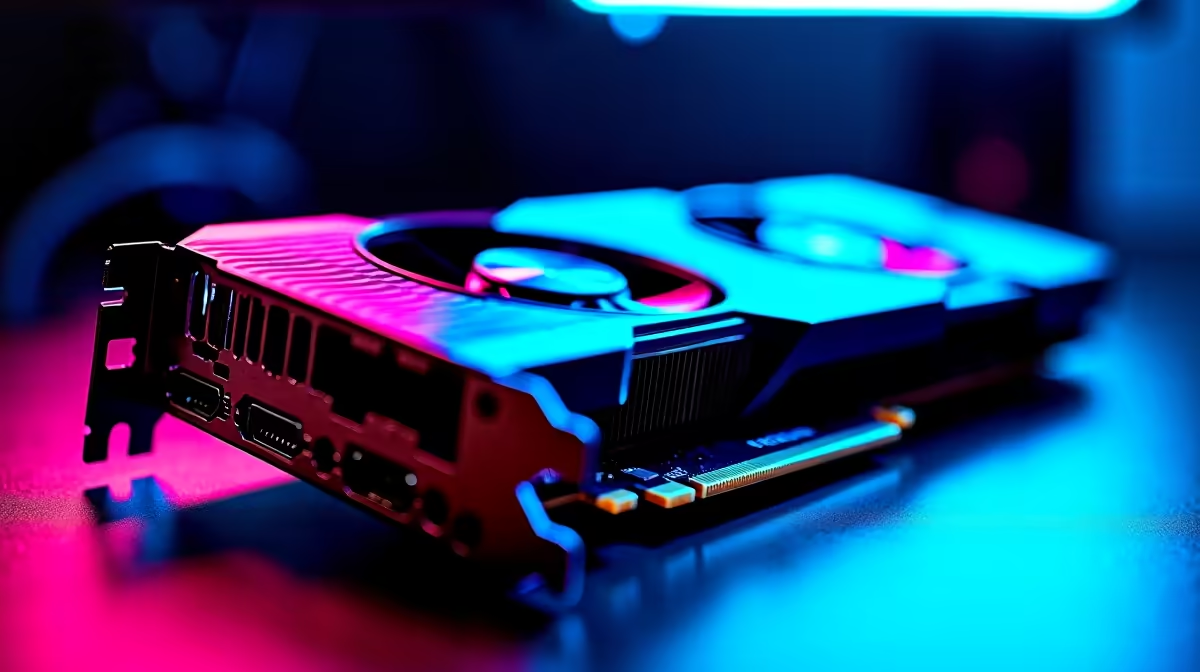
The RTX 5070 is a strong match for Monster Hunter Wilds at 1440p on Ultra settings, delivering smooth and visually impressive performance with DLSS 4 enabled. Enabling Multi-Frame Generation significantly boosts perceived frame rates, making the combination of 1440p Ultra and DLSS the recommended configuration for this GPU pairing.
Monster Hunter Wilds is one of the most visually demanding titles of its generation, with its dense environmental detail, complex particle effects during monster encounters, and large open biomes all demanding sustained GPU throughput. At 1440p on Ultra settings, it represents a meaningful challenge for even high-end GPUs. The RTX 5070 is well-positioned for this resolution and quality tier, particularly when NVIDIA''s DLSS 4 stack is in play.
The game''s Wilds engine pushes real-time global illumination, high-resolution texture streaming, advanced weather effects, and dense foliage rendering simultaneously. At 1440p Ultra, the raw pixel count and shader complexity combine to create GPU workloads that would push mid-range hardware to its limits. Shadows, volumetric effects, and the game''s characteristic dust and debris particle systems are particularly taxing. Understanding which settings have the most impact on performance versus visual quality is key to optimising your experience on the RTX 5070.
At native 1440p Ultra with Ray Tracing enabled, the RTX 5070 will face meaningful frame rate pressure. Dropping Ray Tracing to medium or off recovers substantial performance without dramatically altering the game''s visual character in most biomes. The more impactful upgrade is DLSS 4 - specifically, using Quality or Balanced mode at 1440p paired with Frame Generation or Multi-Frame Generation. This approach renders fewer pixels natively, upscales intelligently using NVIDIA''s AI networks, and then inserts additional frames, resulting in a dramatically smoother experience. For a high-refresh-rate 1440p monitor, DLSS 4 Quality mode with Frame Generation is the recommended configuration on the RTX 5070.
Set resolution to 1440p, DLSS to Quality, Frame Generation to Multi-Frame Generation, Shadow Quality to High (stepping back from Ultra saves GPU time with minimal visual cost), Volumetric Fog to Medium, and keep Texture Quality on Ultra since VRAM on the 5070 handles it well. Anti-aliasing via DLSS handles image quality without the cost of traditional TAA or MSAA. With this configuration, gameplay remains smooth through the game''s most chaotic encounters, including multi-monster fights during storm weather events.
Q: Is Ray Tracing worth enabling in Monster Hunter Wilds on the RTX 5070 at 1440p? A: Ray Tracing improves lighting authenticity, particularly in indoor spaces and during dawn/dusk transitions, but has a significant performance cost. At 1440p Ultra, use Medium Ray Tracing with DLSS Quality for a balanced result, or disable it entirely if you prioritise maximum frame rate.
Q: Does Monster Hunter Wilds support DLSS 4 Multi-Frame Generation? A: Monster Hunter Wilds received DLSS 4 support post-launch. Ensure your game and GPU drivers are updated to the latest versions to access Multi-Frame Generation on RTX 50-series hardware.
Q: What monitor resolution and refresh rate best matches the RTX 5070 for Monster Hunter Wilds? A: A 1440p 144Hz or 165Hz monitor is the ideal companion for the RTX 5070 in this title. With DLSS Quality and Frame Generation, you can realistically target smooth, high-refresh gameplay even in demanding biomes.
Ready to Find Your Perfect Match? Find RTX 5070 gaming PC deals at Evetech and take Monster Hunter Wilds to its visual limits.
RTX 5070 Monster Hunter Wilds Ultra Sett available at Evetech.co.za with local warranty and fast delivery.
RTX 5070 Monster Hunter Wilds Ultra Sett - check Evetech for latest stock and SA pricing.
Depends on your use case. RTX 5070 Monster Hunter Wilds offers good value at current Rand pricing.
Headset Stock Levels in Bloemfontein: January. Current stock data & price tracking for SA buyers. See what is available and where prices are heading.
Read more
iMac for Medical Practice: Patient Management. SA-focused analysis with local pricing data, real-world insights & actionable buying advice.
Read more
RTX 5060 Fortnite Ultra Settings at 1080p: FPS. Real-world benchmark data, FPS numbers & performance analysis. What SA gamers can actually expect.
Read more
Headset Stock Levels in Cape Town: August Report. Current stock data & price tracking for SA buyers. See what is available and where prices are heading.
Read more
Eskom Load Shedding During Video Call: Solutions. SA-focused analysis with local pricing data, real-world insights & actionable buying advice.
Read more
LoL Performance on Extreme Gaming PC. Real-world benchmark data, FPS numbers & performance analysis. What SA gamers can actually expect.
Read more
Is a Ultra Short Throw Projector Good for Gaming?. Diagnosis steps, proven fixes & when to seek professional help. SA-specific support info included.

Is a Short Throw Projector Good for Gaming? Input. Diagnosis steps, proven fixes & when to seek professional help. SA-specific support info included.

Top Mouse Settings for Competitive FPS: Sensitivity picks evaluated on performance, value & SA availability with current Rand pricing from Evetech.

Top Speakers for MacBook Desk Setup picks evaluated on performance, value & SA availability with current Rand pricing from Evetech.

Is a Ergonomic Chair Better Than a Standard Office Chair for Gaming Detailed answer with SA data, expert analysis & practical recommendations for local buyers.

Use Spotlight Search Like a Pro on macOS. Step-by-step instructions with SA-specific tips, common pitfalls to avoid & expert recommendations.

wireless keyboard Fan Noise Too Loud: Quiet. Everything you need to know with SA pricing, step-by-step instructions & expert recommendations.

Connection Timeout: Troubleshooting Guide #2. Diagnosis steps, proven fixes & when to seek professional help. SA-specific support info included.
Headset Stock Levels in Bloemfontein: January. Current stock data & price tracking for SA buyers. See what is available and where prices are heading.
iMac for Medical Practice: Patient Management. SA-focused analysis with local pricing data, real-world insights & actionable buying advice.
RTX 5060 Fortnite Ultra Settings at 1080p: FPS. Real-world benchmark data, FPS numbers & performance analysis. What SA gamers can actually expect.
Headset Stock Levels in Cape Town: August Report. Current stock data & price tracking for SA buyers. See what is available and where prices are heading.