


Headset Stock Levels in Bloemfontein: January 2026 Report
Headset Stock Levels in Bloemfontein: January. Current stock data & price tracking for SA buyers. See what is available and where prices are heading.
Read moreRTX 5070 + Ryzen 7 9800X3D Combo Compatibility. Diagnosis steps, proven fixes & when to seek professional help. SA-specific support info included.
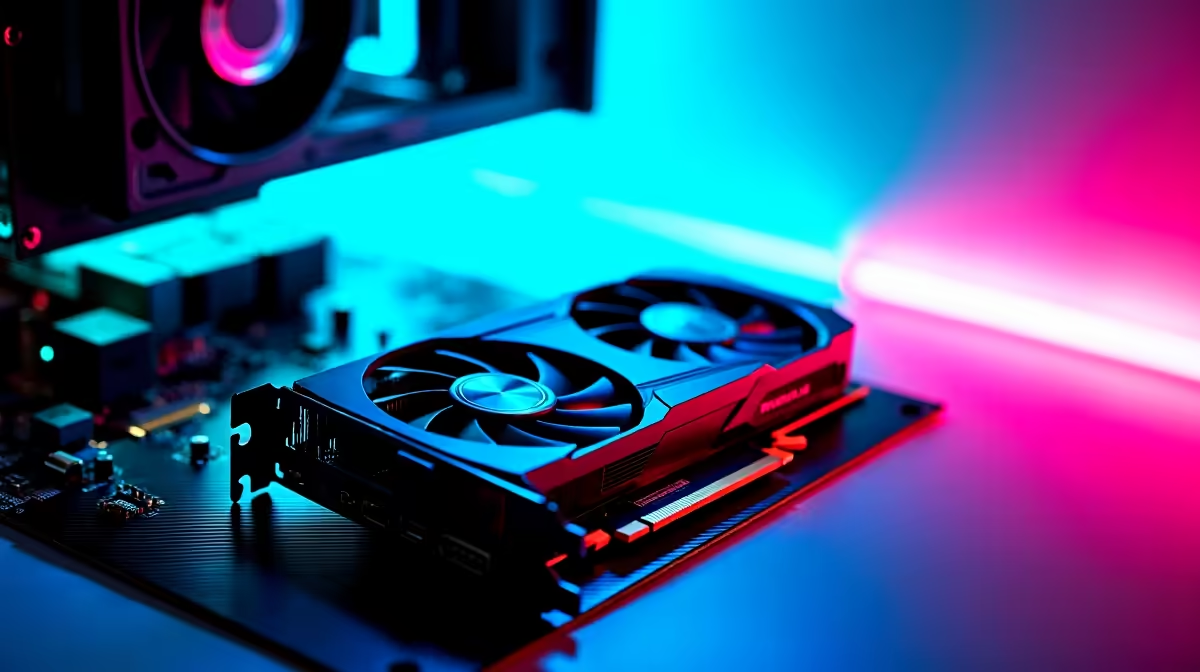
RTX 5070 and Ryzen 7 9800X3D compatibility issues are typically caused by outdated BIOS versions, PCIe bandwidth settings, or insufficient power delivery - all of which are fixable with a BIOS update and correct motherboard configuration.
The RTX 5070 and Ryzen 7 9800X3D are both cutting-edge components, and pairing them together on AM5 is an excellent high-performance gaming combination. However, compatibility issues do arise - most commonly because motherboard BIOS versions released before the RTX 5000 series launched weren't optimised for the new GPU's PCIe 5.0 signaling requirements or power negotiation behaviour.
The most reported issue is system instability or failure to POST when the RTX 5070 is installed. In some cases the GPU is detected but runs at reduced PCIe bandwidth (appearing as x8 instead of x16 in GPU-Z), which limits memory bandwidth and causes performance drops below expectations. In rarer cases, the system boots but crashes under GPU load within minutes of gaming or benchmarking.
AMD's 9800X3D uses a unique cache-stacking technology (3D V-Cache) that makes it exceptionally strong in gaming workloads. When combined with the RTX 5070 - a GPU designed around GDDR7 memory and a new Blackwell architecture - both components need the platform (motherboard, BIOS, and chipset drivers) to be fully current to function together correctly.
The first and most important step is updating your motherboard BIOS to the latest version. For X670E, X670, B650E, and B650 motherboards, check your manufacturer's support page for BIOS updates released from January 2025 onwards. Updates in this period added AGESAComboPI 1.2.0.x revisions that specifically address PCIe 5.0 device compatibility, including Blackwell-generation GPUs.
To update BIOS safely: download the update file to a USB drive formatted as FAT32, then access your BIOS by pressing DEL or F2 at boot. Use the EZ Flash or Q-Flash utility (varies by manufacturer) to select the update file from your USB drive. Let the update complete without interrupting power - this is one instance where a UPS is genuinely valuable for SA users, since a power cut mid-BIOS-update can brick a motherboard.
After updating, reset BIOS settings to optimised defaults and reconfigure only essential settings like XMP/EXPO for your RAM. Avoid enabling any PCIe bandwidth reduction features that some motherboards include for compatibility with older GPUs. Confirm in your BIOS that the primary PCIe slot is set to Gen 5 or Auto mode, not locked to Gen 4 or Gen 3.
The RTX 5070 has specific power delivery requirements that differ from previous generation Nvidia GPUs. It uses a 16-pin (12VHPWR or 12V-2x6) power connector, and if your PSU doesn't include a native 16-pin cable, you'll need to use the included adapter from Molex connectors. Ensure all Molex connectors in the adapter are fully seated - a partially connected adapter is a fire risk and will cause instability under load.
For the 9800X3D and RTX 5070 combination, a 750W PSU with 80 Plus Gold certification is the minimum recommendation. Under gaming load this combination draws roughly 320-380W total. An 850W unit gives comfortable headroom and is the safer choice for South African builds where load shedding voltage variations can stress power supplies. Check that your PSU's 12V rail capacity meets the GPU's peak power requirements listed in its specification sheet.
A: This usually means your BIOS has a compatibility or bandwidth sharing setting that's restricting the GPU's PCIe link width, or there's a BIOS-level communication issue with the GPU's PCIe 5.0 signaling. Update your BIOS first. If the issue persists, check that nothing is installed in your M.2 slots that shares bandwidth with the primary PCIe slot - some motherboard layouts route PCIe lanes from the same pool as M.2 slots.
A: If your current PSU is rated below 750W or is an older 80 Plus Bronze unit that has been running for 3+ years, yes - upgrade it. The 9800X3D's power draw is moderate (120W TDP) but the RTX 5070 can spike above 250W under load. An undersized or aging PSU causes crashes that can look like GPU or CPU faults but are actually power delivery failures.
A: In most documented cases, yes. BIOS updates addressing AGESA 1.2.0.x have resolved the majority of RTX 5000-series compatibility issues on AM5 motherboards. If crashes persist after a BIOS update, check GPU temperatures (should be below 83 degrees Celsius under load), verify the 16-pin power connector is fully seated, and test with a single RAM stick to rule out memory incompatibility.
Also at Evetech: RTX 5070 Gaming PCs | All Graphics Cards
Ready to Find Your Perfect Match? Shop at Evetech
RTX 5070 + Ryzen 7 9800X3D Combo Compati available at Evetech.co.za with local warranty and fast delivery.
RTX 5070 + Ryzen 7 9800X3D Combo Compati - check Evetech for latest stock and SA pricing.
Depends on your use case. RTX 5070 + Ryzen 7 9800X3D Com offers good value at current Rand pricing.
Headset Stock Levels in Bloemfontein: January. Current stock data & price tracking for SA buyers. See what is available and where prices are heading.
Read more
iMac for Medical Practice: Patient Management. SA-focused analysis with local pricing data, real-world insights & actionable buying advice.
Read more
RTX 5060 Fortnite Ultra Settings at 1080p: FPS. Real-world benchmark data, FPS numbers & performance analysis. What SA gamers can actually expect.
Read more
Headset Stock Levels in Cape Town: August Report. Current stock data & price tracking for SA buyers. See what is available and where prices are heading.
Read more
Eskom Load Shedding During Video Call: Solutions. SA-focused analysis with local pricing data, real-world insights & actionable buying advice.
Read more
LoL Performance on Extreme Gaming PC. Real-world benchmark data, FPS numbers & performance analysis. What SA gamers can actually expect.
Read more
Is a Ultra Short Throw Projector Good for Gaming?. Diagnosis steps, proven fixes & when to seek professional help. SA-specific support info included.

Is a Short Throw Projector Good for Gaming? Input. Diagnosis steps, proven fixes & when to seek professional help. SA-specific support info included.

Top Mouse Settings for Competitive FPS: Sensitivity picks evaluated on performance, value & SA availability with current Rand pricing from Evetech.

Top Speakers for MacBook Desk Setup picks evaluated on performance, value & SA availability with current Rand pricing from Evetech.

Is a Ergonomic Chair Better Than a Standard Office Chair for Gaming Detailed answer with SA data, expert analysis & practical recommendations for local buyers.

Use Spotlight Search Like a Pro on macOS. Step-by-step instructions with SA-specific tips, common pitfalls to avoid & expert recommendations.

wireless keyboard Fan Noise Too Loud: Quiet. Everything you need to know with SA pricing, step-by-step instructions & expert recommendations.

Connection Timeout: Troubleshooting Guide #2. Diagnosis steps, proven fixes & when to seek professional help. SA-specific support info included.
Headset Stock Levels in Bloemfontein: January. Current stock data & price tracking for SA buyers. See what is available and where prices are heading.
iMac for Medical Practice: Patient Management. SA-focused analysis with local pricing data, real-world insights & actionable buying advice.
RTX 5060 Fortnite Ultra Settings at 1080p: FPS. Real-world benchmark data, FPS numbers & performance analysis. What SA gamers can actually expect.
Headset Stock Levels in Cape Town: August Report. Current stock data & price tracking for SA buyers. See what is available and where prices are heading.