


Headset Stock Levels in Bloemfontein: January 2026 Report
Headset Stock Levels in Bloemfontein: January. Current stock data & price tracking for SA buyers. See what is available and where prices are heading.
Read moreRTX 5070 Thermal Throttling: Temperature Fix. Causes, detection methods & cooling solutions to keep your hardware at safe temps in SA.
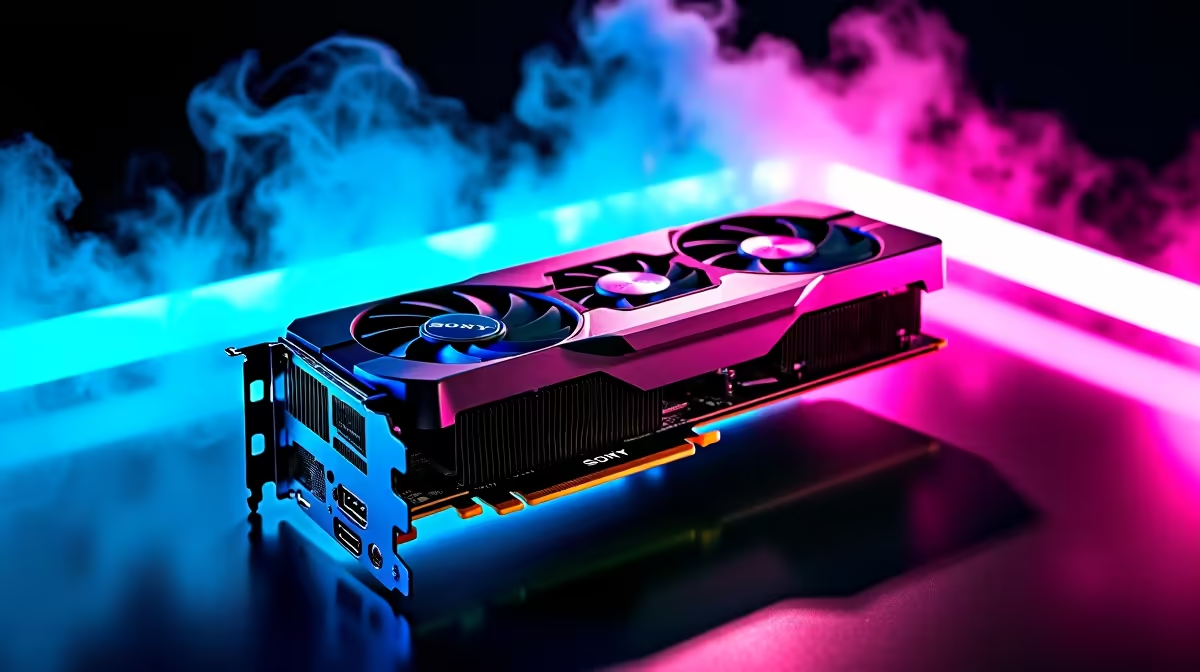
RTX 5070 thermal throttling is triggered when the GPU exceeds around 83-84 degrees Celsius, causing clock speeds to drop and performance to dip. Fixing this typically involves improving airflow, reapplying thermal paste, or upgrading your CPU cooler setup inside your PC case.
The RTX 5070 is a powerful card, and with that power comes significant heat output - especially during extended gaming sessions. South African summers can push ambient temperatures well above 30 degrees in rooms without air conditioning, making thermal management even more critical for local builders. If you are seeing FPS drops during long sessions or your GPU-Z logs show clock speeds falling below the boost frequency, thermal throttling is almost certainly the culprit.
Before diving into fixes, confirm that throttling is actually happening. Download a free tool like HWiNFO64 and run it alongside your game. Watch the "GPU Core Clock" and "GPU Temperature" sensors simultaneously. If the clock speed drops sharply when temps hit 83 degrees or above, that is throttling in action. You may also see the "GPU Power" reading plateau at the card's TGP limit, which is around 200W for the RTX 5070. Both conditions together confirm the problem. A third indicator is a sudden and repeatable FPS drop at the same point in gameplay - usually after 15 to 30 minutes of heavy load.
Start with the easiest wins before spending money. First, check your case airflow - a minimum of two intake fans at the front and one exhaust at the rear is the baseline. Make sure intake vents are not blocked by cables or sitting flush against a wall. Second, clean dust filters and GPU heatsink fins with compressed air. Dust buildup is a major killer of cooling performance, particularly in South African homes near dusty townships or unpaved roads. Third, in MSI Afterburner, increase the GPU fan curve so fans spin faster earlier - set them to hit 70% speed at 70 degrees rather than waiting for the default response. If ambient temps in your room regularly exceed 28 degrees, this alone can drop GPU temperatures by 5 to 8 degrees. For more stubborn cases, consider replacing the GPU thermal paste. The RTX 5070 uses pads and paste from the factory, and the paste can degrade over time or was applied unevenly. Replacing with a high-quality thermal compound like Thermal Grizzly Kryonaut can recover 3 to 5 degrees.
If airflow tweaks are not enough, the next step is upgrading your cooling hardware. A mid-tower with proper mesh front panels moves significantly more air than a solid-panel budget case. Alternatively, adding a 240mm or 360mm AIO liquid cooler for your CPU removes a major heat source from the case interior - this matters because a hot CPU zone raises the overall internal air temperature that your GPU is pulling from. Tower air coolers from reputable brands with dual fans can also keep CPU temperatures low enough that GPU thermal headroom improves noticeably. In South Africa, a quality tower cooler typically runs between R600 and R1,500, which is a cost-effective upgrade compared to replacing the GPU itself.
Q: What temperature should my RTX 5070 run at under load? A: Ideally between 70 and 80 degrees Celsius under sustained load. Anything consistently above 83 degrees will trigger throttling. Junction temperatures (hotspot) can read 10 to 15 degrees higher, which is normal.
Q: Will undervolting my RTX 5070 help with thermal throttling? A: Yes - undervolting reduces power draw and heat output while maintaining similar performance. Use MSI Afterburner's voltage/frequency curve editor to find a stable lower voltage point at your target clock speed.
Q: Does loadshedding affect GPU thermals in South Africa? A: Indirectly, yes. Running a UPS or inverter during loadshedding can sometimes supply slightly lower quality power, which may affect system stability, but it does not directly cause throttling. However, rooms heat up faster without air conditioning during outages, raising ambient temps.
Ready to Find Your Perfect Match? Upgrade your cooling setup and keep your RTX 5070 running at full speed - browse CPU coolers and case cooling solutions at Evetech.
RTX 5070 Thermal Throttling: Temperature available at Evetech.co.za with local warranty and fast delivery.
RTX 5070 Thermal Throttling: Temperature - check Evetech for latest stock and SA pricing.
Depends on your use case. RTX 5070 Thermal Throttling: T offers good value at current Rand pricing.
Headset Stock Levels in Bloemfontein: January. Current stock data & price tracking for SA buyers. See what is available and where prices are heading.
Read more
iMac for Medical Practice: Patient Management. SA-focused analysis with local pricing data, real-world insights & actionable buying advice.
Read more
RTX 5060 Fortnite Ultra Settings at 1080p: FPS. Real-world benchmark data, FPS numbers & performance analysis. What SA gamers can actually expect.
Read more
Headset Stock Levels in Cape Town: August Report. Current stock data & price tracking for SA buyers. See what is available and where prices are heading.
Read more
Eskom Load Shedding During Video Call: Solutions. SA-focused analysis with local pricing data, real-world insights & actionable buying advice.
Read more
LoL Performance on Extreme Gaming PC. Real-world benchmark data, FPS numbers & performance analysis. What SA gamers can actually expect.
Read more
Is a Ultra Short Throw Projector Good for Gaming?. Diagnosis steps, proven fixes & when to seek professional help. SA-specific support info included.

Is a Short Throw Projector Good for Gaming? Input. Diagnosis steps, proven fixes & when to seek professional help. SA-specific support info included.

Top Mouse Settings for Competitive FPS: Sensitivity picks evaluated on performance, value & SA availability with current Rand pricing from Evetech.

Top Speakers for MacBook Desk Setup picks evaluated on performance, value & SA availability with current Rand pricing from Evetech.

Is a Ergonomic Chair Better Than a Standard Office Chair for Gaming Detailed answer with SA data, expert analysis & practical recommendations for local buyers.

Use Spotlight Search Like a Pro on macOS. Step-by-step instructions with SA-specific tips, common pitfalls to avoid & expert recommendations.

wireless keyboard Fan Noise Too Loud: Quiet. Everything you need to know with SA pricing, step-by-step instructions & expert recommendations.

Connection Timeout: Troubleshooting Guide #2. Diagnosis steps, proven fixes & when to seek professional help. SA-specific support info included.
Headset Stock Levels in Bloemfontein: January. Current stock data & price tracking for SA buyers. See what is available and where prices are heading.
iMac for Medical Practice: Patient Management. SA-focused analysis with local pricing data, real-world insights & actionable buying advice.
RTX 5060 Fortnite Ultra Settings at 1080p: FPS. Real-world benchmark data, FPS numbers & performance analysis. What SA gamers can actually expect.
Headset Stock Levels in Cape Town: August Report. Current stock data & price tracking for SA buyers. See what is available and where prices are heading.