


Headset Stock Levels in Bloemfontein: January 2026 Report
Headset Stock Levels in Bloemfontein: January. Current stock data & price tracking for SA buyers. See what is available and where prices are heading.
Read moreRTX 5080 Common Issues and Fixes. Diagnosis steps, proven fixes & when to seek professional help. SA-specific support info included.
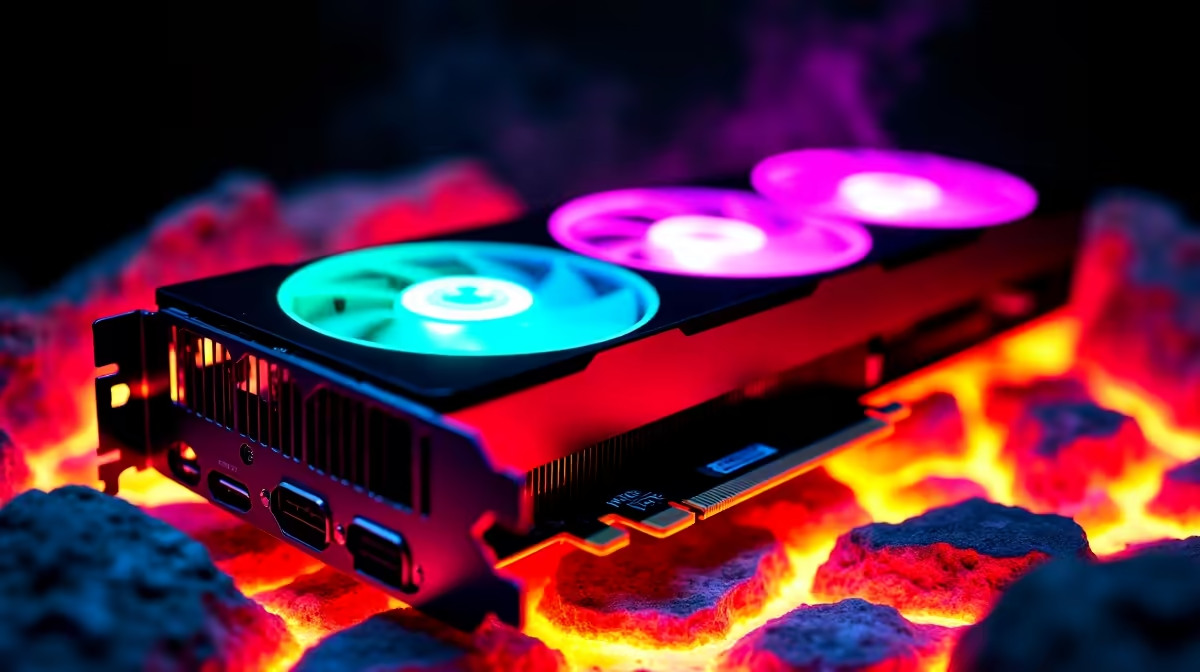
So, you just dropped a hefty chunk of ZAR on the new flagship GPU. It is an absolute beast for 4K gaming. But being an early adopter in South Africa sometimes means dealing with launch-day gremlins. If your new rig is acting up, do not panic. We have compiled a list of RTX 5080 common issues and fixes to get you back into the lobby fast.
This card draws some serious wattage under heavy load. Many local gamers find their systems unexpectedly shutting down during intense gameplay. This usually points to a power supply that cannot handle the transient power spikes.
Make sure your 12VHPWR cable is seated flush against the connector. A loose cable is dangerous. If you are upgrading an older rig, ensure you have a high-quality ATX 3.0 PSU. Otherwise, you might want to look at our pre-built PC deals that come perfectly balanced straight out of the box.
Another frequent headache is the dreaded black screen after installing fresh drivers. When upgrading to the latest graphics cards, leftover files from your old GPU often cause nasty software conflicts.
Always use Display Driver Uninstaller (DDU) in Windows Safe Mode before installing your new GPU. This completely scrubs the old registry files and prevents most launch-day display crashes.
Our South African summers are unforgiving on PC hardware. If your frame rates suddenly drop after an hour of playing, your card might be thermal throttling. This GPU needs massive airflow to stay cool.
Check your custom fan curves using software like MSI Afterburner. You can also try a slight undervolt to drop temperatures without losing performance. If your current chassis feels like an oven, exploring custom gaming PCs with high-airflow mesh cases is a solid long-term fix.
Many early adopters report a high-pitched buzzing sound under heavy load. This is known as coil whine. It is very common with high-power components and is generally harmless.
To minimise the noise, try capping your maximum frame rate in the Nvidia Control Panel. You can also play with undervolting to reduce the power draw. A premium power supply can also help smooth out the electrical ripple that causes the vibration.
Sometimes the issue is not the graphics card itself. Pairing a premium 30,000 ZAR card with an older processor creates a massive bottleneck. You will likely see stuttering and shockingly low GPU utilisation at 1080p or 1440p resolutions.
Upgrading your CPU and RAM is the best way to solve this. If you travel often for work or LANs, you might even prefer leaving the desktop at home and grabbing one of our high-performance laptops.
Either way... keeping an eye on our daily tech specials will help you find the right upgrade parts without breaking the bank.
Working through RTX 5080 common issues and fixes does not have to be stressful. With the right power delivery and clean drivers, you will be pushing maximum frames in no time.
Ready to Build the Ultimate 50-Series Rig? Getting the most out of next-gen hardware means having a balanced system. Explore our massive range of desktop specials and find the perfect components to unleash your new GPU in South Africa.
RTX 5080 Common Issues and Fixes available at Evetech.co.za with local warranty and fast delivery.
RTX 5080 Common Issues and Fixes - check Evetech for latest stock and SA pricing.
Depends on your use case. RTX 5080 Common Issues and Fix offers good value at current Rand pricing.
Headset Stock Levels in Bloemfontein: January. Current stock data & price tracking for SA buyers. See what is available and where prices are heading.
Read more
iMac for Medical Practice: Patient Management. SA-focused analysis with local pricing data, real-world insights & actionable buying advice.
Read more
RTX 5060 Fortnite Ultra Settings at 1080p: FPS. Real-world benchmark data, FPS numbers & performance analysis. What SA gamers can actually expect.
Read more
Headset Stock Levels in Cape Town: August Report. Current stock data & price tracking for SA buyers. See what is available and where prices are heading.
Read more
Eskom Load Shedding During Video Call: Solutions. SA-focused analysis with local pricing data, real-world insights & actionable buying advice.
Read more
LoL Performance on Extreme Gaming PC. Real-world benchmark data, FPS numbers & performance analysis. What SA gamers can actually expect.
Read more
Is a Ultra Short Throw Projector Good for Gaming?. Diagnosis steps, proven fixes & when to seek professional help. SA-specific support info included.

Is a Short Throw Projector Good for Gaming? Input. Diagnosis steps, proven fixes & when to seek professional help. SA-specific support info included.

Top Mouse Settings for Competitive FPS: Sensitivity picks evaluated on performance, value & SA availability with current Rand pricing from Evetech.

Top Speakers for MacBook Desk Setup picks evaluated on performance, value & SA availability with current Rand pricing from Evetech.

Is a Ergonomic Chair Better Than a Standard Office Chair for Gaming Detailed answer with SA data, expert analysis & practical recommendations for local buyers.

Use Spotlight Search Like a Pro on macOS. Step-by-step instructions with SA-specific tips, common pitfalls to avoid & expert recommendations.

wireless keyboard Fan Noise Too Loud: Quiet. Everything you need to know with SA pricing, step-by-step instructions & expert recommendations.

Connection Timeout: Troubleshooting Guide #2. Diagnosis steps, proven fixes & when to seek professional help. SA-specific support info included.
Headset Stock Levels in Bloemfontein: January. Current stock data & price tracking for SA buyers. See what is available and where prices are heading.
iMac for Medical Practice: Patient Management. SA-focused analysis with local pricing data, real-world insights & actionable buying advice.
RTX 5060 Fortnite Ultra Settings at 1080p: FPS. Real-world benchmark data, FPS numbers & performance analysis. What SA gamers can actually expect.
Headset Stock Levels in Cape Town: August Report. Current stock data & price tracking for SA buyers. See what is available and where prices are heading.