


Headset Stock Levels in Bloemfontein: January 2026 Report
Headset Stock Levels in Bloemfontein: January. Current stock data & price tracking for SA buyers. See what is available and where prices are heading.
Read moreRTX 5080 Highest Settings: Performance Impact &. Real-world benchmark data, FPS numbers & performance analysis. What SA gamers can actually expect.
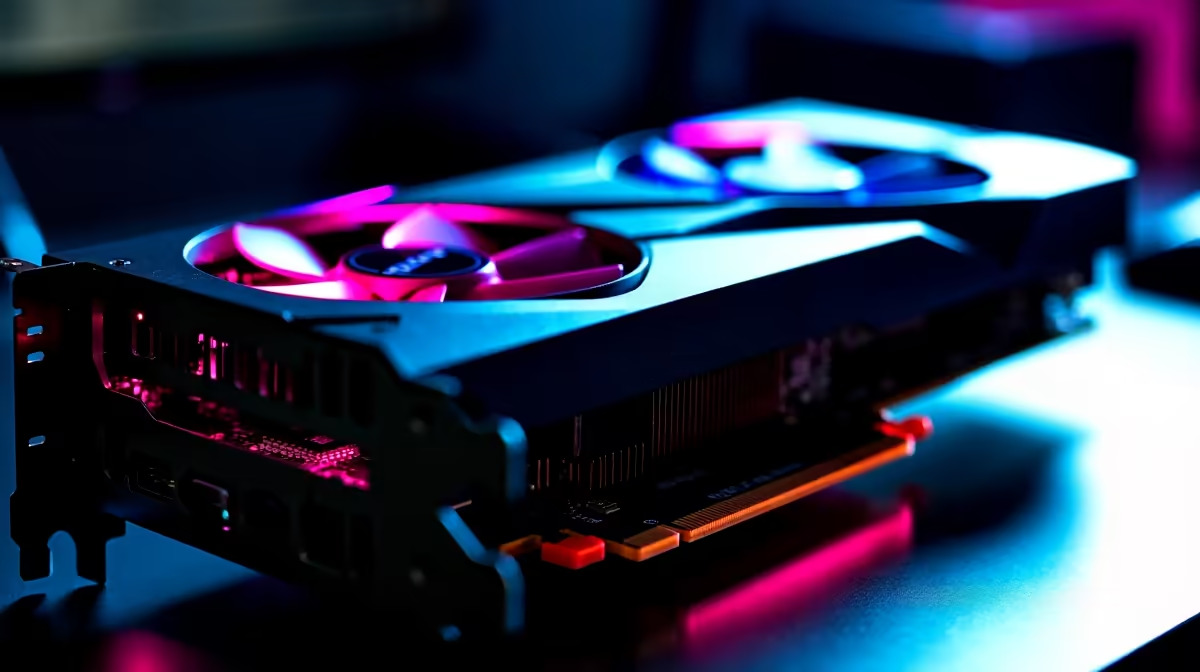
The RTX 5080 at highest settings delivers exceptional performance in demanding titles, but maxing out all settings does have a real performance cost. For most games at 4K, the RTX 5080 holds above 60 FPS on maximum settings, though frame-rate-capped titles and certain ray tracing workloads can push the card harder than expected.
Running any game at absolute maximum settings tests every aspect of a GPU: raw shader performance, VRAM bandwidth, memory capacity, and thermal output. The RTX 5080 is built on NVIDIA's Blackwell architecture with a large L2 cache, high memory bandwidth, and 16GB of GDDR7. These specs give it a strong foundation for high-fidelity rendering.
In practice, the performance impact of maximum settings depends heavily on which game and which specific features are toggled. A few key settings have disproportionate performance impact across most titles:
Ray Tracing at Ultra or Psycho: This is consistently the single heaviest setting across any game that supports it. Path tracing in particular, as seen in Alan Wake 2 or Cyberpunk 2077, can bring even the RTX 5080 under 60 FPS at 4K native without DLSS.
Global Illumination at Ultra: Extremely GPU intensive in open-world titles such as Star Wars Outlaws, Avatar: Frontiers of Pandora, and The Witcher 4.
Antialiasing at native 4K: With DLSS disabled and native TAA, the rendering load is at its peak. DLSS Quality at 4K usually delivers near-native image quality at a significant performance improvement.
Shadow Distance and Quality at Ultra: Shadows scale poorly with GPU resources. Ultra shadows may cost 15-25% performance over High in some titles with minimal visible benefit at typical viewing distances.
For 4K maximum settings: Enable DLSS Quality. This is not a compromise; DLSS 4 at Quality mode is visually indistinguishable from native 4K in most real-world gameplay. With DLSS Quality active, the RTX 5080 handles maximum presets in nearly all titles at 4K above 60 FPS.
For path tracing titles: Enable DLSS Performance or Balanced mode plus Frame Generation. Path tracing is worth the performance cost in games where it transforms the lighting, but you need DLSS to make it viable at full settings.
For highest refresh rate at 1440p: Turn ray tracing off and enable DLSS Balanced. The RTX 5080 at 1440p with no ray tracing can push above 200 FPS in many titles on maximum raster settings.
For SA loadshedding-aware gaming on UPS: Reducing settings from maximum to High saves meaningful wattage. The RTX 5080 can draw up to 320W at full load. Dropping ray tracing and one or two settings cuts this by 50-80W, which extends UPS runtime during stage 4-6 load shedding.
For most modern AAA titles with DLSS Quality enabled, yes. Without DLSS, some demanding ray-traced games at 4K maximum may dip below 60 FPS in the heaviest scenes.
For single-player story games, max settings with DLSS is the ideal configuration. For competitive multiplayer, disabling ray tracing and reducing shadows for higher frame rates is a better trade-off regardless of GPU tier.
AIB partner cards with triple-fan coolers typically keep the RTX 5080 below 80 degrees Celsius under sustained load. Ambient temperature in SA can affect this. Good case airflow and a cool room (or air conditioning) help keep junction temperatures in check.
Ready to Find Your Perfect Match? Shop RTX 5080 cards in South Africa with ZAR pricing and fast local delivery. Browse NVIDIA Graphics Cards
RTX 5080 Highest Settings: Performance I available at Evetech.co.za with local warranty and fast delivery.
RTX 5080 Highest Settings: Performance I - check Evetech for latest stock and SA pricing.
Depends on your use case. RTX 5080 Highest Settings: Per offers good value at current Rand pricing.
Headset Stock Levels in Bloemfontein: January. Current stock data & price tracking for SA buyers. See what is available and where prices are heading.
Read more
iMac for Medical Practice: Patient Management. SA-focused analysis with local pricing data, real-world insights & actionable buying advice.
Read more
RTX 5060 Fortnite Ultra Settings at 1080p: FPS. Real-world benchmark data, FPS numbers & performance analysis. What SA gamers can actually expect.
Read more
Headset Stock Levels in Cape Town: August Report. Current stock data & price tracking for SA buyers. See what is available and where prices are heading.
Read more
Eskom Load Shedding During Video Call: Solutions. SA-focused analysis with local pricing data, real-world insights & actionable buying advice.
Read more
LoL Performance on Extreme Gaming PC. Real-world benchmark data, FPS numbers & performance analysis. What SA gamers can actually expect.
Read more
Is a Ultra Short Throw Projector Good for Gaming?. Diagnosis steps, proven fixes & when to seek professional help. SA-specific support info included.

Is a Short Throw Projector Good for Gaming? Input. Diagnosis steps, proven fixes & when to seek professional help. SA-specific support info included.

Top Mouse Settings for Competitive FPS: Sensitivity picks evaluated on performance, value & SA availability with current Rand pricing from Evetech.

Top Speakers for MacBook Desk Setup picks evaluated on performance, value & SA availability with current Rand pricing from Evetech.

Is a Ergonomic Chair Better Than a Standard Office Chair for Gaming Detailed answer with SA data, expert analysis & practical recommendations for local buyers.

Use Spotlight Search Like a Pro on macOS. Step-by-step instructions with SA-specific tips, common pitfalls to avoid & expert recommendations.

wireless keyboard Fan Noise Too Loud: Quiet. Everything you need to know with SA pricing, step-by-step instructions & expert recommendations.

Connection Timeout: Troubleshooting Guide #2. Diagnosis steps, proven fixes & when to seek professional help. SA-specific support info included.
Headset Stock Levels in Bloemfontein: January. Current stock data & price tracking for SA buyers. See what is available and where prices are heading.
iMac for Medical Practice: Patient Management. SA-focused analysis with local pricing data, real-world insights & actionable buying advice.
RTX 5060 Fortnite Ultra Settings at 1080p: FPS. Real-world benchmark data, FPS numbers & performance analysis. What SA gamers can actually expect.
Headset Stock Levels in Cape Town: August Report. Current stock data & price tracking for SA buyers. See what is available and where prices are heading.