


Headset Stock Levels in Bloemfontein: January 2026 Report
Headset Stock Levels in Bloemfontein: January. Current stock data & price tracking for SA buyers. See what is available and where prices are heading.
Read moreRTX 5090 Highest Settings: Performance Impact. Real-world benchmark data, FPS numbers & performance analysis. What SA gamers can actually expect.
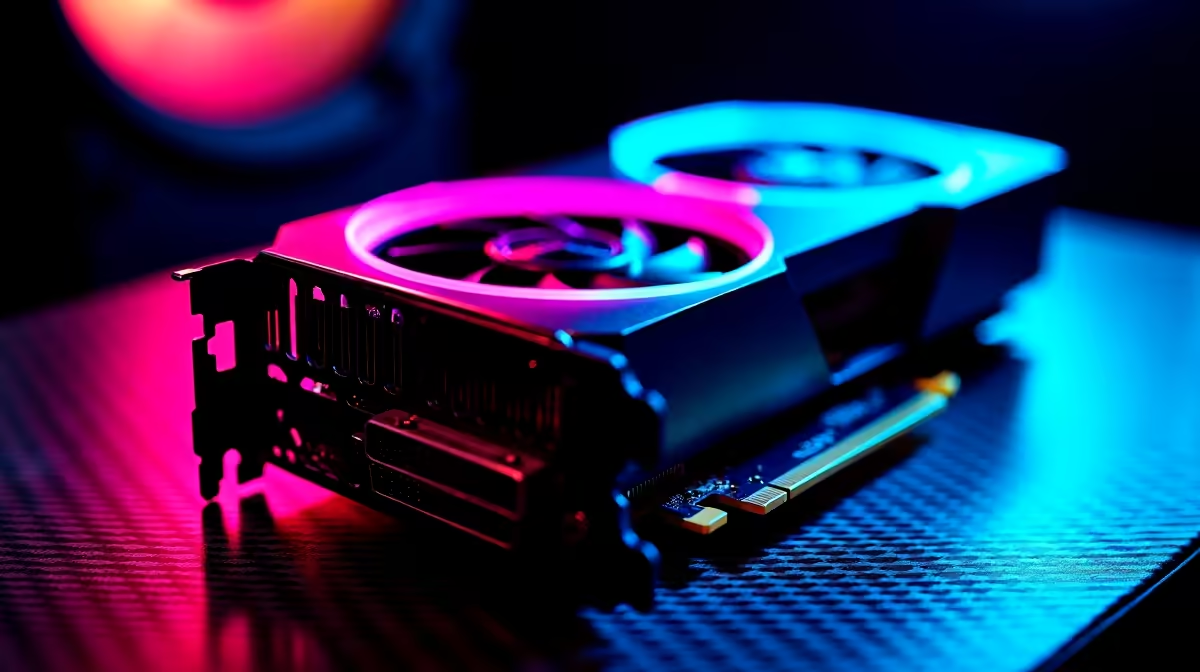
Running the RTX 5090 at its highest settings reveals just how much headroom NVIDIA's top-end Blackwell GPU has - but it also exposes where even this card meets its limits. If you're considering pushing every quality slider to maximum, understanding the performance impact is essential before building around this GPU.
RTX 5090 Highest Settings - Performance Impact & Recommendations: At highest settings with ray tracing maxed, the RTX 5090 averages 80–110fps at 4K in the most demanding titles. With DLSS 4 Multi Frame Generation enabled, those numbers jump to 200fps+ in optimised games. Highest settings are sustainable at 4K on this card, but ray tracing ultra is best paired with DLSS for a smooth experience.
For this analysis, highest settings means maximum rasterisation quality (ultra textures, ultra shadows, ultra ambient occlusion) combined with ray tracing set to ultra or path tracing where supported. No DLSS, no Frame Generation - native 4K rasterisation only, to establish a true baseline.
The RTX 5090's specifications are substantial: 21,760 CUDA cores, 32GB GDDR7 memory on a 512-bit bus, with a 575W TDP. It is built to handle exactly this kind of workload, but the most demanding titles in 2026 still find ways to challenge it.
Rasterisation-only (no ray tracing):
With ray tracing ultra / path tracing:
Path tracing is the GPU workload that puts even the RTX 5090 under genuine pressure at native 4K. This is where DLSS 4 with Multi Frame Generation makes the biggest difference - enabling it on Cyberpunk 2077 with path tracing pushes frame rates from 50fps to 180–220fps.
If you own or are planning to own an RTX 5090, the practical approach to highest settings gaming is:
Does the RTX 5090 need a high-end CPU at highest settings? Yes. At 4K with demanding settings, the GPU becomes the primary bottleneck, but a weak CPU can still limit frame rates - especially in open-world games and titles with heavy simulation. A Core i9-14900K, Ryzen 9 7950X, or better is the appropriate CPU pairing to avoid CPU-side bottlenecks.
Is 32GB VRAM actually used at highest settings? In most games, even with path tracing enabled, VRAM usage sits between 12–20GB at 4K. 32GB future-proofs the card for higher resolution textures and upcoming titles, but it is not fully utilised by current games. The extra VRAM headroom is valuable rather than essential today.
What PSU wattage does the RTX 5090 require? NVIDIA recommends a minimum 1,000W PSU for RTX 5090 builds. With a high-end CPU like an i9 or Ryzen 9, a 1,200W 80+ Gold PSU provides the headroom needed for sustained full-load operation without voltage fluctuation.
Evetech stocks RTX 5090 Gaming PCs and RTX 5090 Graphics Cards — browse current SA pricing and availability online.
Ready to Find Your Perfect Match? Shop at Evetech
RTX 5090 Highest Settings: Performance I available at Evetech.co.za with local warranty and fast delivery.
RTX 5090 Highest Settings: Performance I - check Evetech for latest stock and SA pricing.
Depends on your use case. RTX 5090 Highest Settings: Per offers good value at current Rand pricing.
Headset Stock Levels in Bloemfontein: January. Current stock data & price tracking for SA buyers. See what is available and where prices are heading.
Read more
iMac for Medical Practice: Patient Management. SA-focused analysis with local pricing data, real-world insights & actionable buying advice.
Read more
RTX 5060 Fortnite Ultra Settings at 1080p: FPS. Real-world benchmark data, FPS numbers & performance analysis. What SA gamers can actually expect.
Read more
Headset Stock Levels in Cape Town: August Report. Current stock data & price tracking for SA buyers. See what is available and where prices are heading.
Read more
Eskom Load Shedding During Video Call: Solutions. SA-focused analysis with local pricing data, real-world insights & actionable buying advice.
Read more
LoL Performance on Extreme Gaming PC. Real-world benchmark data, FPS numbers & performance analysis. What SA gamers can actually expect.
Read more
Is a Ultra Short Throw Projector Good for Gaming?. Diagnosis steps, proven fixes & when to seek professional help. SA-specific support info included.

Is a Short Throw Projector Good for Gaming? Input. Diagnosis steps, proven fixes & when to seek professional help. SA-specific support info included.

Top Mouse Settings for Competitive FPS: Sensitivity picks evaluated on performance, value & SA availability with current Rand pricing from Evetech.

Top Speakers for MacBook Desk Setup picks evaluated on performance, value & SA availability with current Rand pricing from Evetech.

Is a Ergonomic Chair Better Than a Standard Office Chair for Gaming Detailed answer with SA data, expert analysis & practical recommendations for local buyers.

Use Spotlight Search Like a Pro on macOS. Step-by-step instructions with SA-specific tips, common pitfalls to avoid & expert recommendations.

wireless keyboard Fan Noise Too Loud: Quiet. Everything you need to know with SA pricing, step-by-step instructions & expert recommendations.

Connection Timeout: Troubleshooting Guide #2. Diagnosis steps, proven fixes & when to seek professional help. SA-specific support info included.
Headset Stock Levels in Bloemfontein: January. Current stock data & price tracking for SA buyers. See what is available and where prices are heading.
iMac for Medical Practice: Patient Management. SA-focused analysis with local pricing data, real-world insights & actionable buying advice.
RTX 5060 Fortnite Ultra Settings at 1080p: FPS. Real-world benchmark data, FPS numbers & performance analysis. What SA gamers can actually expect.
Headset Stock Levels in Cape Town: August Report. Current stock data & price tracking for SA buyers. See what is available and where prices are heading.