


Headset Stock Levels in Bloemfontein: January 2026 Report
Headset Stock Levels in Bloemfontein: January. Current stock data & price tracking for SA buyers. See what is available and where prices are heading.
Read moreRTX 5090 Underclocking Automatically: Why Detailed answer with SA data, expert analysis & practical recommendations for local buyers.
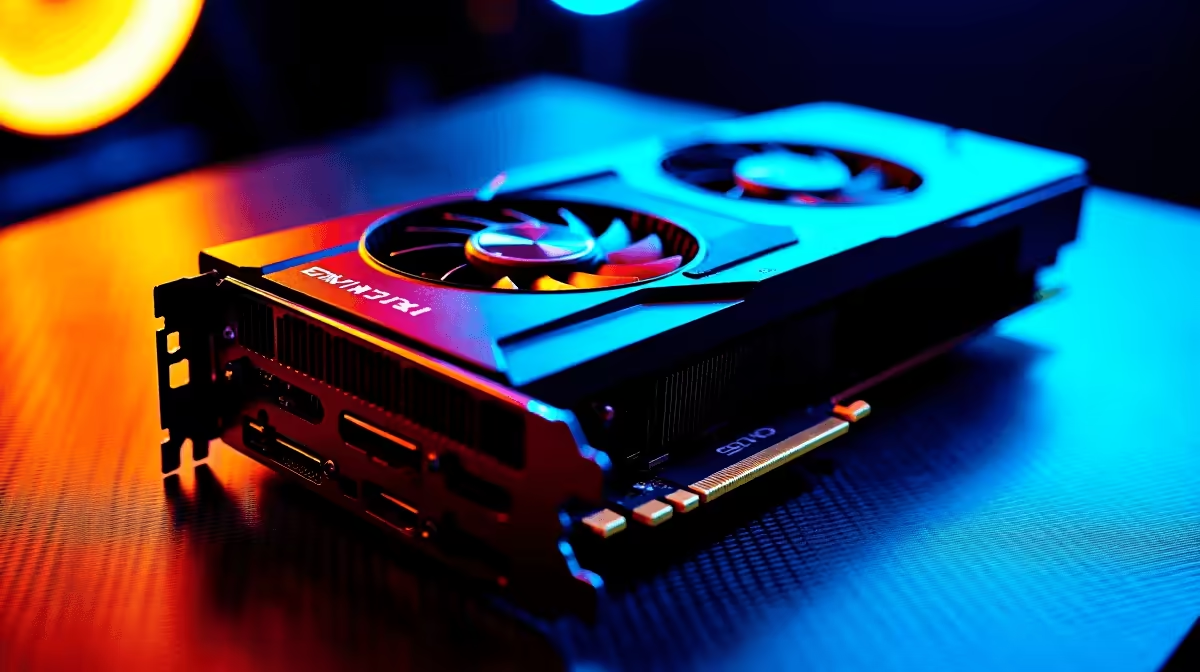
You just dropped a massive stack of ZAR on the ultimate gaming rig. You boot up your favourite title, expecting sky-high frame rates. Then you notice something strange. Your shiny new GPU is shedding megahertz. Seeing your RTX 5090 underclocking automatically can trigger instant buyer's remorse... but do not panic just yet. This is actually a brilliant design feature, not a hardware failure. Let us explain exactly why.
Modern graphics architectures are incredibly smart. Nvidia uses a technology called GPU Boost. This algorithm constantly pushes your graphics card to its highest possible frequency. It stops only when it hits a predefined temperature or power limit.
When you see your RTX 5090 underclocking automatically, you are witnessing this advanced power management. The card constantly monitors its temperature and power draw. If it hits a thermal limit, it dials back the clock speeds. This protects the delicate silicon inside. Are you looking to upgrade your cooling? Or perhaps you want to browse the latest graphics cards. Understanding these physical limits is absolutely crucial.
South African summers are incredibly unforgiving. A gaming room hitting 30 degrees will directly impact your components. If your chassis lacks proper airflow, that massive GPU will choke. This forces the card into a protective state to prevent overheating.
This is exactly why a well-designed gaming PC features optimised intake and exhaust fans. Good airflow ensures your components maintain their maximum boost clocks for much longer.
If your GPU is throttling, try undervolting it using software like MSI Afterburner. By slightly lowering the core voltage, you reduce heat output significantly without sacrificing performance. This keeps those boost clocks high and stable!
Sometimes, the RTX 5090 underclocking automatically is just a software quirk. Nvidia drivers are designed to drop clock speeds when idle. This saves power and keeps your room much cooler.
However... background apps can cause erratic clock behaviour. Always check your Nvidia Control Panel power management settings. Setting it to "Prefer Maximum Performance" can solve unwanted dips in your favourite games.
The new flagship GPU is a power-hungry beast. Your power supply must deliver clean and consistent wattage. If it cannot, the card will protect itself by pulling back performance.
We always ensure that our pre-built PCs are paired with premium power supplies. You need reliable power delivery to prevent unwanted throttling during intense gaming sessions.
Perhaps you are tired of tweaking desktop thermals altogether. Many local gamers are making the switch to portable power. Modern gaming laptops feature incredible custom cooling solutions. They manage heavy thermals beautifully without any extra effort.
Whether you want to fix your desktop cooling or buy a new setup entirely... we have you covered. Keeping an eye on our daily specials is the smartest way to save your ZAR while upgrading your setup.
Ready to Maximise Your Frame Rates? Do not let poor airflow or weak power supplies hold your hardware back. For maximum power and unbeatable value in South Africa, Evetech is your ultimate destination. Explore our massive range of PC component specials and find the perfect upgrade to conquer your favourite titles.
RTX 5090 Underclocking Automatically: Wh available at Evetech.co.za with local warranty and fast delivery.
RTX 5090 Underclocking Automatically: Wh - check Evetech for latest stock and SA pricing.
Depends on your use case. RTX 5090 Underclocking Automat offers good value at current Rand pricing.
Headset Stock Levels in Bloemfontein: January. Current stock data & price tracking for SA buyers. See what is available and where prices are heading.
Read more
iMac for Medical Practice: Patient Management. SA-focused analysis with local pricing data, real-world insights & actionable buying advice.
Read more
RTX 5060 Fortnite Ultra Settings at 1080p: FPS. Real-world benchmark data, FPS numbers & performance analysis. What SA gamers can actually expect.
Read more
Headset Stock Levels in Cape Town: August Report. Current stock data & price tracking for SA buyers. See what is available and where prices are heading.
Read more
Eskom Load Shedding During Video Call: Solutions. SA-focused analysis with local pricing data, real-world insights & actionable buying advice.
Read more
LoL Performance on Extreme Gaming PC. Real-world benchmark data, FPS numbers & performance analysis. What SA gamers can actually expect.
Read more
Is a Ultra Short Throw Projector Good for Gaming?. Diagnosis steps, proven fixes & when to seek professional help. SA-specific support info included.

Is a Short Throw Projector Good for Gaming? Input. Diagnosis steps, proven fixes & when to seek professional help. SA-specific support info included.

Top Mouse Settings for Competitive FPS: Sensitivity picks evaluated on performance, value & SA availability with current Rand pricing from Evetech.

Top Speakers for MacBook Desk Setup picks evaluated on performance, value & SA availability with current Rand pricing from Evetech.

Is a Ergonomic Chair Better Than a Standard Office Chair for Gaming Detailed answer with SA data, expert analysis & practical recommendations for local buyers.

Use Spotlight Search Like a Pro on macOS. Step-by-step instructions with SA-specific tips, common pitfalls to avoid & expert recommendations.

wireless keyboard Fan Noise Too Loud: Quiet. Everything you need to know with SA pricing, step-by-step instructions & expert recommendations.

Connection Timeout: Troubleshooting Guide #2. Diagnosis steps, proven fixes & when to seek professional help. SA-specific support info included.
Headset Stock Levels in Bloemfontein: January. Current stock data & price tracking for SA buyers. See what is available and where prices are heading.
iMac for Medical Practice: Patient Management. SA-focused analysis with local pricing data, real-world insights & actionable buying advice.
RTX 5060 Fortnite Ultra Settings at 1080p: FPS. Real-world benchmark data, FPS numbers & performance analysis. What SA gamers can actually expect.
Headset Stock Levels in Cape Town: August Report. Current stock data & price tracking for SA buyers. See what is available and where prices are heading.