


Headset Stock Levels in Bloemfontein: January 2026 Report
Headset Stock Levels in Bloemfontein: January. Current stock data & price tracking for SA buyers. See what is available and where prices are heading.
Read moreRX 7600 Crimson Desert Medium Settings at 1440p:. Real-world benchmark data, FPS numbers & performance analysis. What SA gamers can actually expect.
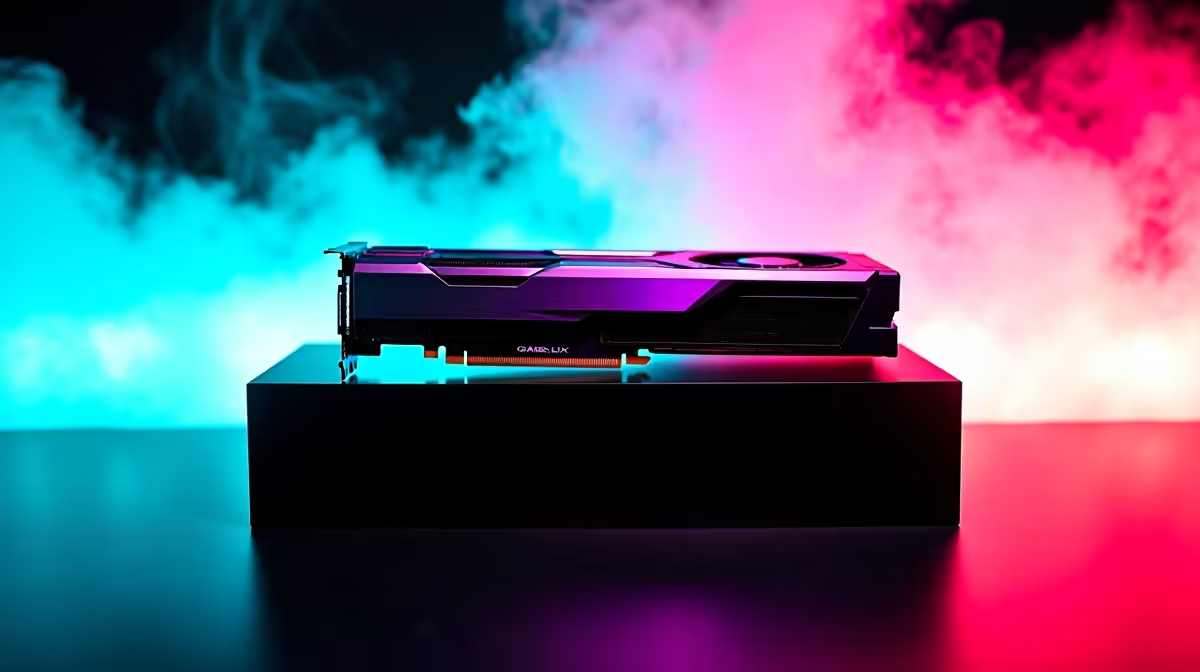
The RX 7600 running Crimson Desert on Medium settings at 1440p averages approximately 45 to 60 FPS in 2026, depending on scene complexity and driver optimisation. Enabling FSR 2.2 Quality mode from a 1080p base improves frame rates to around 65 to 80 FPS with minimal visual downgrade.
Crimson Desert, Pearl Abyss's ambitious open-world action RPG, is one of the most graphically demanding titles to release in the current generation and has quickly become a standard benchmark for mid-range GPU testing. The RX 7600 is AMD's mainstream 1080p card, but many SA gamers with 1440p monitors wonder how far they can push it. Here are the actual FPS results on Medium settings at 1440p in 2026.
At native 1440p resolution with graphics preset set to Medium, the RX 7600 averages between 45 and 58 FPS in Crimson Desert's open-world environments. The game's vast draw distances and dense vegetation hit the RX 7600's 8 GB VRAM hard - you will see occasional frame time spikes when riding through dense forests or entering large cities, as VRAM usage at 1440p Medium touches 7 to 7.5 GB in demanding zones. Average FPS during combat sequences with heavy particle effects drops to the low 40s on the RX 7600 at native 1440p Medium. The 1% low frame rates are around 35 to 40 FPS, which creates noticeable hitching during fast movement. For smooth 60 FPS gameplay at 1440p on the RX 7600, upscaling is effectively required.
Enabling AMD FSR 2.2 at Quality mode (rendering internally at approximately 1080p) while targeting 1440p output is the recommended approach for RX 7600 owners playing Crimson Desert. With FSR Quality, average FPS climbs to 65 to 80 FPS on Medium at 1440p, with 1% lows improving to around 55 FPS. The visual difference between native 1440p and FSR Quality at 1440p is minimal at normal gaming distances. For a more aggressive performance boost, FSR Balanced mode pushes averages above 85 FPS with a modest reduction in image sharpness. The RX 7600 is AMD-native, so FSR integration is clean and ghosting artefacts are minimal in Crimson Desert's current driver state.
AMD released Crimson Desert-specific optimisation in their driver update from Q1 2026, which improved RX 7600 performance by approximately 8 to 12% compared to launch-day drivers. Ensure you are running the latest Adrenalin driver release. In-game, disabling Screen Space Reflections and dropping Shadow Quality from Medium to Low recovers another 10-12% FPS at 1440p without substantially changing the visual experience. Texture Quality should stay at Medium or High on the RX 7600 since the VRAM is sufficient and texture quality has the largest visual impact per performance cost ratio in Crimson Desert.
Q: Can the RX 7600 run Crimson Desert at 1440p 60 FPS? A: Not at native 1440p without upscaling. With FSR 2.2 Quality mode on Medium settings, consistent 60+ FPS is achievable. Native 1440p Medium averages around 45-58 FPS.
Q: Is the RX 7600 VRAM a problem in Crimson Desert at 1440p? A: Yes, 8 GB VRAM is tight at 1440p in this game. Keeping textures at Medium rather than High helps avoid VRAM overflow, which causes stuttering rather than just reduced frame rates.
Q: Should I upgrade from the RX 7600 for 1440p gaming in SA? A: If Crimson Desert and similarly demanding open-world titles are your primary games, the RX 7800 XT or RTX 4070 Super represent the next meaningful step for comfortable native 1440p High gaming.
Ready to Find Your Perfect Match? Upgrade your GPU or find the best gaming PC deal for smooth 1440p performance in SA.
RX 7600 Crimson Desert Medium Settings a available at Evetech.co.za with local warranty and fast delivery.
RX 7600 Crimson Desert Medium Settings a - check Evetech for latest stock and SA pricing.
Depends on your use case. RX 7600 Crimson Desert Medium offers good value at current Rand pricing.
Headset Stock Levels in Bloemfontein: January. Current stock data & price tracking for SA buyers. See what is available and where prices are heading.
Read more
iMac for Medical Practice: Patient Management. SA-focused analysis with local pricing data, real-world insights & actionable buying advice.
Read more
RTX 5060 Fortnite Ultra Settings at 1080p: FPS. Real-world benchmark data, FPS numbers & performance analysis. What SA gamers can actually expect.
Read more
Headset Stock Levels in Cape Town: August Report. Current stock data & price tracking for SA buyers. See what is available and where prices are heading.
Read more
Eskom Load Shedding During Video Call: Solutions. SA-focused analysis with local pricing data, real-world insights & actionable buying advice.
Read more
LoL Performance on Extreme Gaming PC. Real-world benchmark data, FPS numbers & performance analysis. What SA gamers can actually expect.
Read more
Is a Ultra Short Throw Projector Good for Gaming?. Diagnosis steps, proven fixes & when to seek professional help. SA-specific support info included.

Is a Short Throw Projector Good for Gaming? Input. Diagnosis steps, proven fixes & when to seek professional help. SA-specific support info included.

Top Mouse Settings for Competitive FPS: Sensitivity picks evaluated on performance, value & SA availability with current Rand pricing from Evetech.

Top Speakers for MacBook Desk Setup picks evaluated on performance, value & SA availability with current Rand pricing from Evetech.

Is a Ergonomic Chair Better Than a Standard Office Chair for Gaming Detailed answer with SA data, expert analysis & practical recommendations for local buyers.

Use Spotlight Search Like a Pro on macOS. Step-by-step instructions with SA-specific tips, common pitfalls to avoid & expert recommendations.

wireless keyboard Fan Noise Too Loud: Quiet. Everything you need to know with SA pricing, step-by-step instructions & expert recommendations.

Connection Timeout: Troubleshooting Guide #2. Diagnosis steps, proven fixes & when to seek professional help. SA-specific support info included.
Headset Stock Levels in Bloemfontein: January. Current stock data & price tracking for SA buyers. See what is available and where prices are heading.
iMac for Medical Practice: Patient Management. SA-focused analysis with local pricing data, real-world insights & actionable buying advice.
RTX 5060 Fortnite Ultra Settings at 1080p: FPS. Real-world benchmark data, FPS numbers & performance analysis. What SA gamers can actually expect.
Headset Stock Levels in Cape Town: August Report. Current stock data & price tracking for SA buyers. See what is available and where prices are heading.