


Headset Stock Levels in Bloemfontein: January 2026 Report
Headset Stock Levels in Bloemfontein: January. Current stock data & price tracking for SA buyers. See what is available and where prices are heading.
Read moreRX 7600 Fortnite High Settings at 1440p: FPS. Real-world benchmark data, FPS numbers & performance analysis. What SA gamers can actually expect.
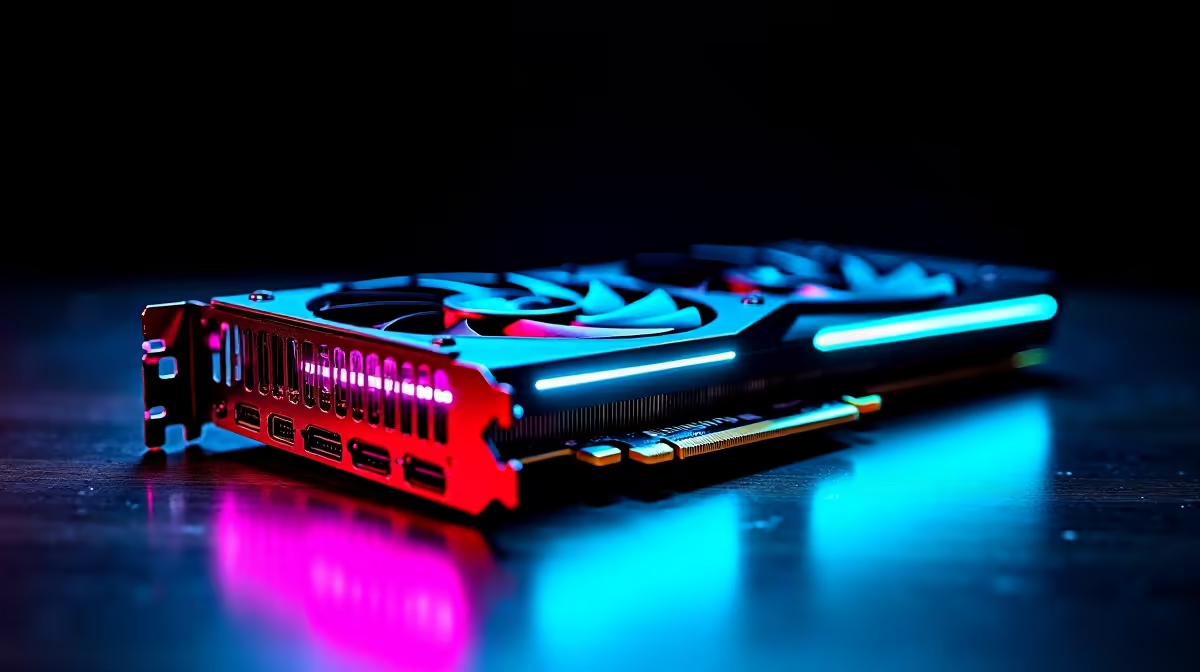
The AMD RX 7600 can run Fortnite at 1440p on High settings, but frame rates will hover in the 70 to 100 FPS range depending on the area of the map and active effects. For a consistent 144Hz experience at 1440p, dropping some settings or using AMD FSR gives you a meaningful performance lift without sacrificing visual quality.
Fortnite's Unreal Engine 5 renderer is significantly more demanding than the old DirectX 11 path, especially with Nanite geometry and Lumen lighting active. The RX 7600 with its 8GB GDDR6 frame buffer handles 1440p, but it is working near its comfortable ceiling at High settings with these features enabled.
On the Chapter 5 island and during standard battle royale games, expect averages of 80 to 100 FPS at 1440p with High settings and Lumen enabled. During intense build sequences or storm-circle fights with many players and effects on screen, those averages can drop toward 65 to 75 FPS.
For players on 144Hz monitors, this means the RX 7600 at native 1440p High is not a perfect match without some tuning.
If you want to push toward 144 FPS average at 1440p on the RX 7600, these changes give the best FPS return per visual quality trade-off:
Lumen Global Illumination: Medium or Low (single biggest FPS gain in UE5 Fortnite) Shadows: Medium Effects Quality: High (minimal performance cost, good visual fidelity) View Distance: Far Textures: High (VRAM allows it) Anti-Aliasing: TSR High or Medium AMD FSR: Quality at 1440p renders internally at around 1200p equivalent and recovers 20 to 30% more frames
With Lumen on Medium and FSR Quality enabled, the RX 7600 at 1440p typically delivers 110 to 140 FPS averages, which comfortably feeds a 144Hz panel on most maps.
AMD FidelityFX Super Resolution (FSR) is well-supported in Fortnite and runs on any GPU, including the RX 7600. FSR Quality at 1440p is the recommended mode for this card. The upscaling is not identical to native but is difficult to distinguish during active gameplay, and the frame rate gains are meaningful.
For SA players, the RX 7600 sits in a price range around R5,500 to R7,500 depending on the variant, making it a practical 1080p-primary card that can also stretch to 1440p gaming with some configuration.
Not consistently at High settings with Lumen enabled, no. With FSR Quality enabled and Lumen set to Medium, most players will see average frame rates close to or above 144 FPS on standard maps. Competitive players typically drop further to Epic Performance Mode (DirectX 11) for maximum FPS regardless of GPU tier.
For Fortnite, yes. The game's VRAM usage at 1440p with High textures sits comfortably within 7 to 8GB. The RX 7600's 8GB frame buffer is not a limiting factor for this title specifically, though it would be a consideration for more VRAM-intensive games at 1440p.
A Ryzen 5 7600 or Ryzen 5 5600X offers a good pairing. Fortnite benefits from strong single-core performance and the Ryzen 5 7600 ensures the GPU is not held back by CPU frame delivery. Avoid pairing the RX 7600 with older budget CPUs at 1440p as Fortnite can be CPU-sensitive in busy moments.
Ready to Find Your Perfect Match? Find the RX 7600 and other mid-range GPUs at competitive SA pricing with fast delivery. Shop Graphics Cards at Evetech
RX 7600 Fortnite High Settings at 1440p: available at Evetech.co.za with local warranty and fast delivery.
RX 7600 Fortnite High Settings at 1440p: - check Evetech for latest stock and SA pricing.
Depends on your use case. RX 7600 Fortnite High Settings offers good value at current Rand pricing.
Headset Stock Levels in Bloemfontein: January. Current stock data & price tracking for SA buyers. See what is available and where prices are heading.
Read more
iMac for Medical Practice: Patient Management. SA-focused analysis with local pricing data, real-world insights & actionable buying advice.
Read more
RTX 5060 Fortnite Ultra Settings at 1080p: FPS. Real-world benchmark data, FPS numbers & performance analysis. What SA gamers can actually expect.
Read more
Headset Stock Levels in Cape Town: August Report. Current stock data & price tracking for SA buyers. See what is available and where prices are heading.
Read more
Eskom Load Shedding During Video Call: Solutions. SA-focused analysis with local pricing data, real-world insights & actionable buying advice.
Read more
LoL Performance on Extreme Gaming PC. Real-world benchmark data, FPS numbers & performance analysis. What SA gamers can actually expect.
Read more
Is a Ultra Short Throw Projector Good for Gaming?. Diagnosis steps, proven fixes & when to seek professional help. SA-specific support info included.

Is a Short Throw Projector Good for Gaming? Input. Diagnosis steps, proven fixes & when to seek professional help. SA-specific support info included.

Top Mouse Settings for Competitive FPS: Sensitivity picks evaluated on performance, value & SA availability with current Rand pricing from Evetech.

Top Speakers for MacBook Desk Setup picks evaluated on performance, value & SA availability with current Rand pricing from Evetech.

Is a Ergonomic Chair Better Than a Standard Office Chair for Gaming Detailed answer with SA data, expert analysis & practical recommendations for local buyers.

Use Spotlight Search Like a Pro on macOS. Step-by-step instructions with SA-specific tips, common pitfalls to avoid & expert recommendations.

wireless keyboard Fan Noise Too Loud: Quiet. Everything you need to know with SA pricing, step-by-step instructions & expert recommendations.

Connection Timeout: Troubleshooting Guide #2. Diagnosis steps, proven fixes & when to seek professional help. SA-specific support info included.
Headset Stock Levels in Bloemfontein: January. Current stock data & price tracking for SA buyers. See what is available and where prices are heading.
iMac for Medical Practice: Patient Management. SA-focused analysis with local pricing data, real-world insights & actionable buying advice.
RTX 5060 Fortnite Ultra Settings at 1080p: FPS. Real-world benchmark data, FPS numbers & performance analysis. What SA gamers can actually expect.
Headset Stock Levels in Cape Town: August Report. Current stock data & price tracking for SA buyers. See what is available and where prices are heading.