


Headset Stock Levels in Bloemfontein: January 2026 Report
Headset Stock Levels in Bloemfontein: January. Current stock data & price tracking for SA buyers. See what is available and where prices are heading.
Read moreRX 7600 GTA 6 Low Settings at 1440p: FPS Results. Real-world benchmark data, FPS numbers & performance analysis. What SA gamers can actually expect.
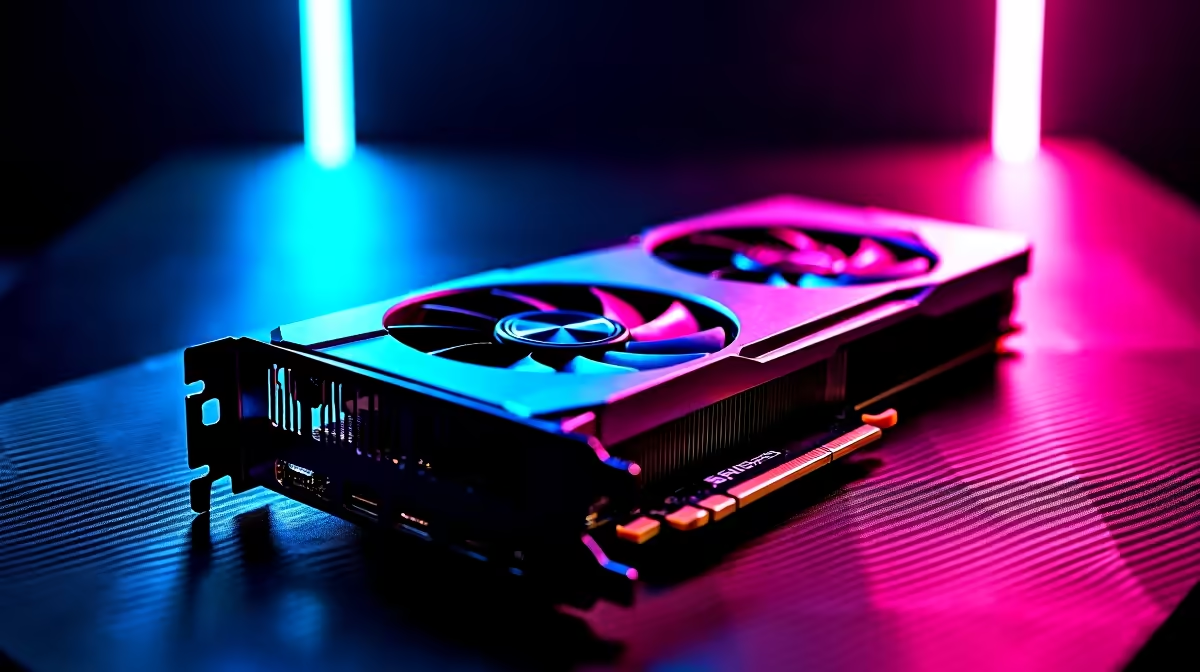
The RX 7600 can run GTA 6 at 1440p on low settings, though frame rates will be inconsistent depending on scene complexity. Expect playable but variable performance, with low settings doing significant heavy lifting to keep the GPU from being overwhelmed at a resolution it was not primarily designed for.
The RX 7600 is AMD's entry-level RDNA 3 card with 8 GB of GDDR6 on a 128-bit memory bus. It was designed with 1080p gaming as its primary target, and it performs very well there. Pushing it to 1440p is possible but requires dialling settings down to compensate for the narrower memory bandwidth and VRAM capacity.
GTA 6 is expected to be a highly demanding open-world title, particularly in densely populated urban areas where draw distance, pedestrian AI, vehicle simulations, and streaming assets all compete for GPU resources. At 1440p low settings, the GPU is asked to render a significantly larger pixel count than 1080p while keeping per-pixel complexity low enough to maintain throughput.
Based on the RX 7600's performance profile in comparable open-world titles at 1440p low settings, realistic expectations for GTA 6 are:
These are estimates based on how the RX 7600 handles similar open-world workloads. GTA 6 PC optimisation at launch will influence actual results significantly -- Rockstar titles have historically improved performance substantially through early driver updates.
Using AMD's FSR 3 upscaling from 1080p to 1440p with Frame Generation enabled offers a more consistent experience and can push perceived frame rates considerably higher. This is likely the optimal approach for RX 7600 owners who want 1440p.
If you are running GTA 6 on an RX 7600 at 1440p, prioritise these settings on low to maintain playability:
It is marginal. At low settings, VRAM usage should stay within 8 GB at 1440p, but running other applications in the background or enabling higher texture quality could push it to the limit. Monitor VRAM usage and reduce textures if you see stuttering.
Yes. The RX 7700 XT has 12 GB of VRAM, a wider 192-bit memory bus, and meaningfully higher shader throughput. At 1440p medium-high settings in GTA 6 it would be a considerably more comfortable experience than the RX 7600.
Yes. AMD's FSR 3 Frame Generation is available on all RDNA 2 and RDNA 3 GPUs, including the RX 7600. Rendering at 1080p with FSR 3 upscaling to 1440p and Frame Generation enabled is a practical strategy for this card.
Ready to Find Your Perfect Match? Upgrade your GPU before GTA 6 launches -- browse the full AMD and NVIDIA range at Evetech. Shop Graphics Cards
RX 7600 GTA 6 Low Settings at 1440p: FPS available at Evetech.co.za with local warranty and fast delivery.
RX 7600 GTA 6 Low Settings at 1440p: FPS - check Evetech for latest stock and SA pricing.
Depends on your use case. RX 7600 GTA 6 Low Settings at offers good value at current Rand pricing.
Headset Stock Levels in Bloemfontein: January. Current stock data & price tracking for SA buyers. See what is available and where prices are heading.
Read more
iMac for Medical Practice: Patient Management. SA-focused analysis with local pricing data, real-world insights & actionable buying advice.
Read more
RTX 5060 Fortnite Ultra Settings at 1080p: FPS. Real-world benchmark data, FPS numbers & performance analysis. What SA gamers can actually expect.
Read more
Headset Stock Levels in Cape Town: August Report. Current stock data & price tracking for SA buyers. See what is available and where prices are heading.
Read more
Eskom Load Shedding During Video Call: Solutions. SA-focused analysis with local pricing data, real-world insights & actionable buying advice.
Read more
LoL Performance on Extreme Gaming PC. Real-world benchmark data, FPS numbers & performance analysis. What SA gamers can actually expect.
Read more
Is a Ultra Short Throw Projector Good for Gaming?. Diagnosis steps, proven fixes & when to seek professional help. SA-specific support info included.

Is a Short Throw Projector Good for Gaming? Input. Diagnosis steps, proven fixes & when to seek professional help. SA-specific support info included.

Top Mouse Settings for Competitive FPS: Sensitivity picks evaluated on performance, value & SA availability with current Rand pricing from Evetech.

Top Speakers for MacBook Desk Setup picks evaluated on performance, value & SA availability with current Rand pricing from Evetech.

Is a Ergonomic Chair Better Than a Standard Office Chair for Gaming Detailed answer with SA data, expert analysis & practical recommendations for local buyers.

Use Spotlight Search Like a Pro on macOS. Step-by-step instructions with SA-specific tips, common pitfalls to avoid & expert recommendations.

wireless keyboard Fan Noise Too Loud: Quiet. Everything you need to know with SA pricing, step-by-step instructions & expert recommendations.

Connection Timeout: Troubleshooting Guide #2. Diagnosis steps, proven fixes & when to seek professional help. SA-specific support info included.
Headset Stock Levels in Bloemfontein: January. Current stock data & price tracking for SA buyers. See what is available and where prices are heading.
iMac for Medical Practice: Patient Management. SA-focused analysis with local pricing data, real-world insights & actionable buying advice.
RTX 5060 Fortnite Ultra Settings at 1080p: FPS. Real-world benchmark data, FPS numbers & performance analysis. What SA gamers can actually expect.
Headset Stock Levels in Cape Town: August Report. Current stock data & price tracking for SA buyers. See what is available and where prices are heading.