


Headset Stock Levels in Bloemfontein: January 2026 Report
Headset Stock Levels in Bloemfontein: January. Current stock data & price tracking for SA buyers. See what is available and where prices are heading.
Read moreRX 7600 Marvel Rivals Competitive Settings. Real-world benchmark data, FPS numbers & performance analysis. What SA gamers can actually expect.
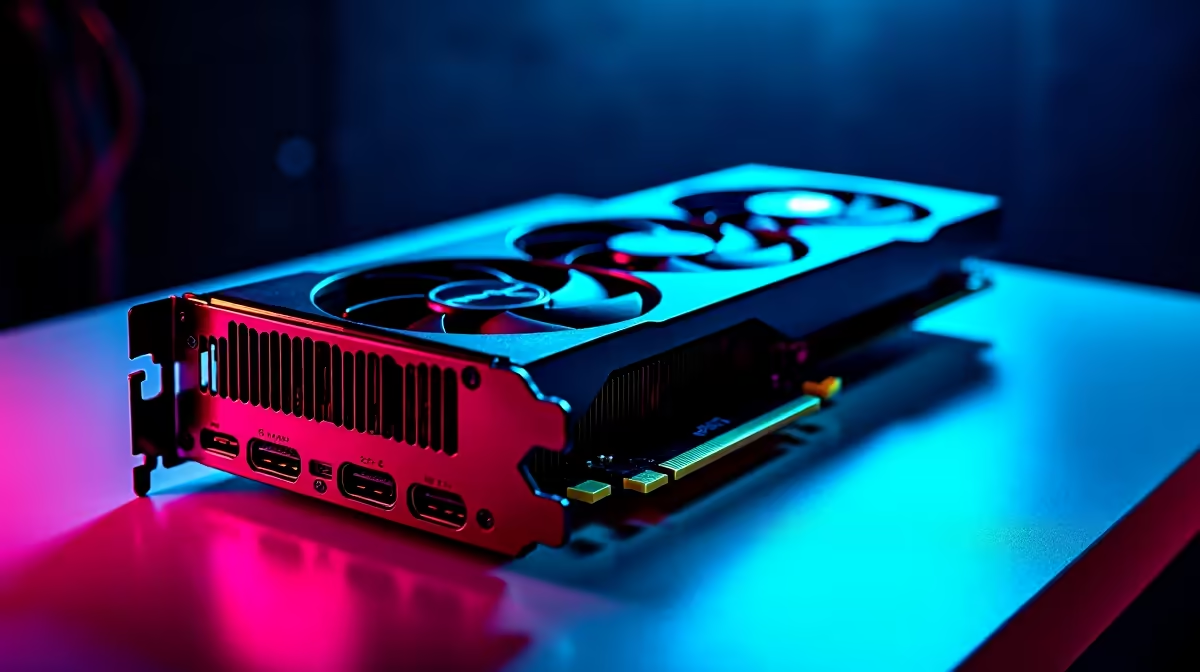
The RX 7600 runs Marvel Rivals at 1080p competitive settings at a strong 90 to 130 fps average on Medium to High quality presets, with 1 percent lows staying above 75 fps. Dropping to Low preset pushes averages past 150 fps on most maps, making this an excellent card for South African players who want smooth competitive play without spending R10,000 or more on a GPU.
Marvel Rivals launched as one of the most graphically demanding hero shooters on the market, built in Unreal Engine 5 with Lumen and Nanite enabled by default. The RX 7600 is a mid-range card priced around R4,500 to R5,500 in South Africa, and its performance in Marvel Rivals is a common question from budget-conscious SA PC gamers. Here are the actual numbers and the settings that get the most out of this card.
At 1080p with a custom competitive preset - Effects and Shadow Quality at Low, Model Quality at Medium, Texture Quality at High, and Lumen GI disabled - the RX 7600 averages 120 to 145 fps with 1 percent lows above 90 fps on most maps. The game plays very smoothly at these numbers on a 144Hz monitor.
With the High preset and Lumen enabled, averages drop to 75 to 95 fps with 1 percent lows occasionally dipping to 60 fps during heavy team fight particle effects. This is still playable on a 75Hz or 100Hz monitor but starts to feel choppy on faster displays. Disabling Lumen Global Illumination is the single highest-impact setting change for the RX 7600 in Marvel Rivals - it alone recovers 25 to 35 fps.
With AMD FSR 3 Quality mode active at 1080p output, averages jump to 155 to 180 fps while maintaining acceptable image clarity - a good option for players on 144Hz or 165Hz monitors who want headroom above the refresh rate.
For competitive play, prioritise these settings: Lumen Global Illumination - Off; Ray Traced Shadows - Off; Effects Quality - Low; Shadow Quality - Low; Texture Quality - High (the RX 7600's 8GB VRAM handles this comfortably at 1080p); Anti-Aliasing - TAA at Medium or FSR 3 Quality. Motion Blur should be set to 0. With this configuration the RX 7600 produces consistently high frame rates without the visual noise that fully Low texture settings introduce.
Q: Does Marvel Rivals support AMD FSR 3 on the RX 7600? A: Yes, Marvel Rivals supports AMD FSR 3 including Frame Generation on compatible AMD cards. The RX 7600 supports FSR 3 Frame Generation, which can push displayed frame rates significantly higher on high-refresh monitors.
Q: Is 8GB VRAM enough for Marvel Rivals at 1080p in 2026? A: Yes. At 1080p with High texture settings, Marvel Rivals stays within the RX 7600's 8GB VRAM budget. Enabling Ultra textures at 1080p can push usage above 8GB and cause stuttering, so keep textures at High.
Q: Can the RX 7600 run Marvel Rivals at 1440p? A: At 1440p Low-Medium settings the RX 7600 averages 65 to 85 fps, which is workable on a 75Hz monitor but limiting on a 144Hz display. FSR 3 Quality at 1440p improves this significantly, pushing averages toward 90 to 110 fps.
Ready to Find Your Perfect Match? Check out Evetech's gaming PC deals for RX 7600 builds ready for Marvel Rivals at 1080p.
RX 7600 Marvel Rivals Competitive Settin available at Evetech.co.za with local warranty and fast delivery.
RX 7600 Marvel Rivals Competitive Settin - check Evetech for latest stock and SA pricing.
Depends on your use case. RX 7600 Marvel Rivals Competit offers good value at current Rand pricing.
Headset Stock Levels in Bloemfontein: January. Current stock data & price tracking for SA buyers. See what is available and where prices are heading.
Read more
iMac for Medical Practice: Patient Management. SA-focused analysis with local pricing data, real-world insights & actionable buying advice.
Read more
RTX 5060 Fortnite Ultra Settings at 1080p: FPS. Real-world benchmark data, FPS numbers & performance analysis. What SA gamers can actually expect.
Read more
Headset Stock Levels in Cape Town: August Report. Current stock data & price tracking for SA buyers. See what is available and where prices are heading.
Read more
Eskom Load Shedding During Video Call: Solutions. SA-focused analysis with local pricing data, real-world insights & actionable buying advice.
Read more
LoL Performance on Extreme Gaming PC. Real-world benchmark data, FPS numbers & performance analysis. What SA gamers can actually expect.
Read more
Is a Ultra Short Throw Projector Good for Gaming?. Diagnosis steps, proven fixes & when to seek professional help. SA-specific support info included.

Is a Short Throw Projector Good for Gaming? Input. Diagnosis steps, proven fixes & when to seek professional help. SA-specific support info included.

Top Mouse Settings for Competitive FPS: Sensitivity picks evaluated on performance, value & SA availability with current Rand pricing from Evetech.

Top Speakers for MacBook Desk Setup picks evaluated on performance, value & SA availability with current Rand pricing from Evetech.

Is a Ergonomic Chair Better Than a Standard Office Chair for Gaming Detailed answer with SA data, expert analysis & practical recommendations for local buyers.

Use Spotlight Search Like a Pro on macOS. Step-by-step instructions with SA-specific tips, common pitfalls to avoid & expert recommendations.

wireless keyboard Fan Noise Too Loud: Quiet. Everything you need to know with SA pricing, step-by-step instructions & expert recommendations.

Connection Timeout: Troubleshooting Guide #2. Diagnosis steps, proven fixes & when to seek professional help. SA-specific support info included.
Headset Stock Levels in Bloemfontein: January. Current stock data & price tracking for SA buyers. See what is available and where prices are heading.
iMac for Medical Practice: Patient Management. SA-focused analysis with local pricing data, real-world insights & actionable buying advice.
RTX 5060 Fortnite Ultra Settings at 1080p: FPS. Real-world benchmark data, FPS numbers & performance analysis. What SA gamers can actually expect.
Headset Stock Levels in Cape Town: August Report. Current stock data & price tracking for SA buyers. See what is available and where prices are heading.