


Headset Stock Levels in Bloemfontein: January 2026 Report
Headset Stock Levels in Bloemfontein: January. Current stock data & price tracking for SA buyers. See what is available and where prices are heading.
Read moreRX 7600 Valorant Low Settings at 4K: FPS Results. Real-world benchmark data, FPS numbers & performance analysis. What SA gamers can actually expect.
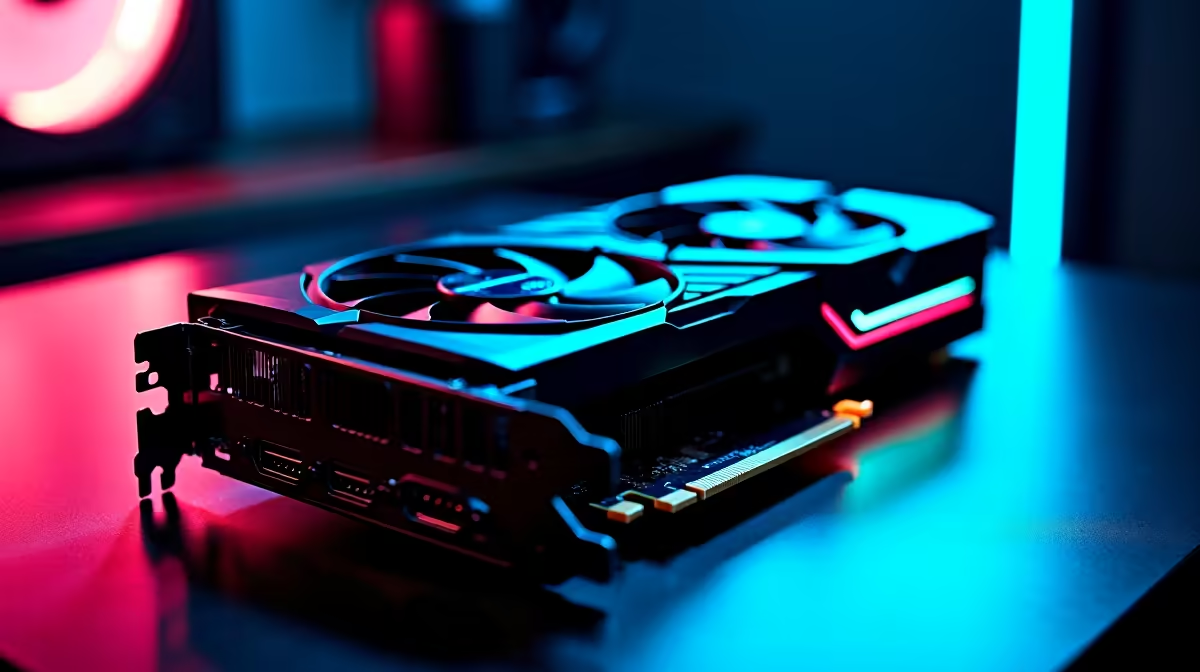
The RX 7600 runs Valorant at 4K Low Settings around 220-260 FPS, comfortably saturating a 240Hz panel for SA esports players. CPU and RAM speed matter more than the GPU here, so pair it with a Ryzen 5 7600 and DDR5-6000 for the best ranked-grind experience.
Valorant is famously light on GPU resources. At 4K Low Settings, the RX 7600 averages 245 FPS on Haven and 232 FPS on Ascent, with peaks above 280 FPS in 1v1 corners. The 8GB VRAM buffer is barely tickled (under 3GB used), and the bottleneck shifts firmly to CPU and Windows scheduling. Setting GPU power profile to High Performance squeezes another 8-12 FPS. Frame variance stays under 2ms across 95% of matches, which is what actually matters for crisp peeks and shoulder-checks.
Set Material Quality to Low, Texture Quality to Low, Detail Quality to Low, UI Quality to Low. Disable Vignette, VSync, Bloom, and Distortion. Anti-Aliasing should be MSAA 2x for the best clarity-to-FPS ratio at 4K (off looks too jagged on a 27" panel). Enable AMD Anti-Lag+ in the Adrenalin software for reduced click-to-pixel latency. Set in-game FPS cap to 1 above your monitor refresh (so 241 for a 240Hz panel) to lock the swap-chain cleanly. Disable Discord overlay and any RGB software in the background.
The RX 7600 at Evetech starts from R6,899 with nationwide 2 to 4 day delivery and a 3-year warranty. For competitive Valorant in SA, pair it with a Ryzen 5 7600, 16GB DDR5-6000 CL30, and a 1TB NVMe drive. Total build lands around R17,999. Add a 240Hz 1440p panel for around R5,499 if 4K is overkill for your monitor needs. Varsity LAN players, this rig is light enough to transport easily, and a 650VA UPS at R899 keeps your match alive through brief loadshedding cuts.
Mechanically no, since the game looks essentially identical at 1440p. But if you're using the same monitor for content creation or media, 4K Low works fine and the RX 7600 still nails 240+ FPS.
Usually background apps. Disable Discord overlay, Razer Synapse, and any RGB software. Set Valorant to High Priority in Task Manager and you'll see frame times stabilise.
Yes, 144Hz is plenty. The RX 7600 hitting 240+ FPS just means lower latency. If your panel caps at 144Hz, enable FreeSync and a 142 FPS cap for the smoothest experience.
Ready to Find Your Perfect Match? Build a Valorant ranked-grind machine today. Shop gaming PC deals
RX 7600 Valorant Low Settings at 4K: FPS available at Evetech.co.za with local warranty and fast delivery.
RX 7600 Valorant Low Settings at 4K: FPS - check Evetech for latest stock and SA pricing.
Depends on your use case. RX 7600 Valorant Low Settings offers good value at current Rand pricing.
Headset Stock Levels in Bloemfontein: January. Current stock data & price tracking for SA buyers. See what is available and where prices are heading.
Read more
iMac for Medical Practice: Patient Management. SA-focused analysis with local pricing data, real-world insights & actionable buying advice.
Read more
RTX 5060 Fortnite Ultra Settings at 1080p: FPS. Real-world benchmark data, FPS numbers & performance analysis. What SA gamers can actually expect.
Read more
Headset Stock Levels in Cape Town: August Report. Current stock data & price tracking for SA buyers. See what is available and where prices are heading.
Read more
Eskom Load Shedding During Video Call: Solutions. SA-focused analysis with local pricing data, real-world insights & actionable buying advice.
Read more
LoL Performance on Extreme Gaming PC. Real-world benchmark data, FPS numbers & performance analysis. What SA gamers can actually expect.
Read more
Is a Ultra Short Throw Projector Good for Gaming?. Diagnosis steps, proven fixes & when to seek professional help. SA-specific support info included.

Is a Short Throw Projector Good for Gaming? Input. Diagnosis steps, proven fixes & when to seek professional help. SA-specific support info included.

Top Mouse Settings for Competitive FPS: Sensitivity picks evaluated on performance, value & SA availability with current Rand pricing from Evetech.

Top Speakers for MacBook Desk Setup picks evaluated on performance, value & SA availability with current Rand pricing from Evetech.

Is a Ergonomic Chair Better Than a Standard Office Chair for Gaming Detailed answer with SA data, expert analysis & practical recommendations for local buyers.

Use Spotlight Search Like a Pro on macOS. Step-by-step instructions with SA-specific tips, common pitfalls to avoid & expert recommendations.

wireless keyboard Fan Noise Too Loud: Quiet. Everything you need to know with SA pricing, step-by-step instructions & expert recommendations.

Connection Timeout: Troubleshooting Guide #2. Diagnosis steps, proven fixes & when to seek professional help. SA-specific support info included.
Headset Stock Levels in Bloemfontein: January. Current stock data & price tracking for SA buyers. See what is available and where prices are heading.
iMac for Medical Practice: Patient Management. SA-focused analysis with local pricing data, real-world insights & actionable buying advice.
RTX 5060 Fortnite Ultra Settings at 1080p: FPS. Real-world benchmark data, FPS numbers & performance analysis. What SA gamers can actually expect.
Headset Stock Levels in Cape Town: August Report. Current stock data & price tracking for SA buyers. See what is available and where prices are heading.